Currency:
The process to create and manage a Currency in our system is also very easy.
This option of Currency Management is available both in Sales and Accounts Module.
Option 1 through Sales Module:
Go to Sales, then click on Master Entry and then click on Currency.

Option 2 through Accounts Module:
Go to Accounts, then click on Master Entry and then click on Currencies.
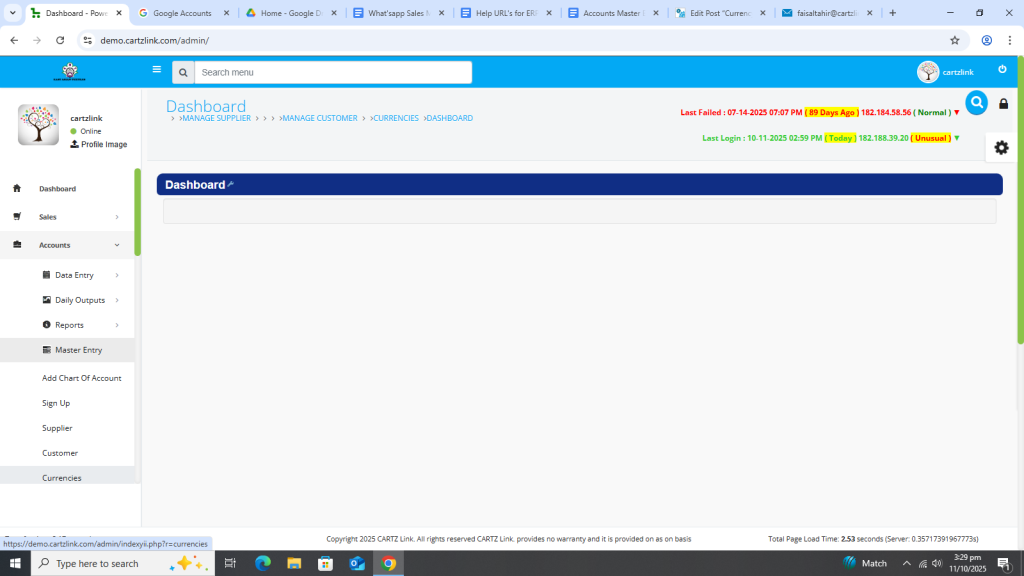
Following page will open as shown in the screenshot below.

Now input the necessary information such as Title of the currency, Currency code and Symbol etc.

After completion of all information, click on the Save button at the bottom.

New currency has been added and saved in the system.

You may edit it by clicking the update button against the record.

