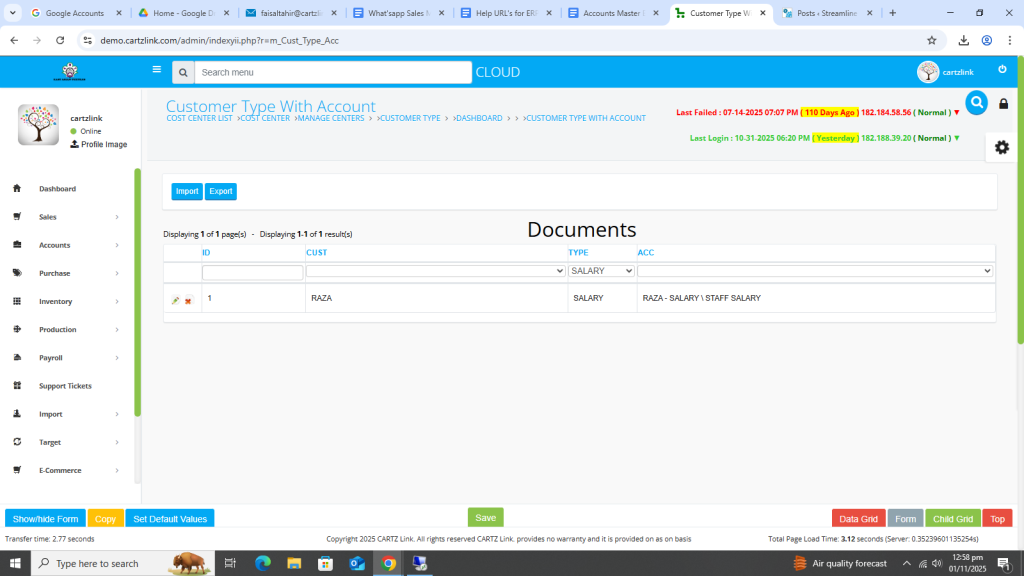
Customer Type with Account:
This feature is used for posting the sales on particular heads in chart of account like Export Sales. Go to Accounts, then click on Master Entry. Now click on Customer Type and again click on Customer Type with Account.
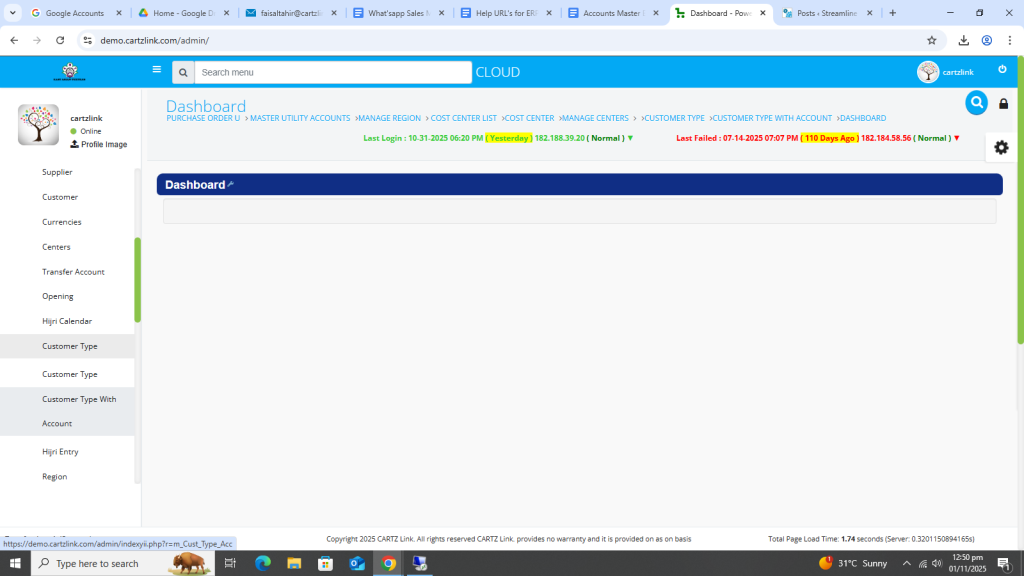
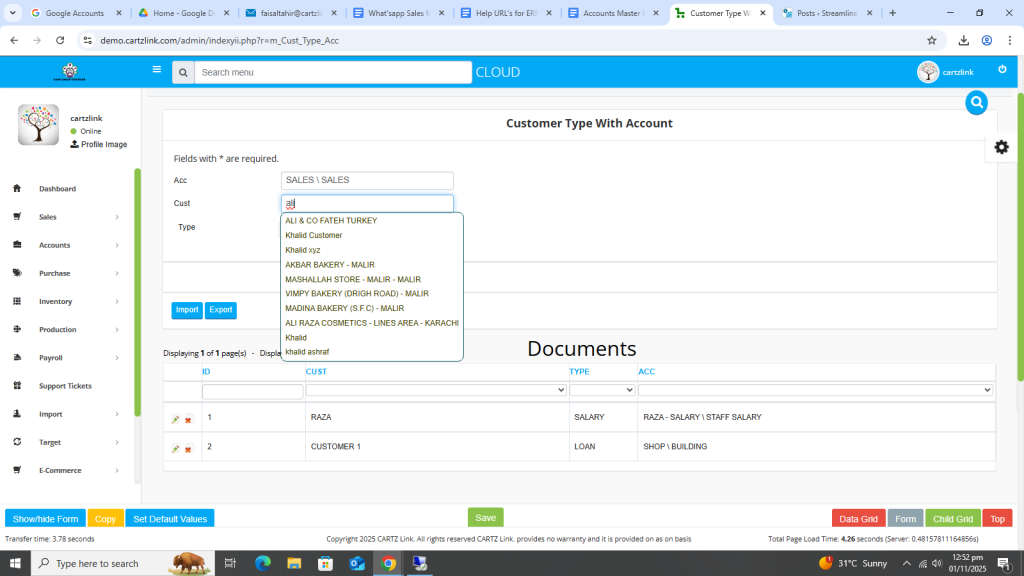
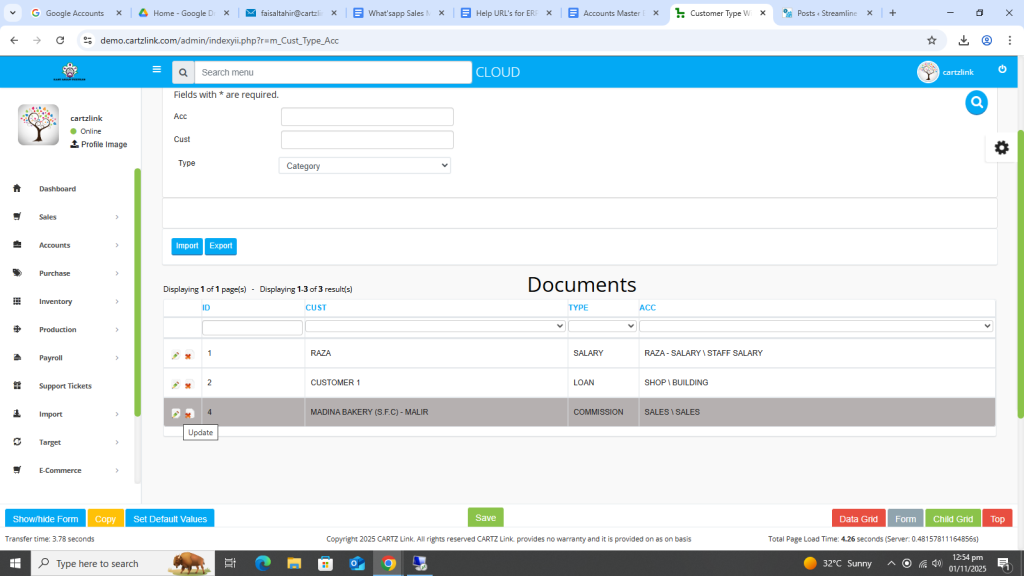
The following page will open as shown in the screenshot below.
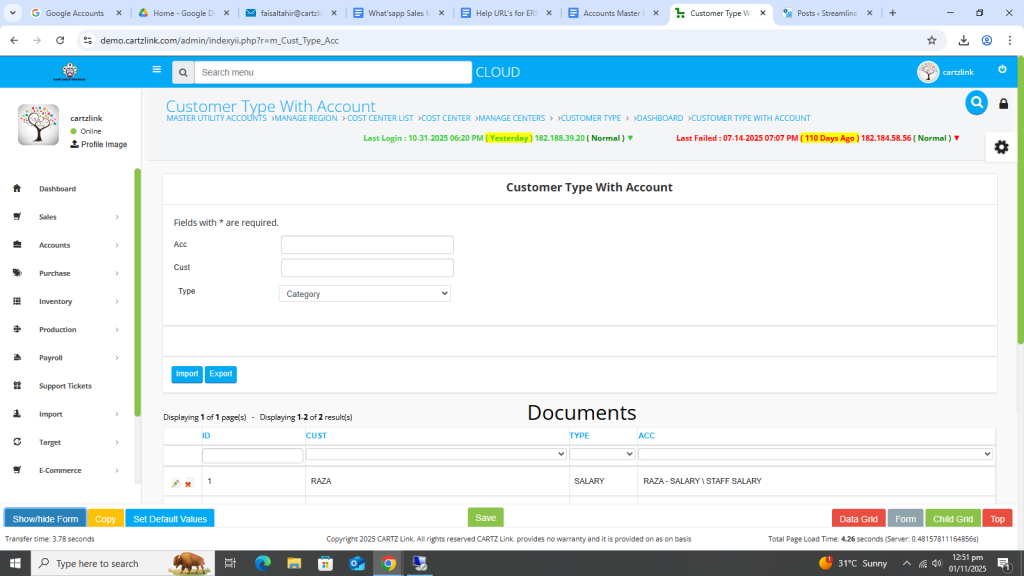
First select the Account.
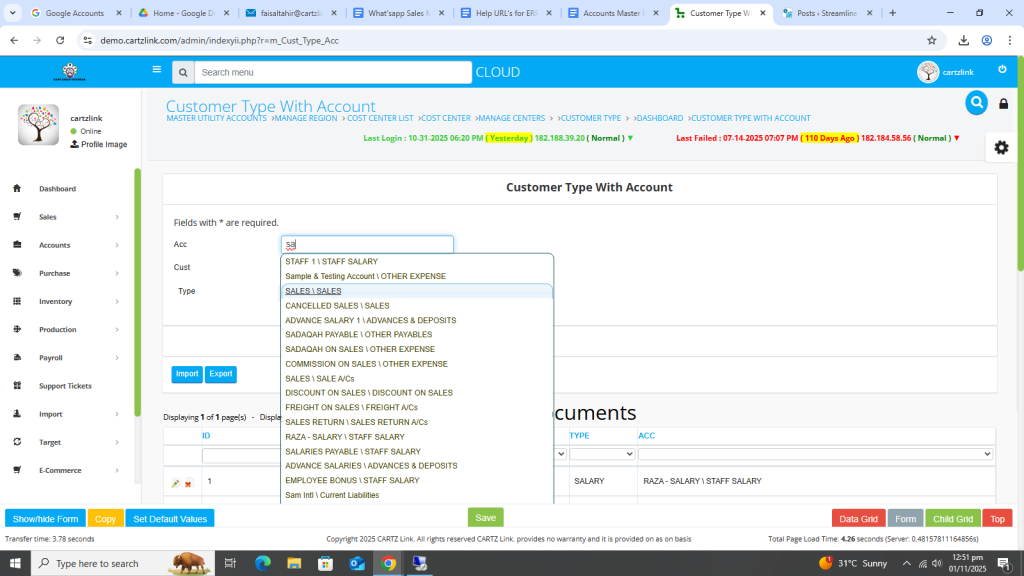
Now select the customer.
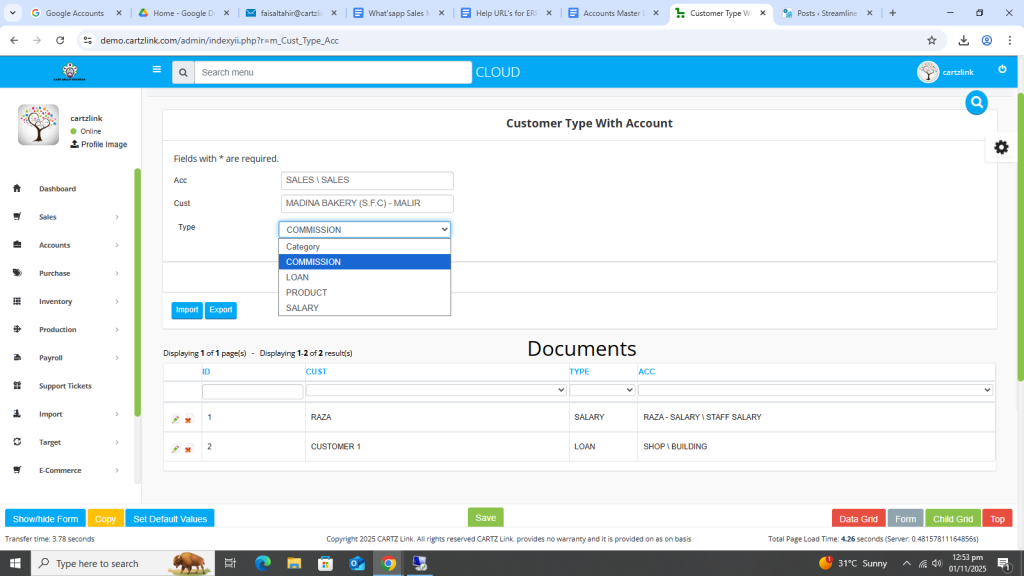
Now select the category.
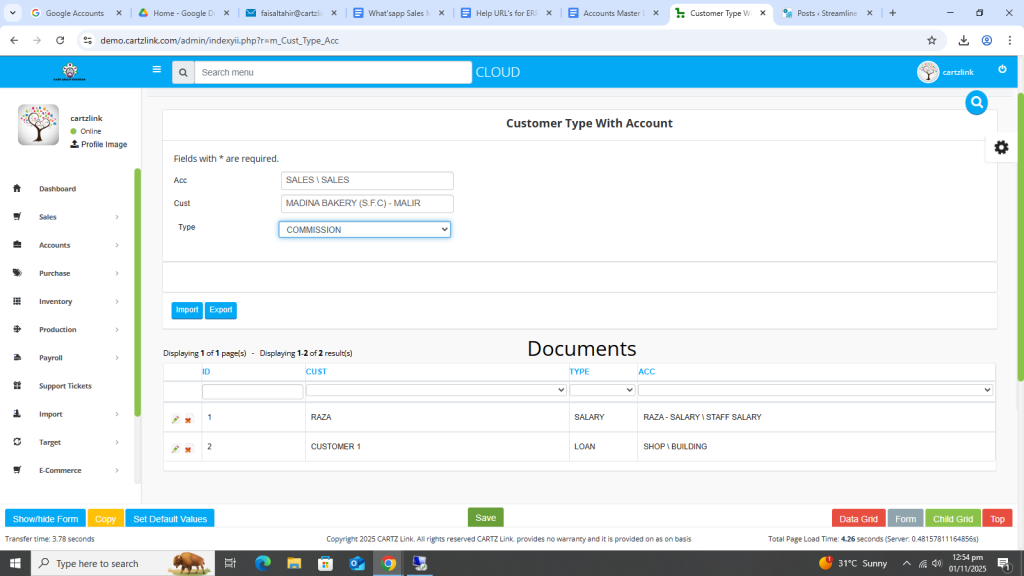
Once all information is completed and updated, click on the Green Save button at the bottom.
Your record has been saved.
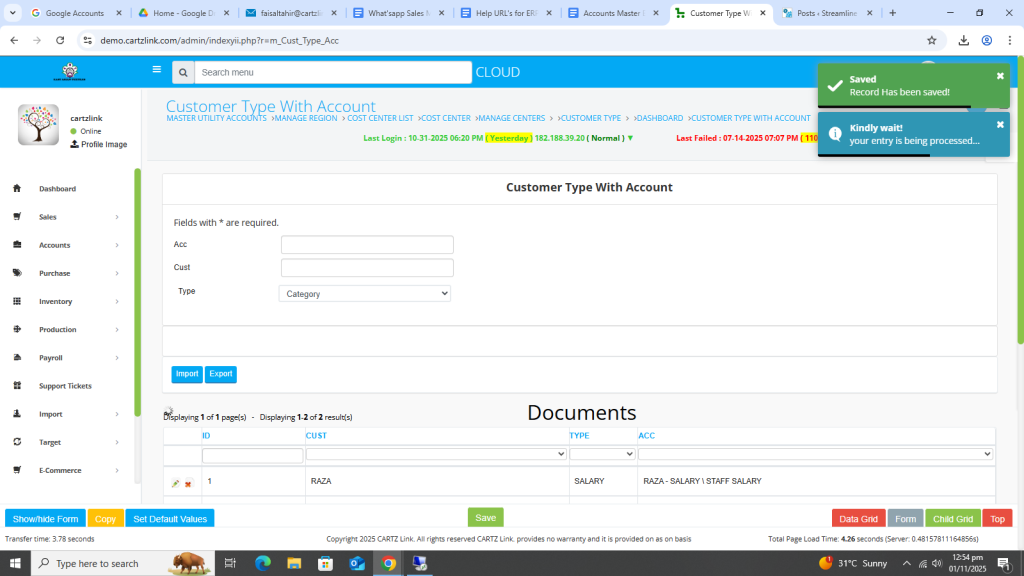
You may edit the record as per the requirement by clicking on update button against this entry.
Also you may quickly search by Customer, Type or Account. Under the Type column, select the desired Type.
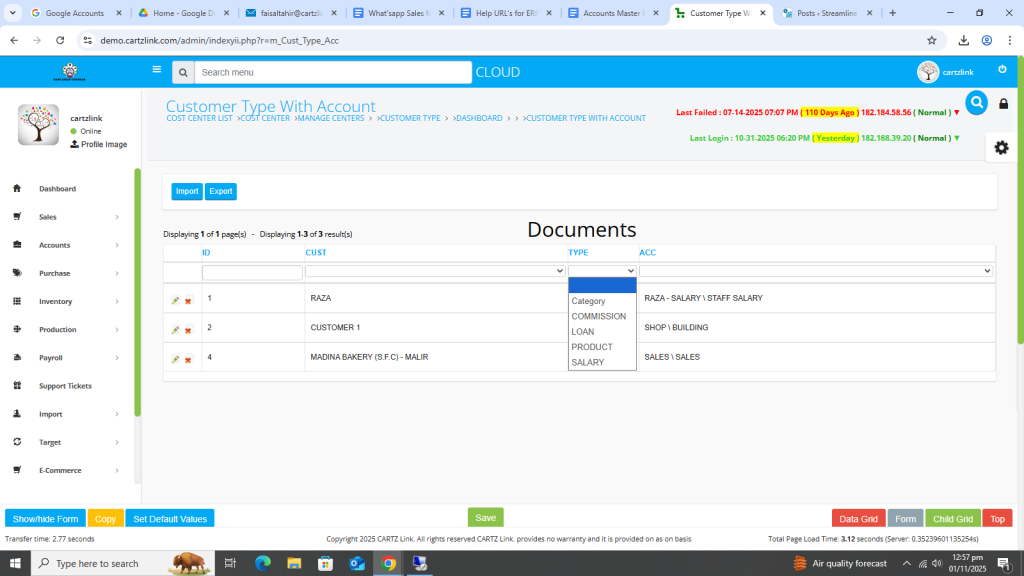
In this example SALARY was selected so only SALARY Type was filtered out as shown below.