DC Summary:
The summary of Delivery Challan can be viewed in this report. First click on Purchase, now click on Reports and then click on DC Summary.

The following page will open as shown in the screen shot below.

First select From Date.

Now select To Date.

You may also select the Customer if required.

Once required information is completed, click on the Green Report button at the bottom.

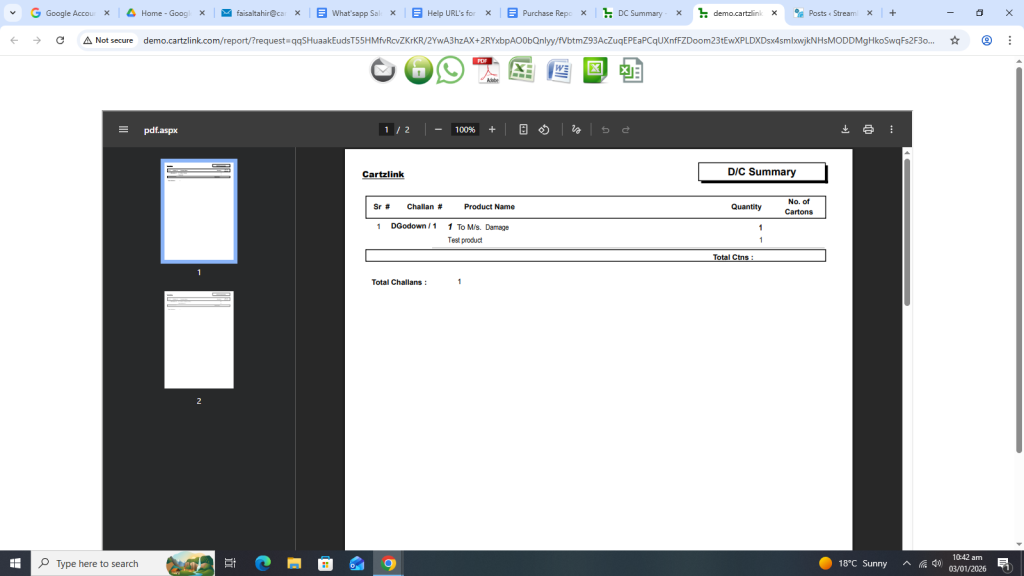
Your desired report will open in a new window with Print / Save options.
Also if only a summary is required then go to the previous page and select Summary in Detail / Summary option.

Again check the From Date and To Date.

Once all information is completed, click on the Green Report button at the bottom.

Your desired report will appear in a new window with Print/ Save options.

