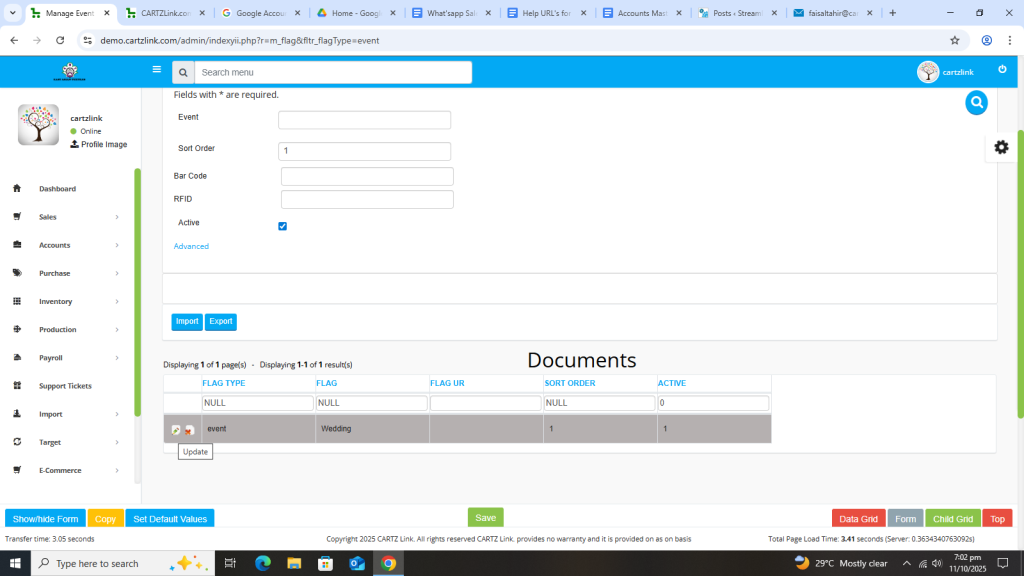
Event:
Events can be created and managed through this feature in the system. Go to Accounts, now click on Master Entry and then click on Event / Project.
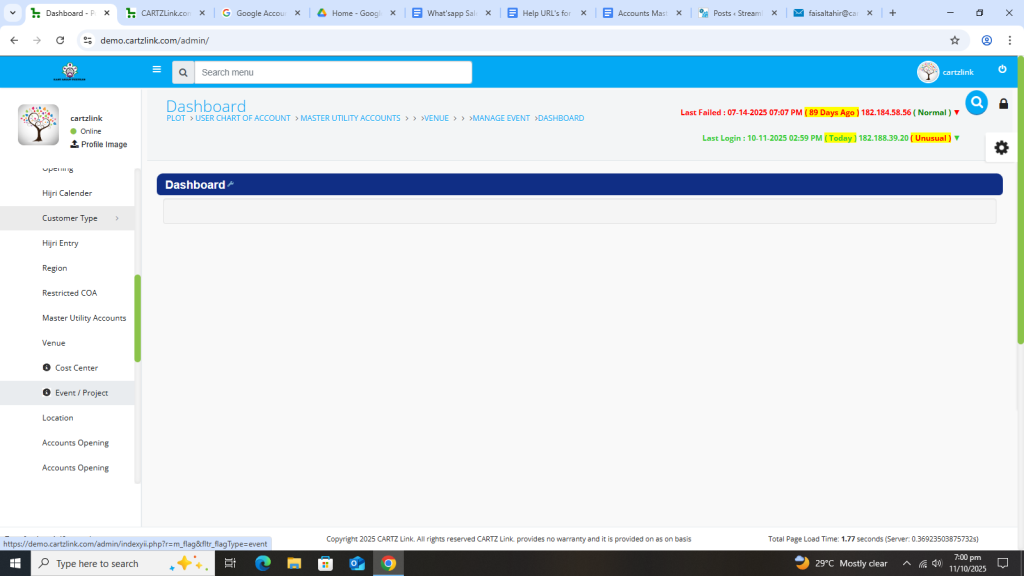
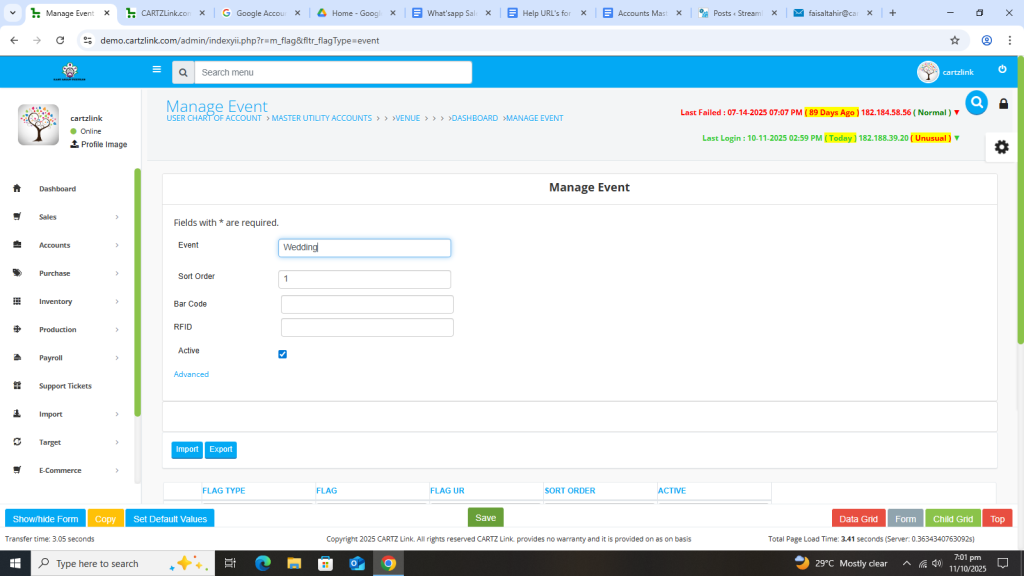
The following page will open as shown in the screenshot below.
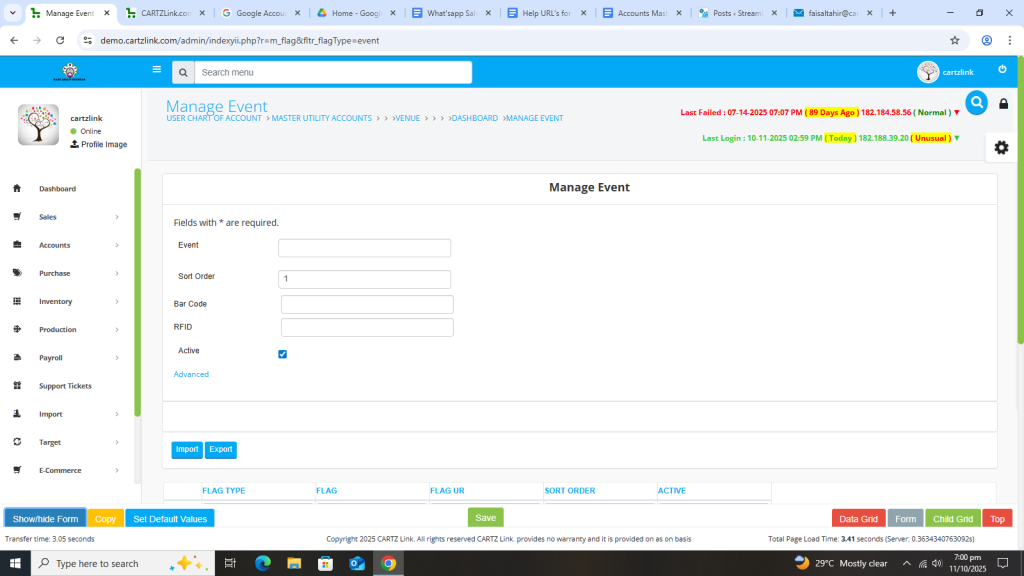
Now input the name of the Event.
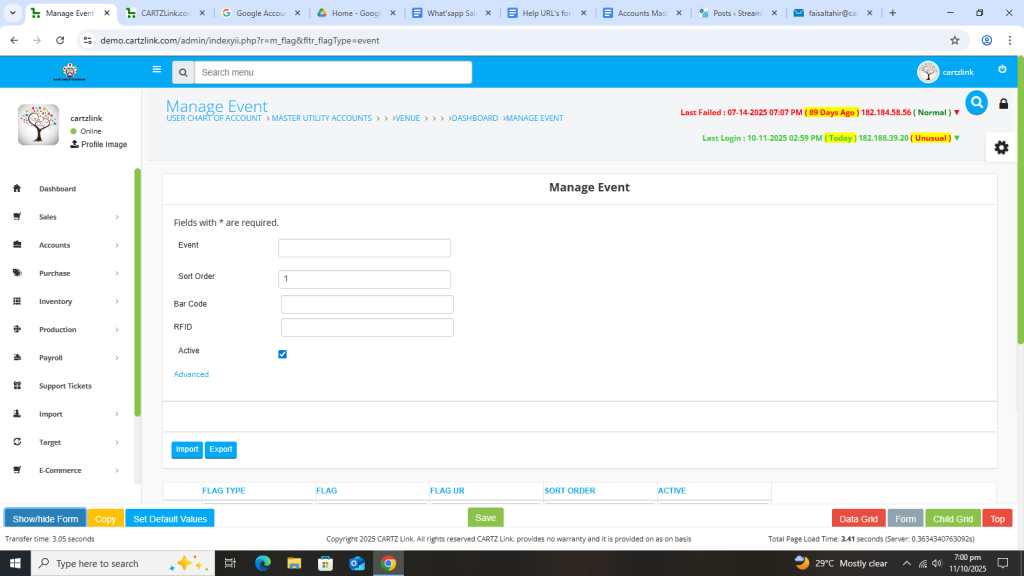
Click on the Green Save Button at the bottom.
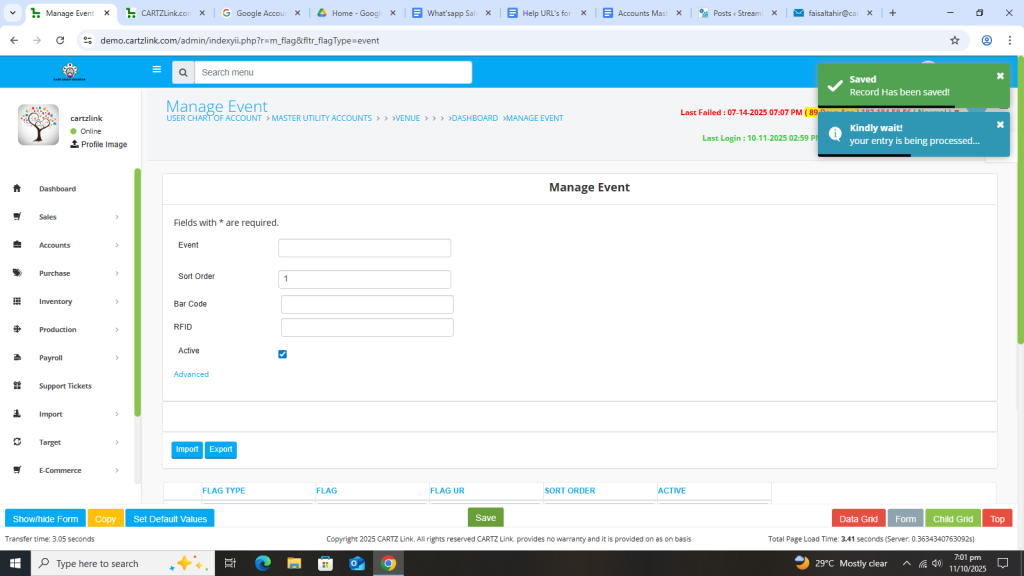
Your desired Event has been created and Saved in the system.
You may edit it by clicking on the update button against this Event created.