Production Progress:
First click on Production, then click Data Entry and now click on Production Progress.
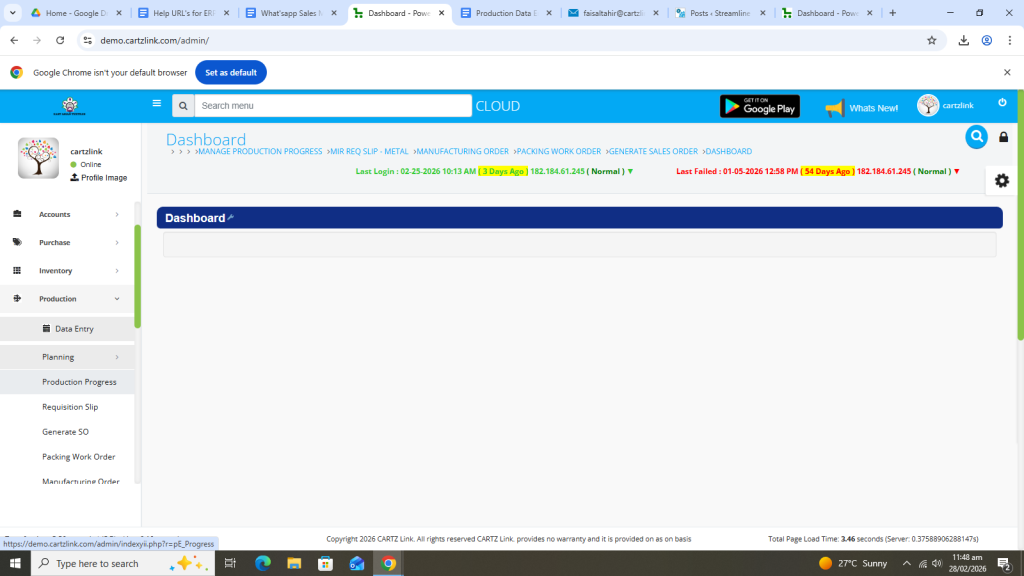
The following page will open as shown in the screen shot below.
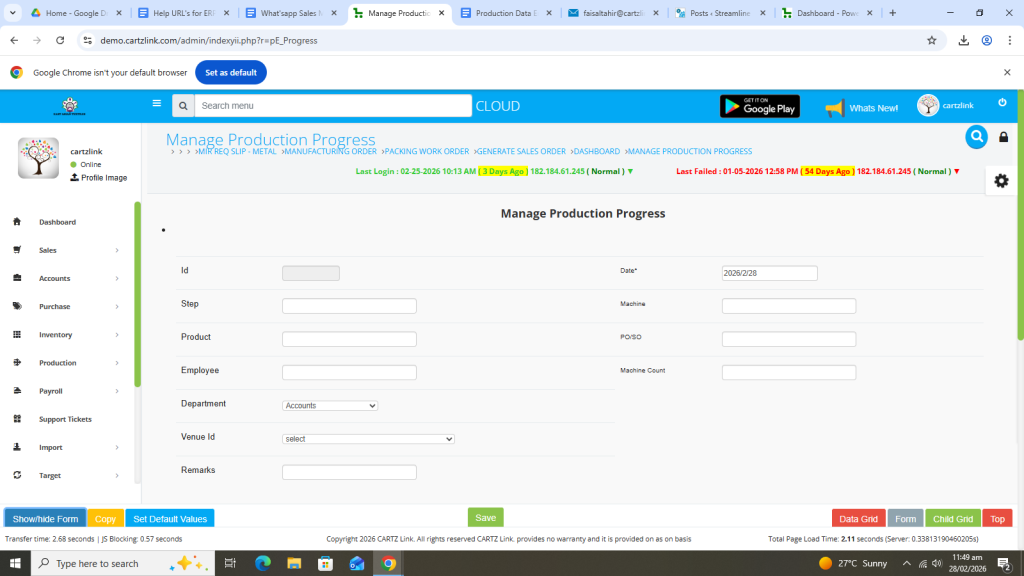
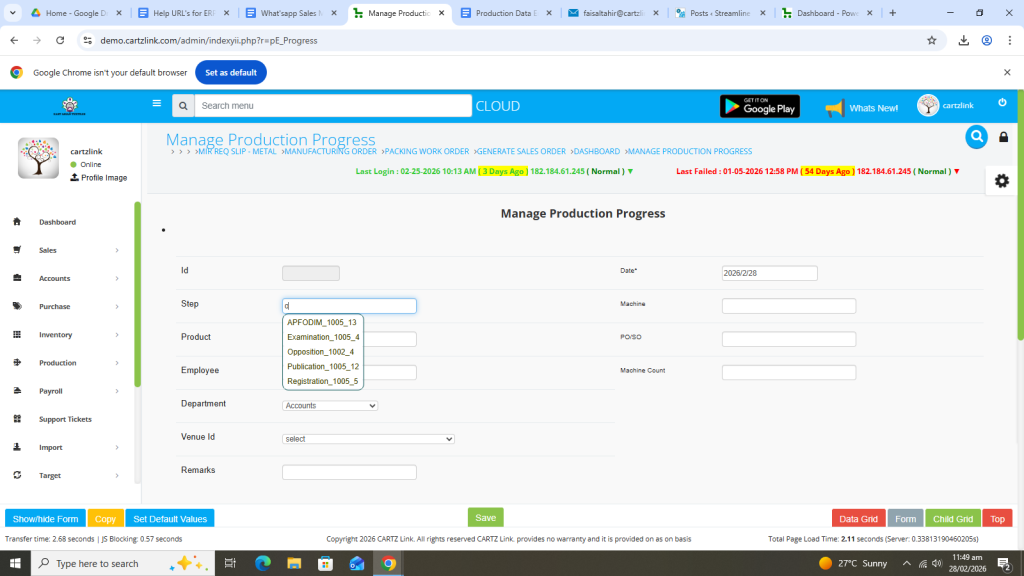
First select the product step /process.
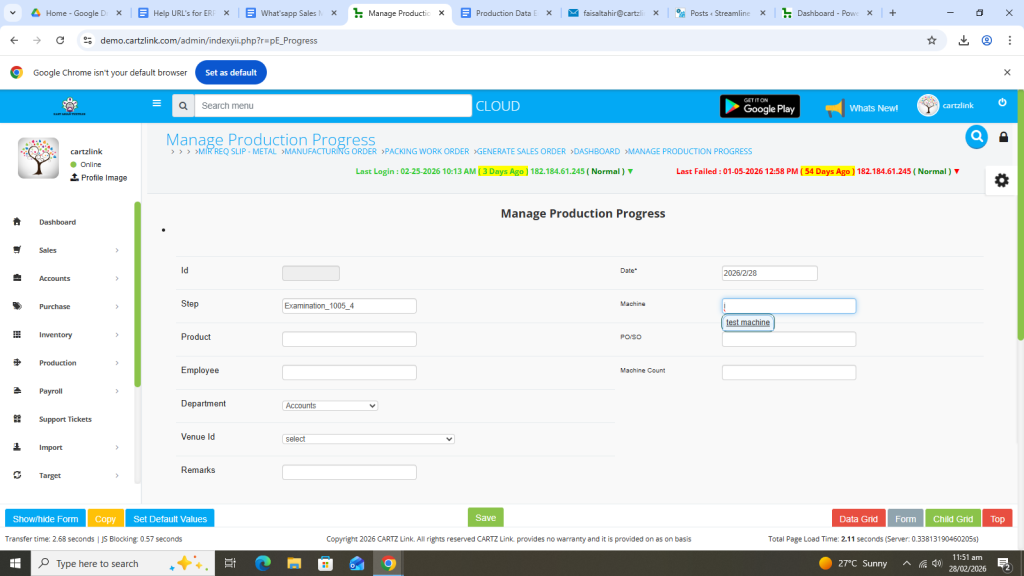
Now select the machine.
Next, select the product.
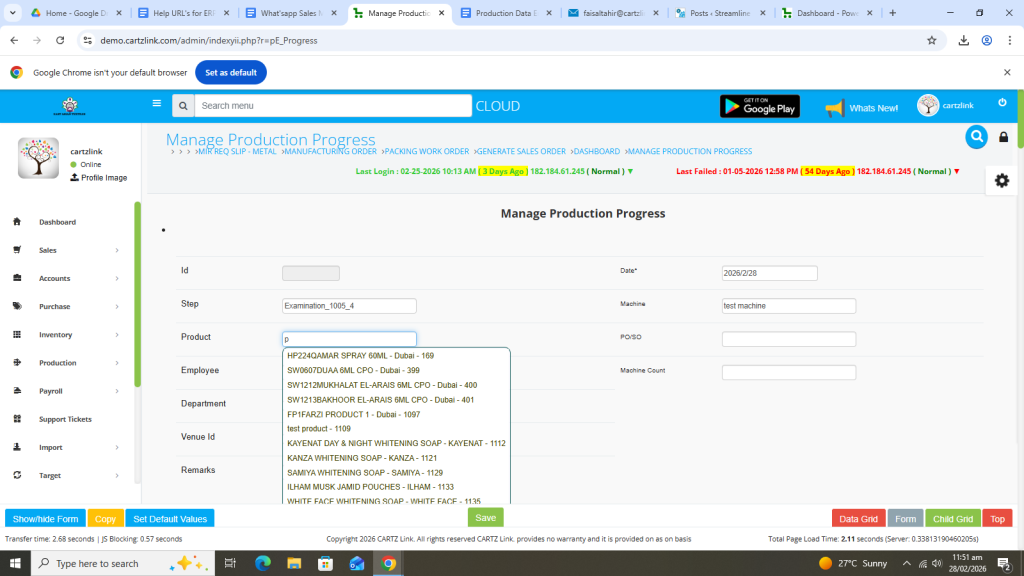
Now select PO/ SO.
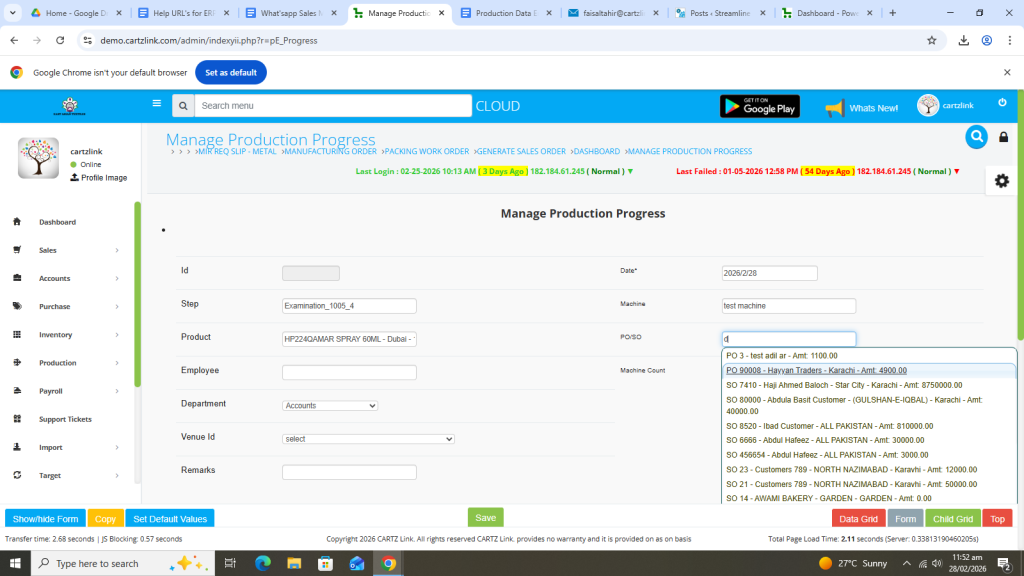
Select Employee.
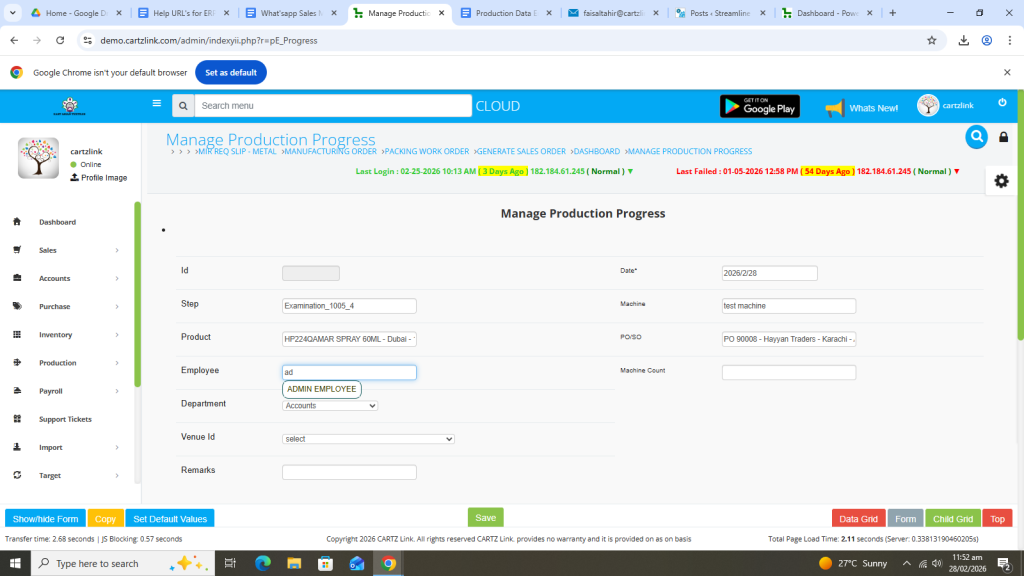
Enter Machine count.
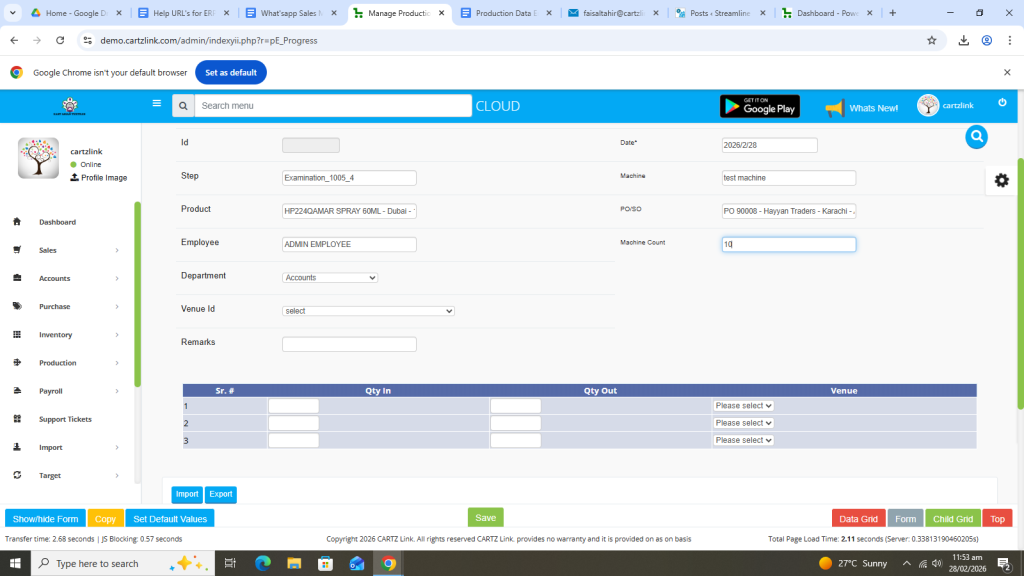
Select Department.
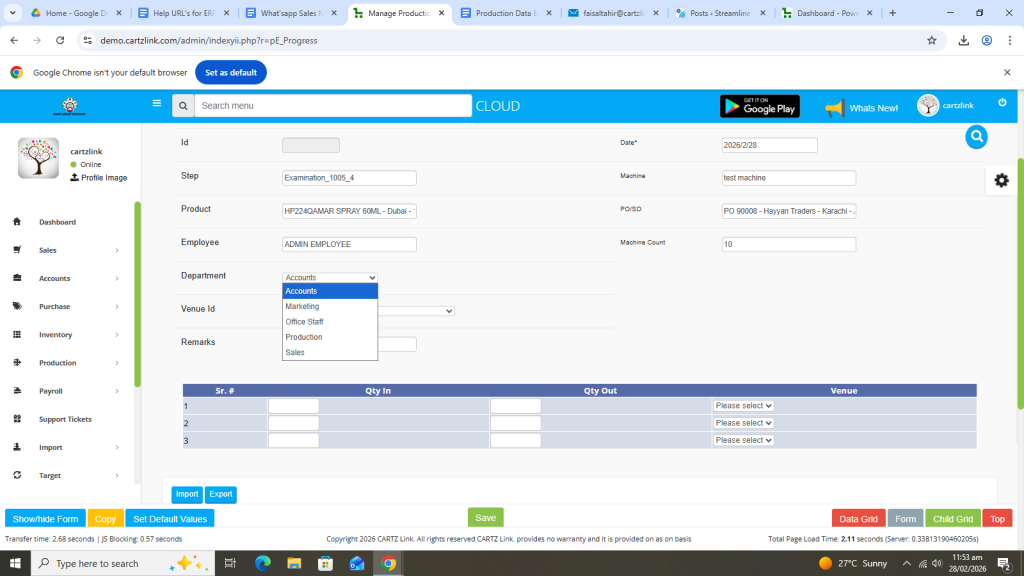
Now select venue.
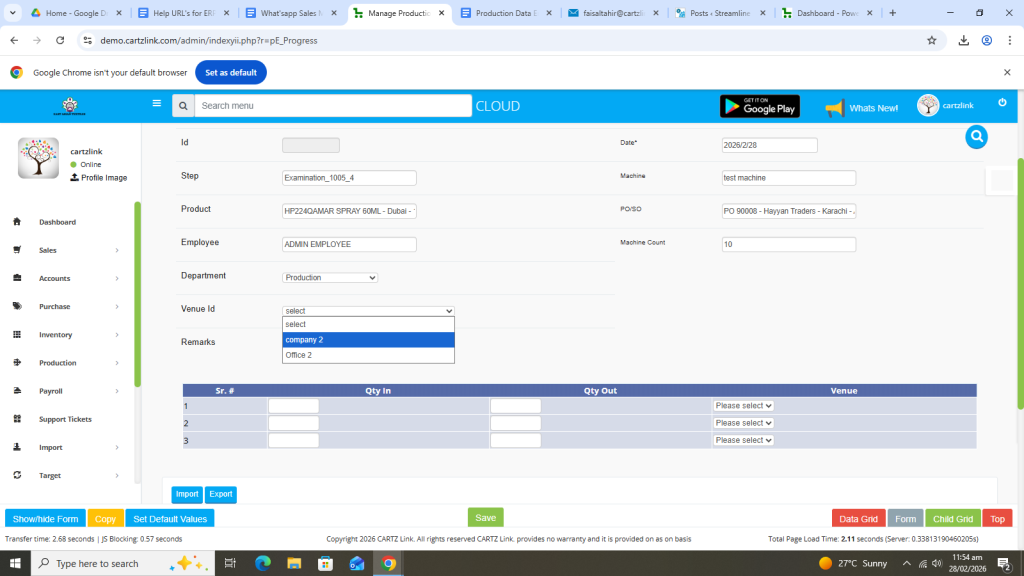
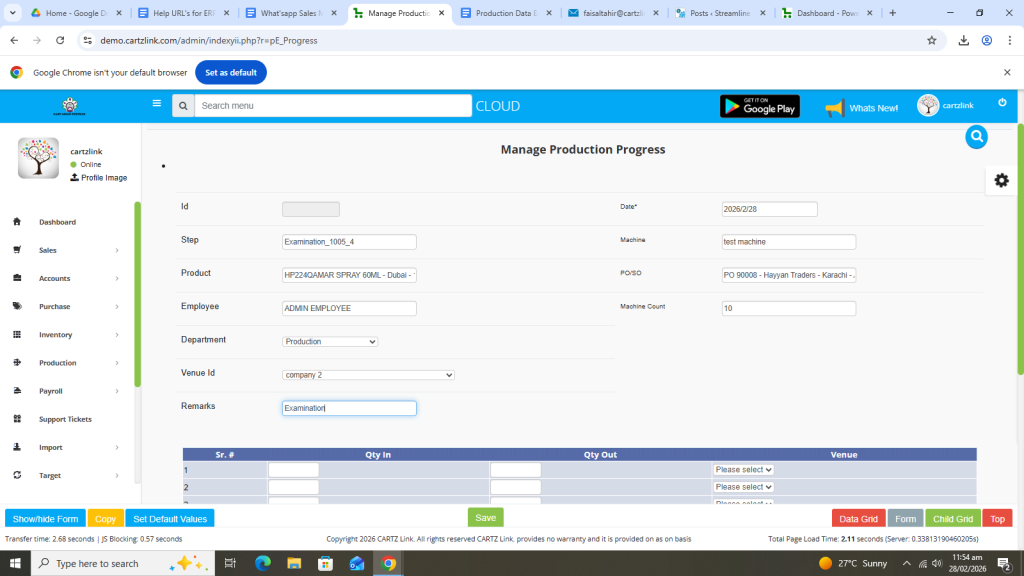
Enter Remarks. (If required).
Enter Quantity In.
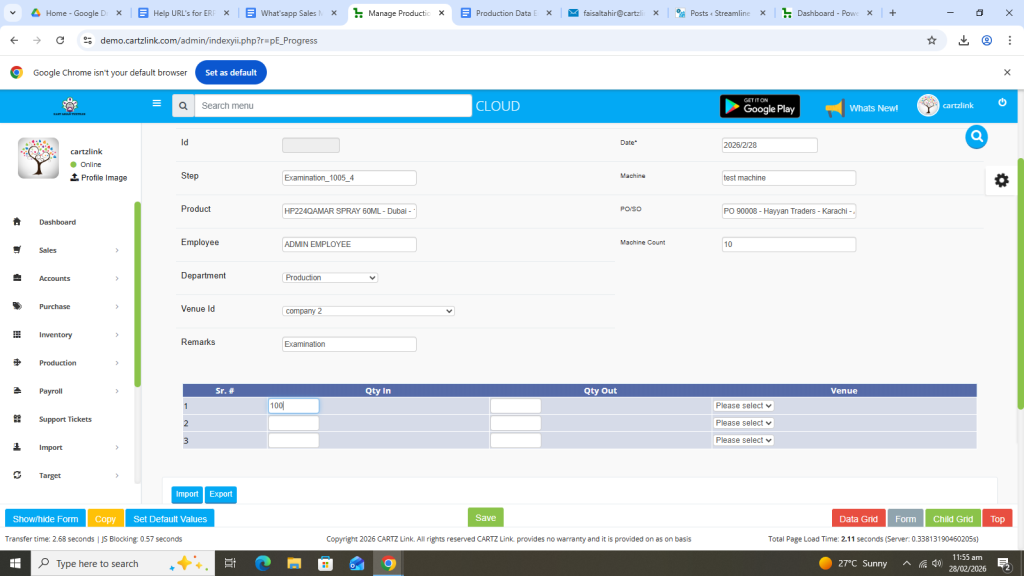
Now enter Quantity Out.
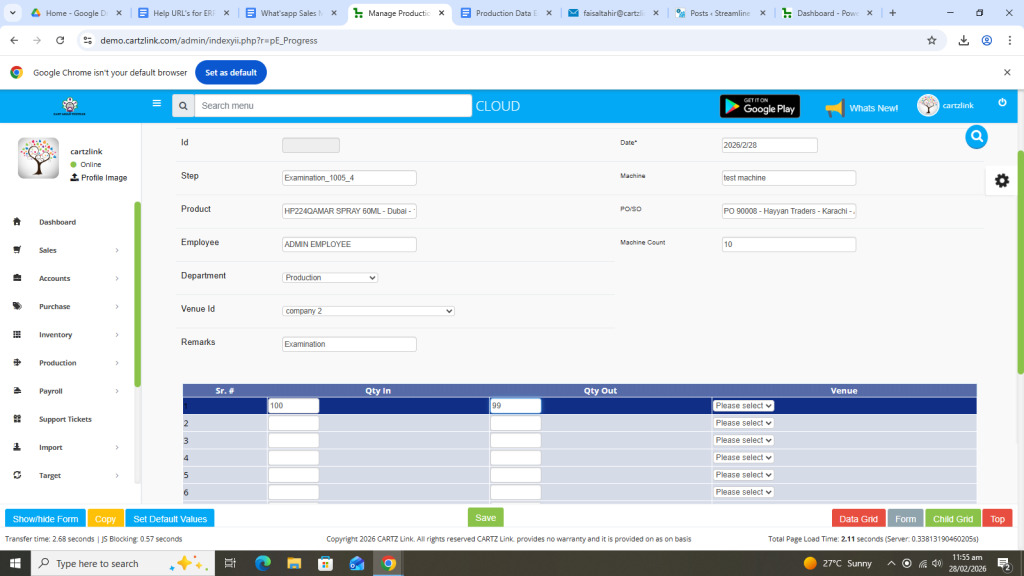
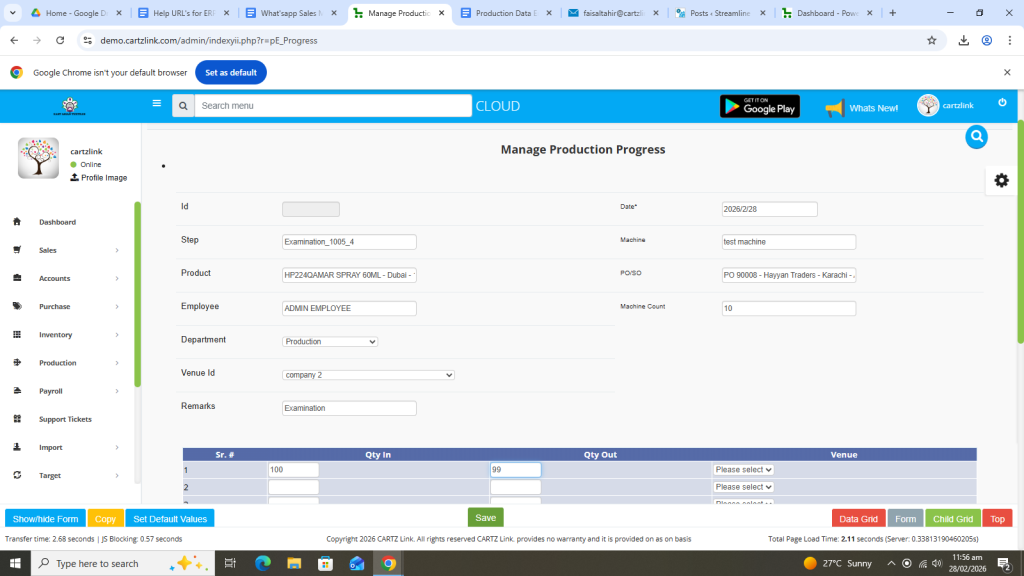
Once all information is complete, click on the Green Save button at the bottom.
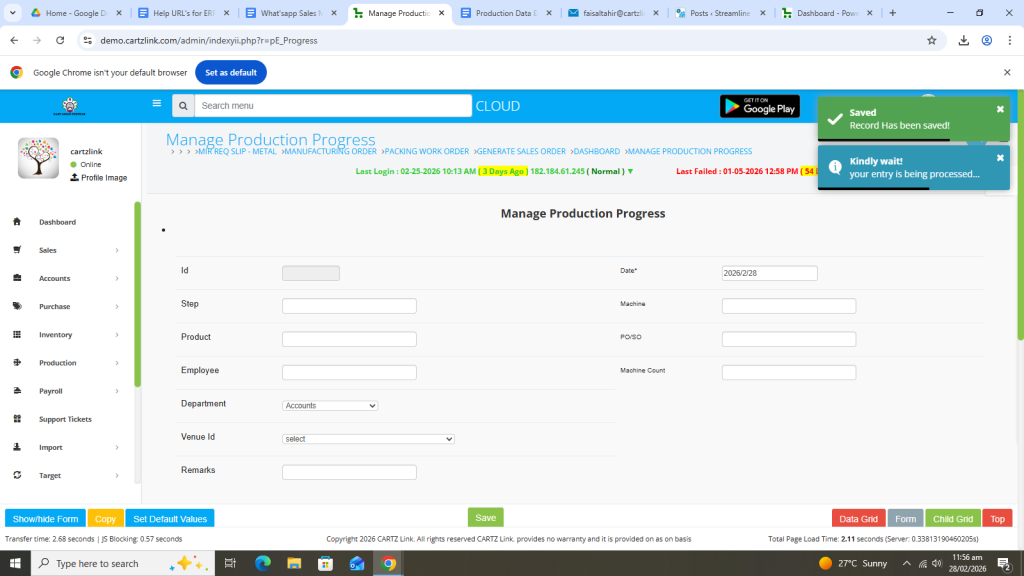
Your record has been Saved.
You may edit the entry by clicking on the update button against this record.
