Purchase Order:
We can easily create Purchase Order in the system. Just go to purchase. Then data entry and then click on purchase order. Now input the relevant details and click on create and your PO or purchase order is created.
First click on Purchase then go to Data Entry then click on Purchase Order.

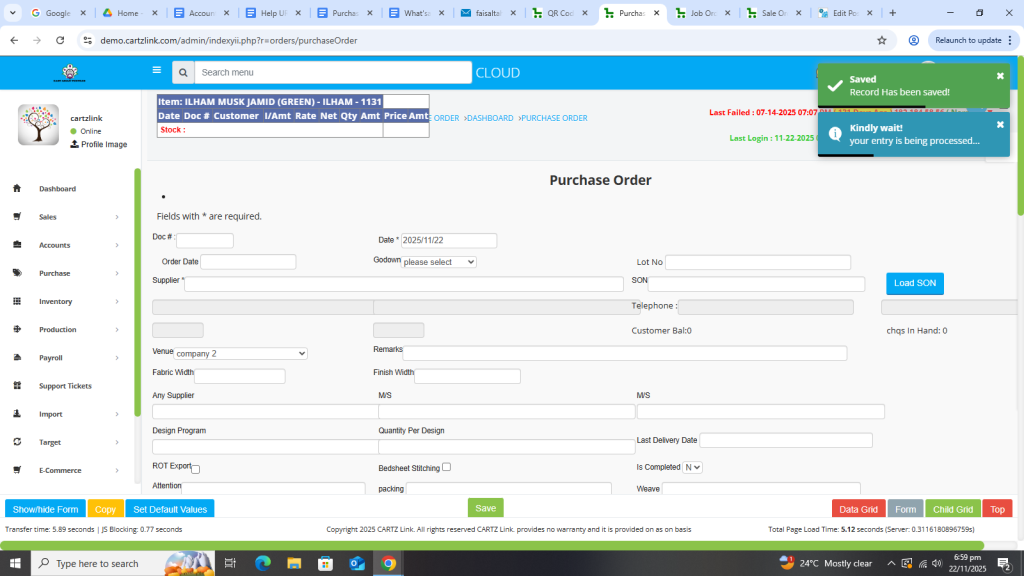
A new form will open as shown in the below screenshot.
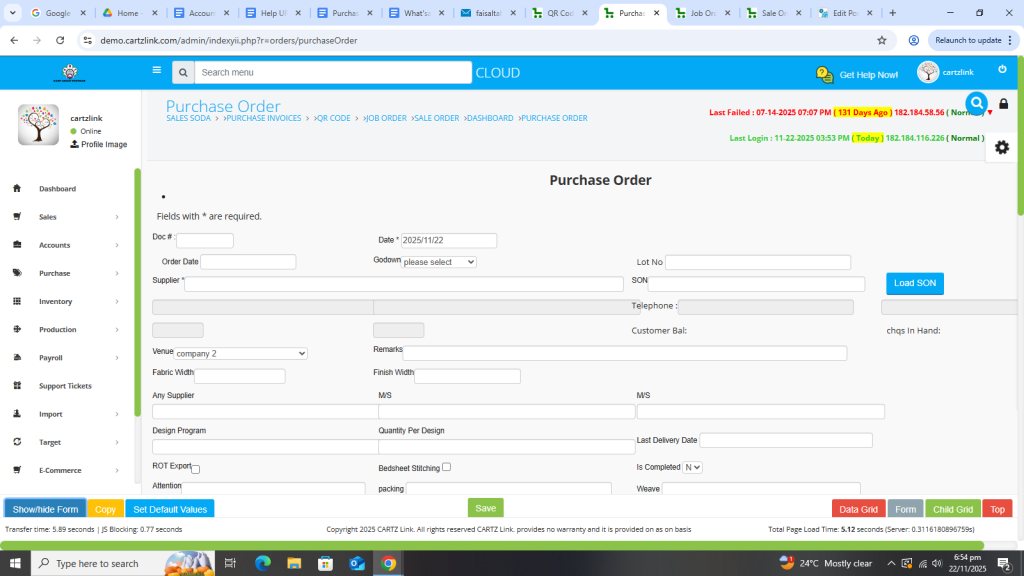
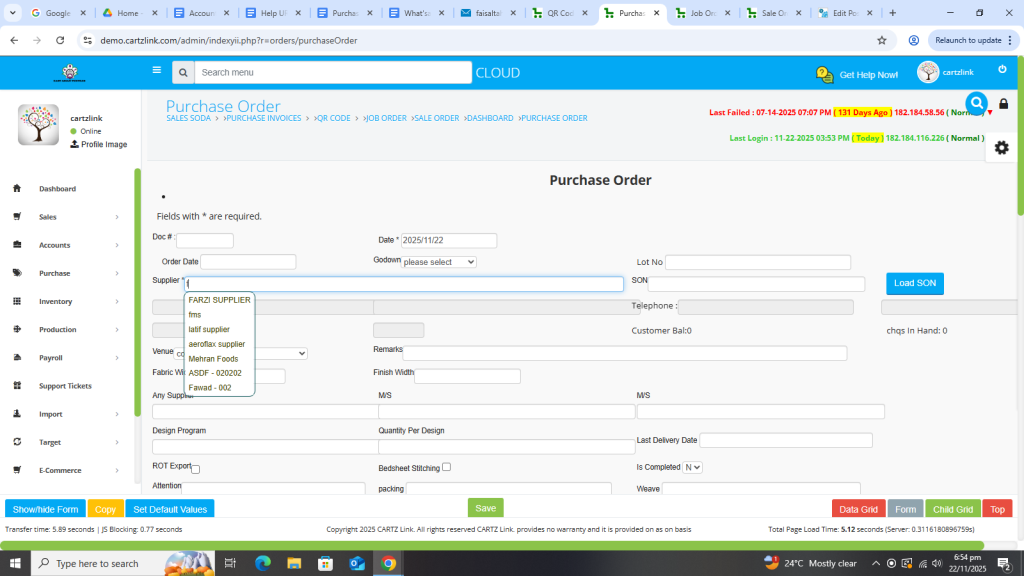
First input Supplier Name.
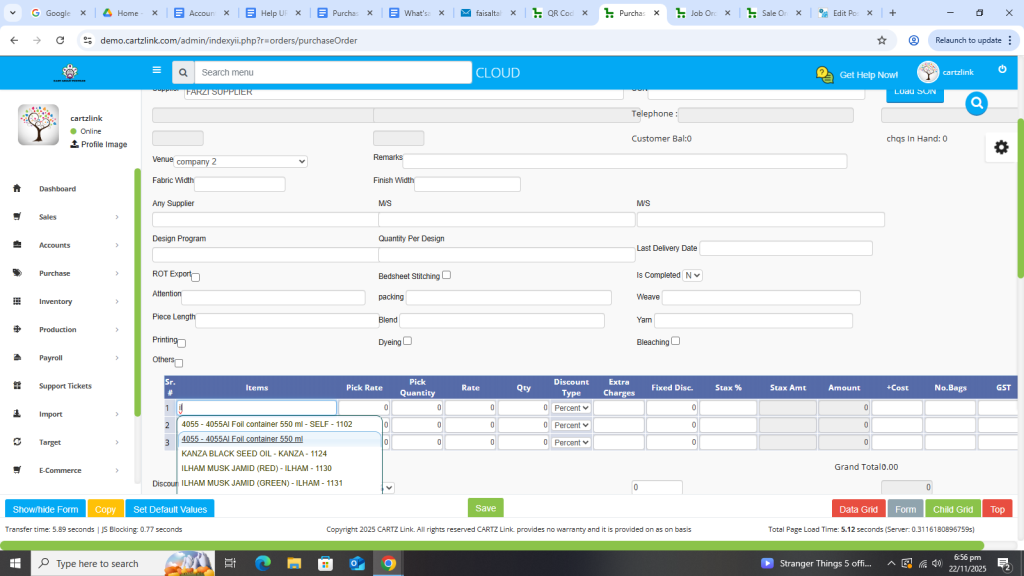
In the bottom section for Items, input the relevant information of the purchasing products.
Enter the Quantity.
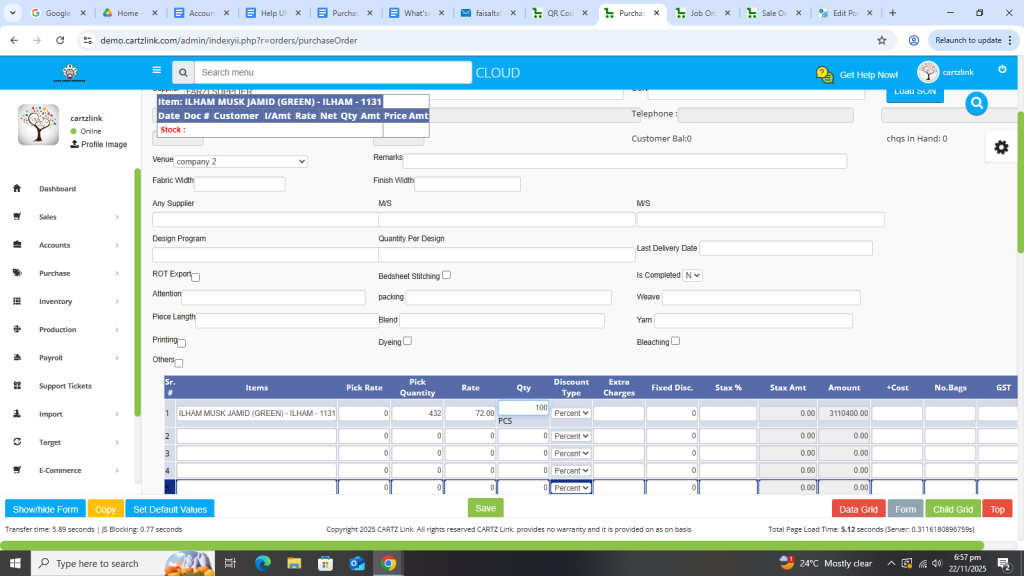
Once all required details are completed, click on the Green Save Button at the bottom.

Your Purchase Order has been created.
This Purchase Order (PO) can also be edited if required by clicking on update button against this record.
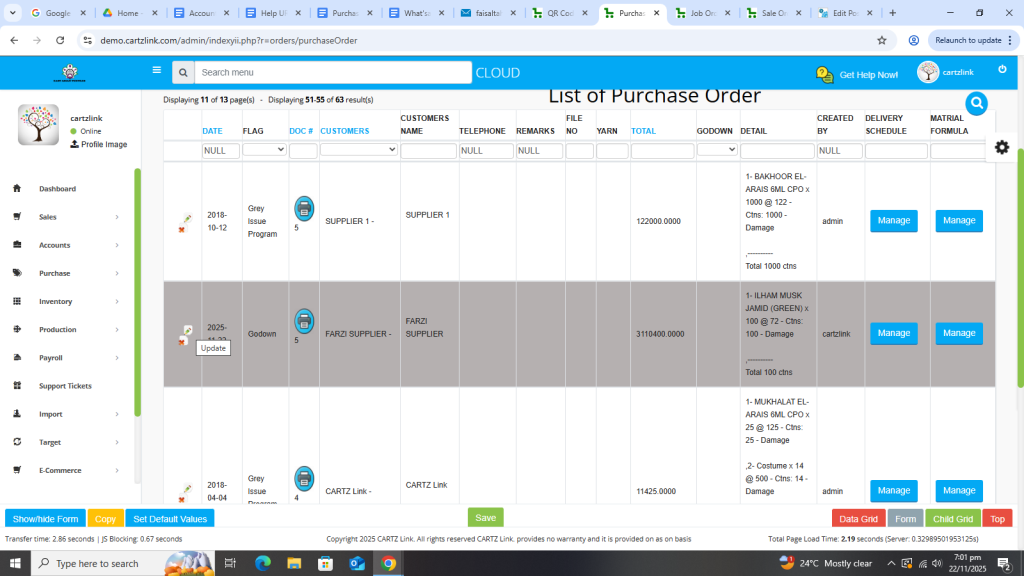
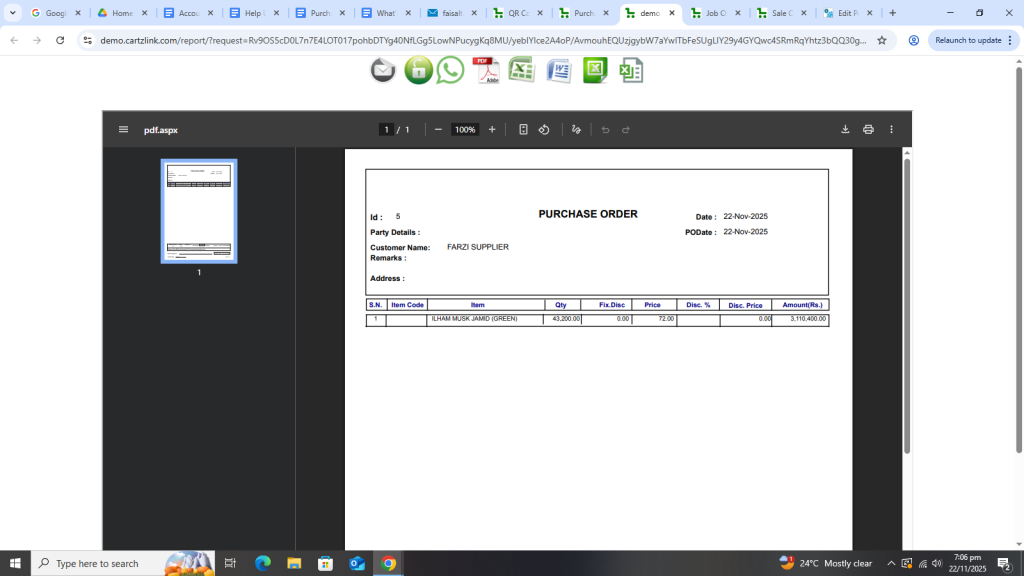
Various printing options are also available against this Purchase Order. Just click on the printer icon against this entry.
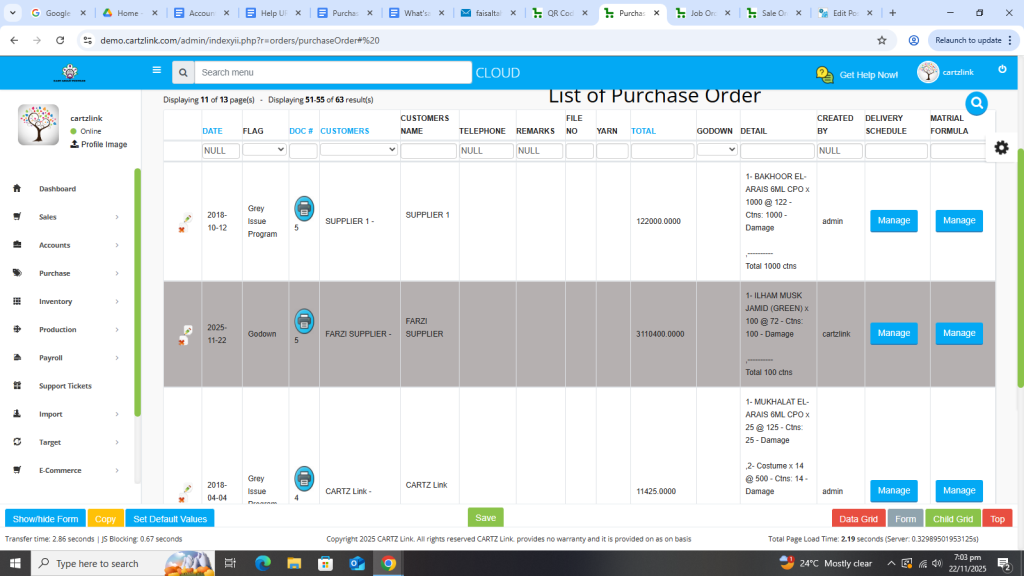
You may choose and click as per the need.
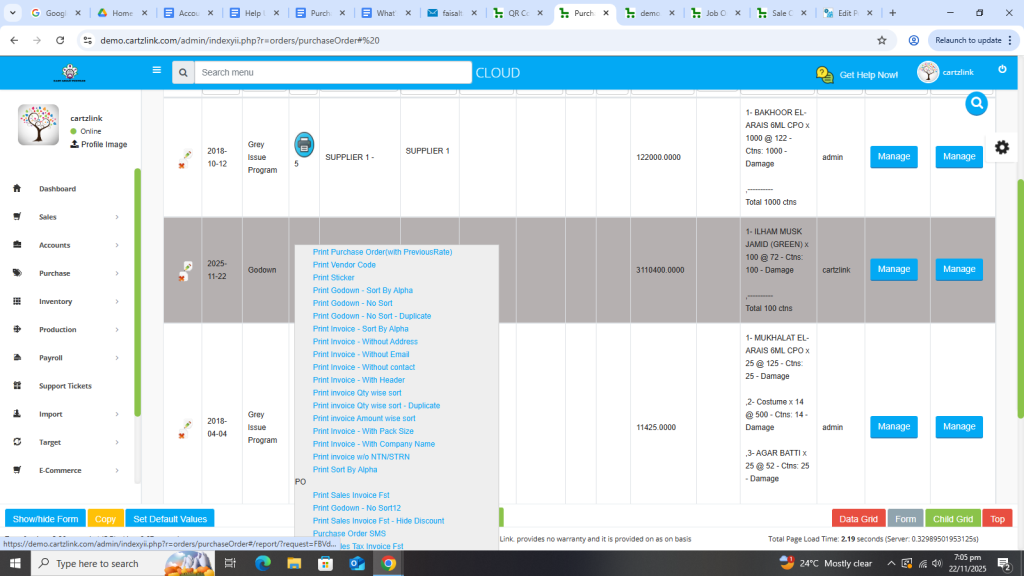
Desired printing display will appear in a new window.
A detailed video on Purchase Order creation can be viewed by clicking on the following URL.
