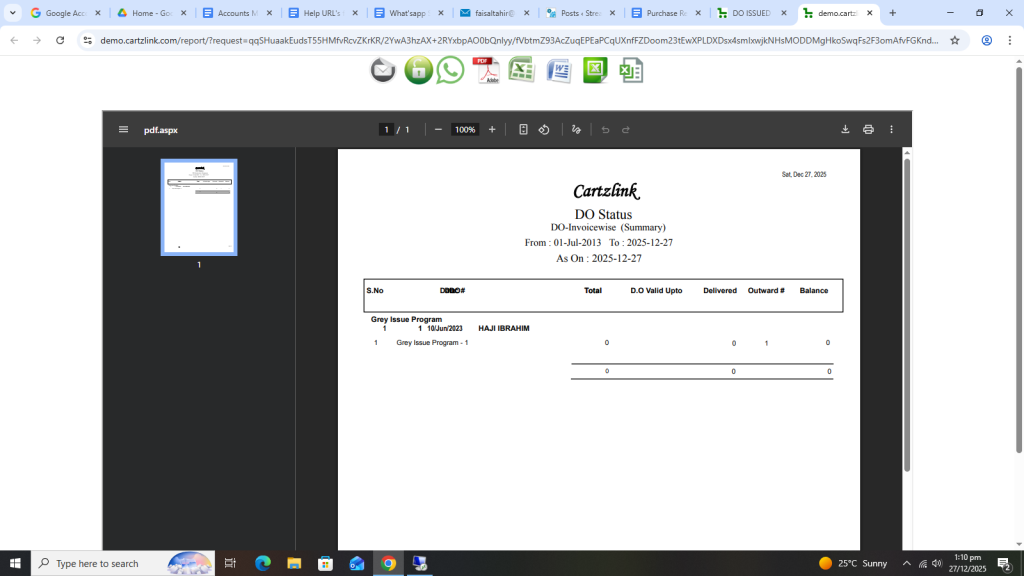
DO Issued:
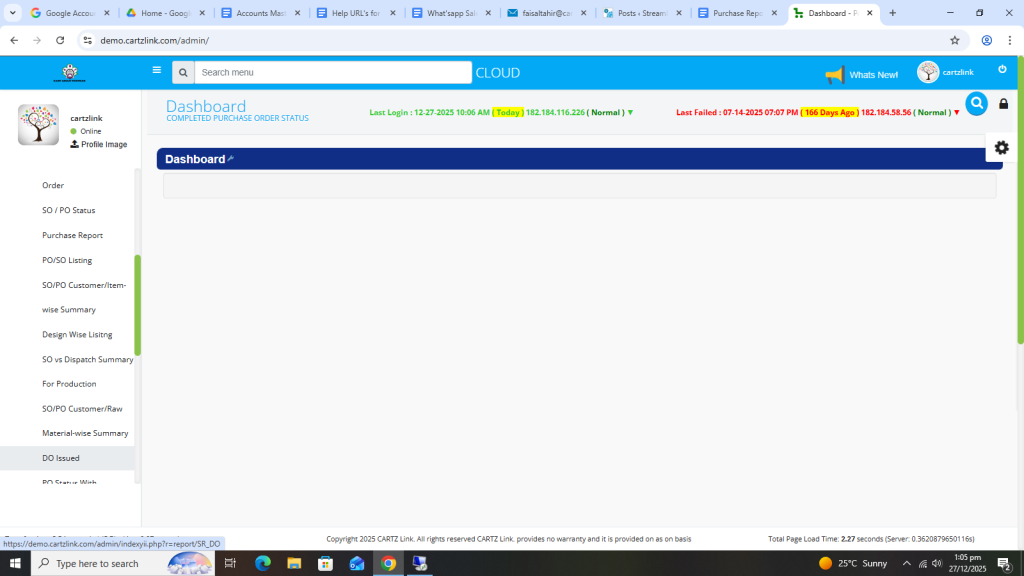
DO is basically an internal document for the company. It shows the issuance of material internally. This report can be viewed through the following steps. First click on Purchase, now click on Reports and then click on DO Issued.
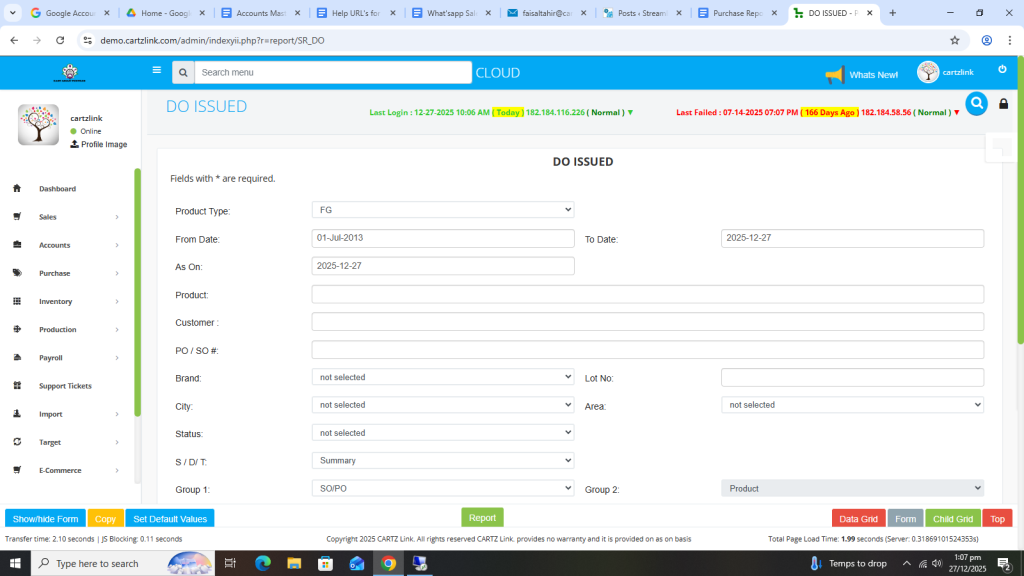
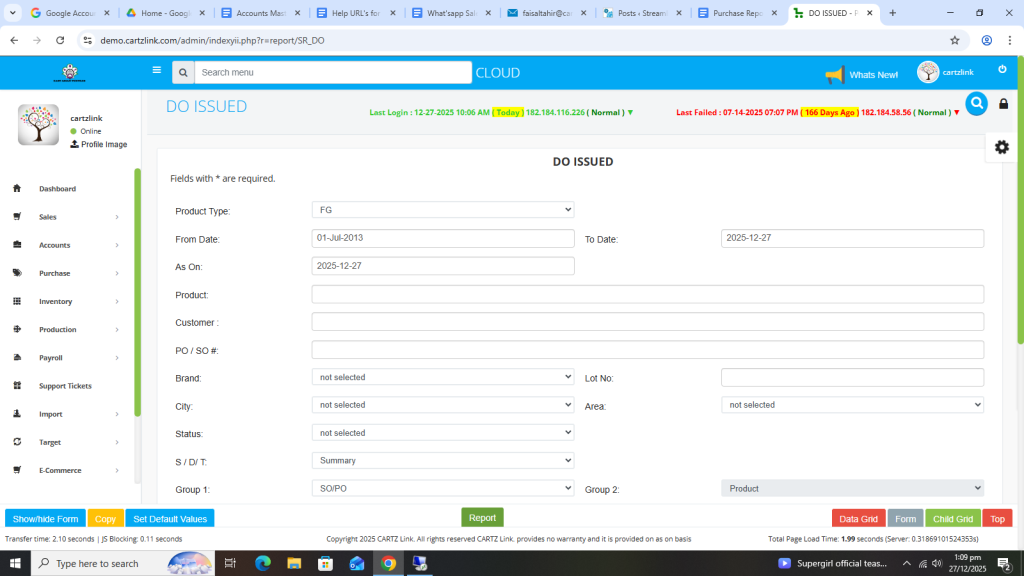
The following page will open as shown in the screen shot below.
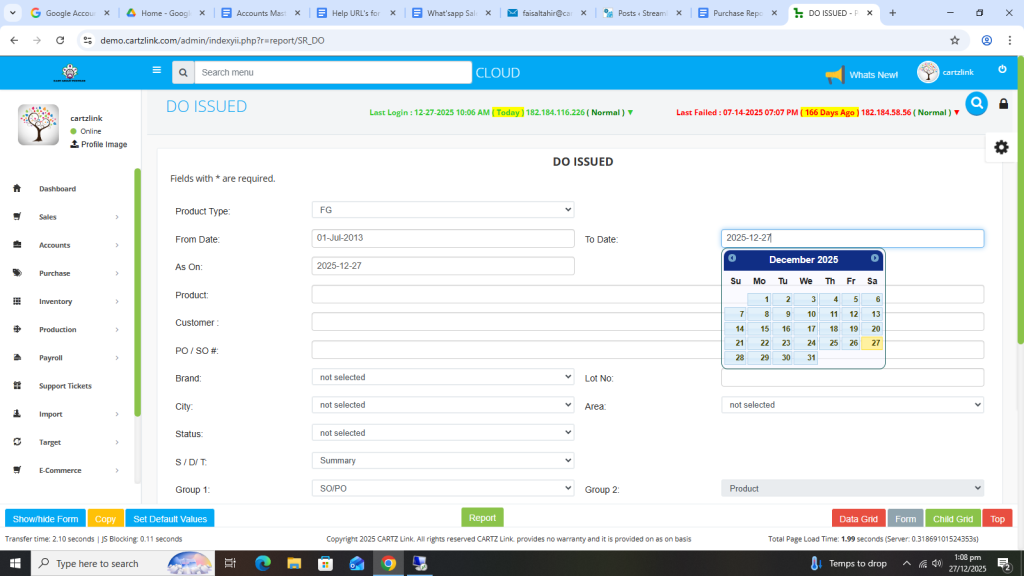
First select From Date.
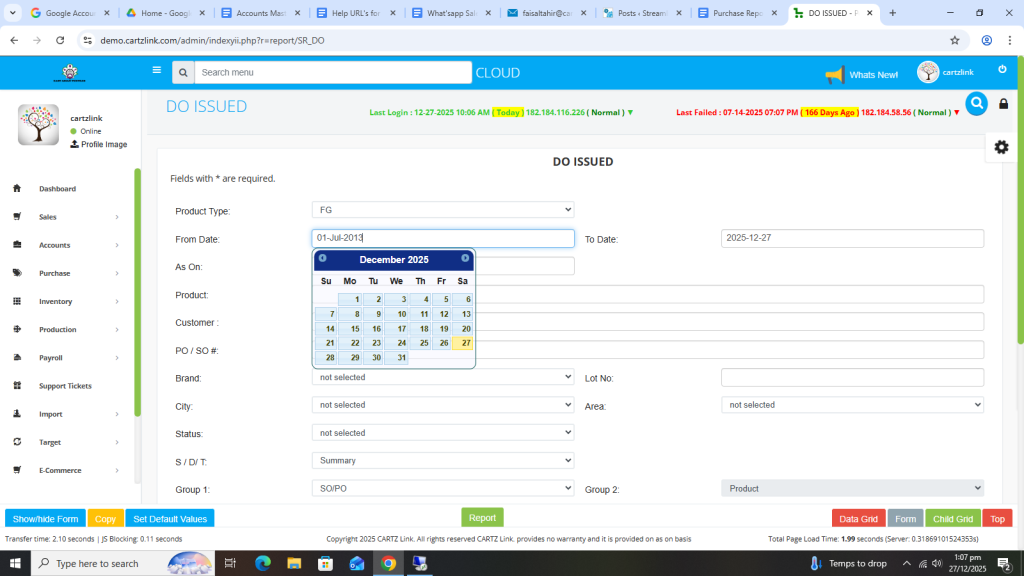
Also select To Date.
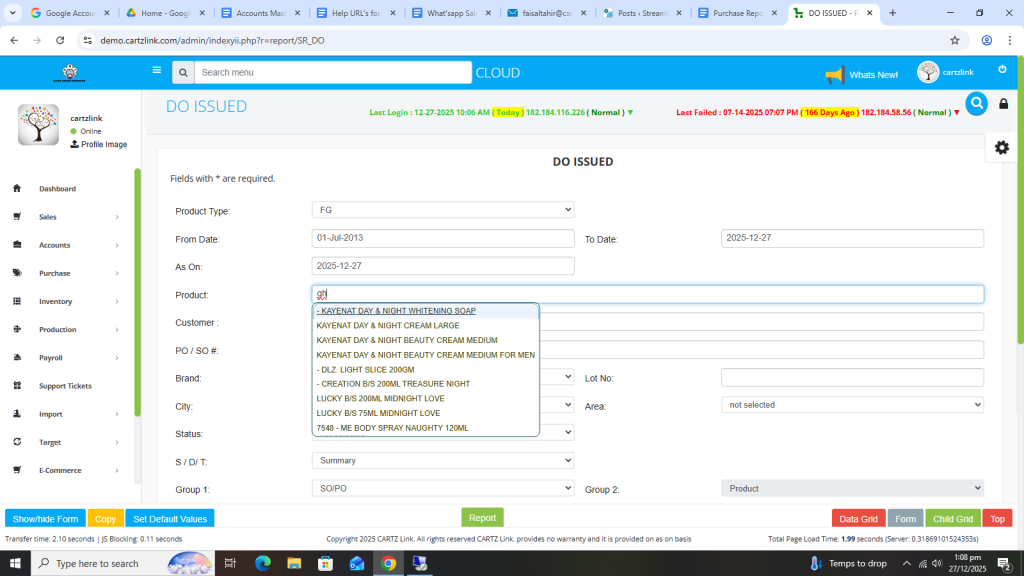
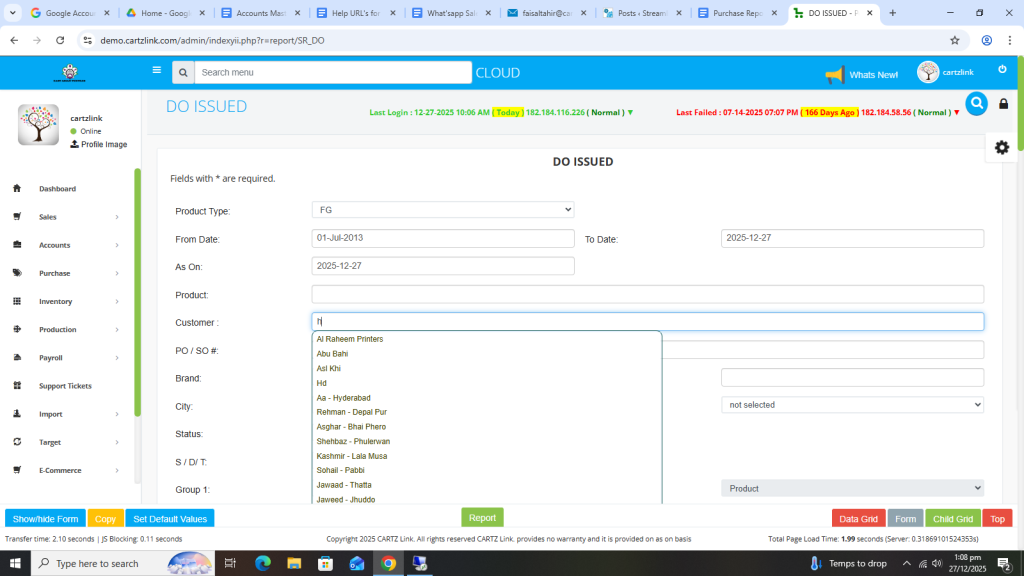
Additionally you may select Product and Customer if required.
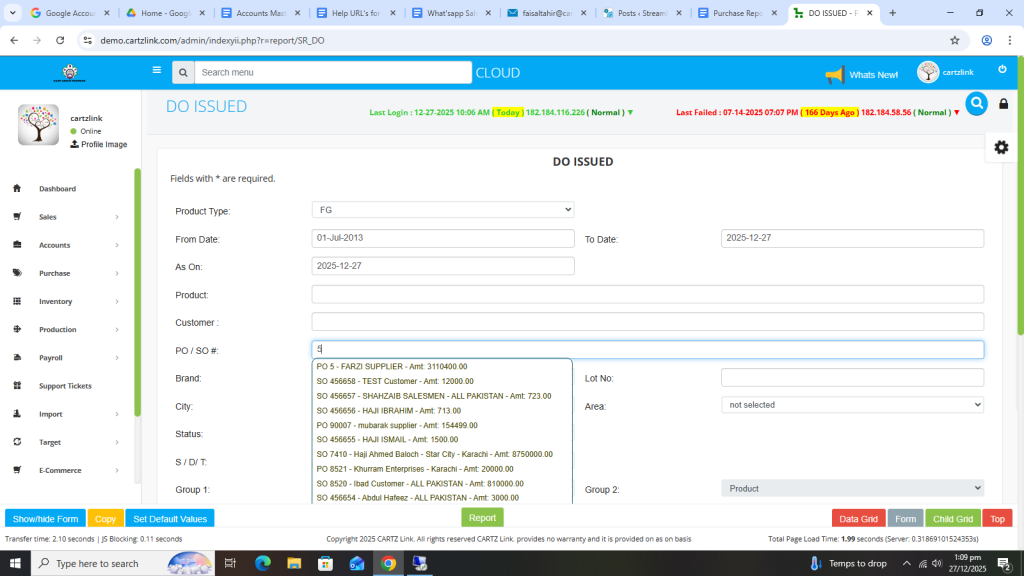
SO / PO number can also be selected.
Once all information is completed, click on the Green Report button at the bottom.
Your desired report will appear in a new window with Print / Save options.