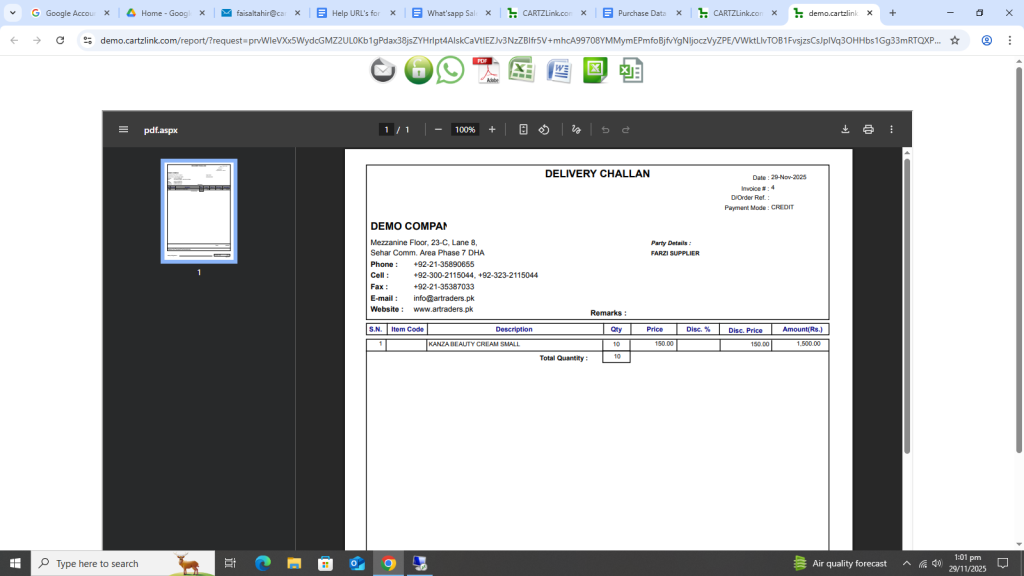
Issuance Against Purchase Order:
The material against the Purchase Order can be issued through this feature. Go to Purchase, now click on Data Entry and then click on Issuance Against Purchase Order.
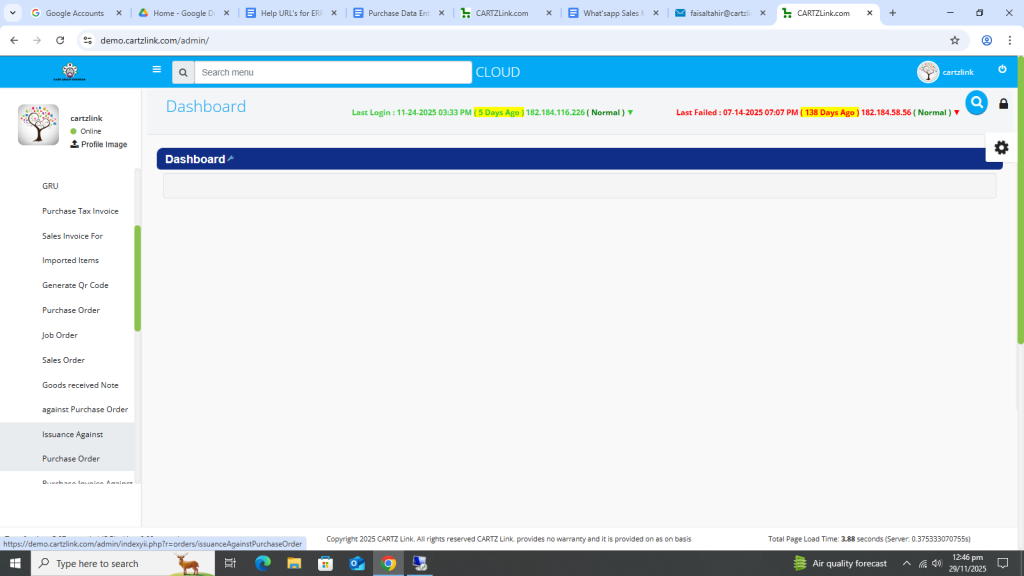
The following page will open as shown in the screen shot below.
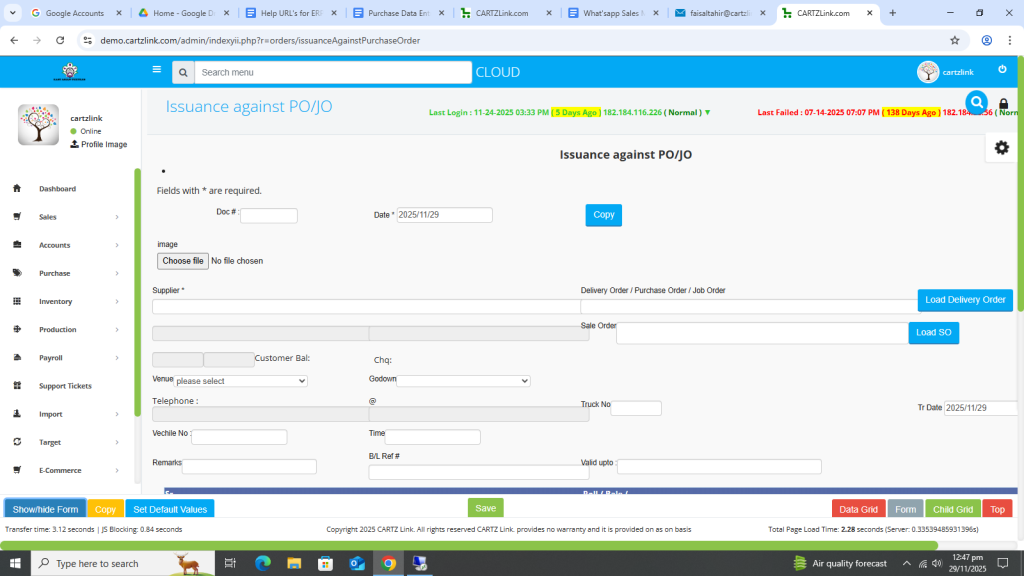
Now there are three (3) options in order to generate issuance.
1. New Issuance: You can create new issuance by selecting the supplier and then proceeding further.
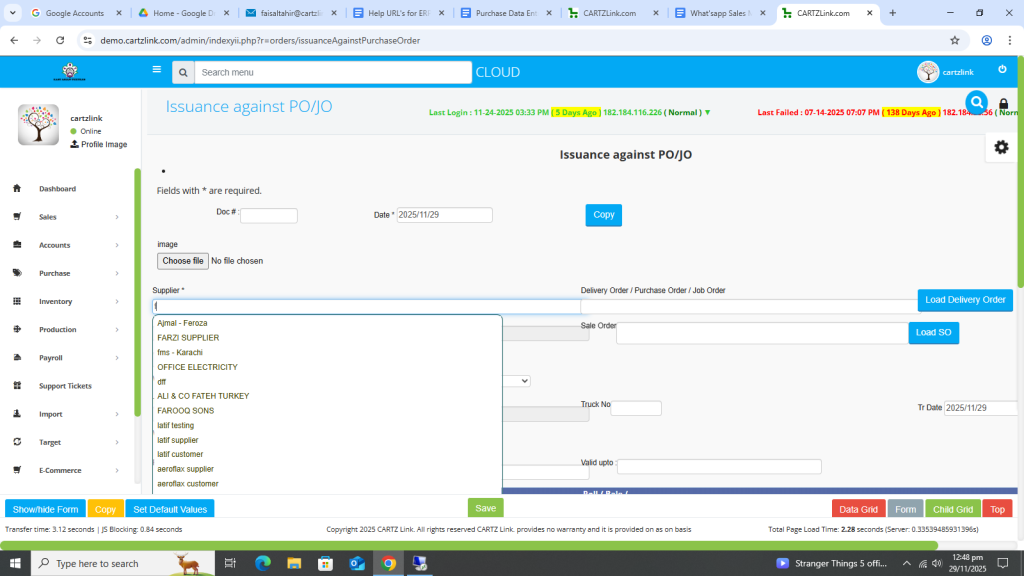
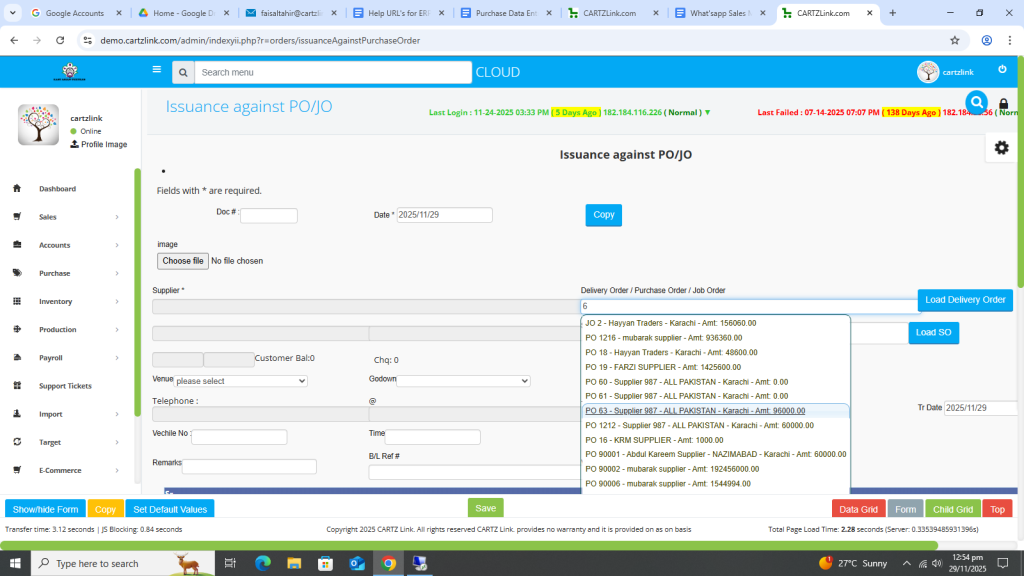
2. Through Previous Delivery Order /Purchase Order or Job Order: Please select any of the previously mentioned documents created.
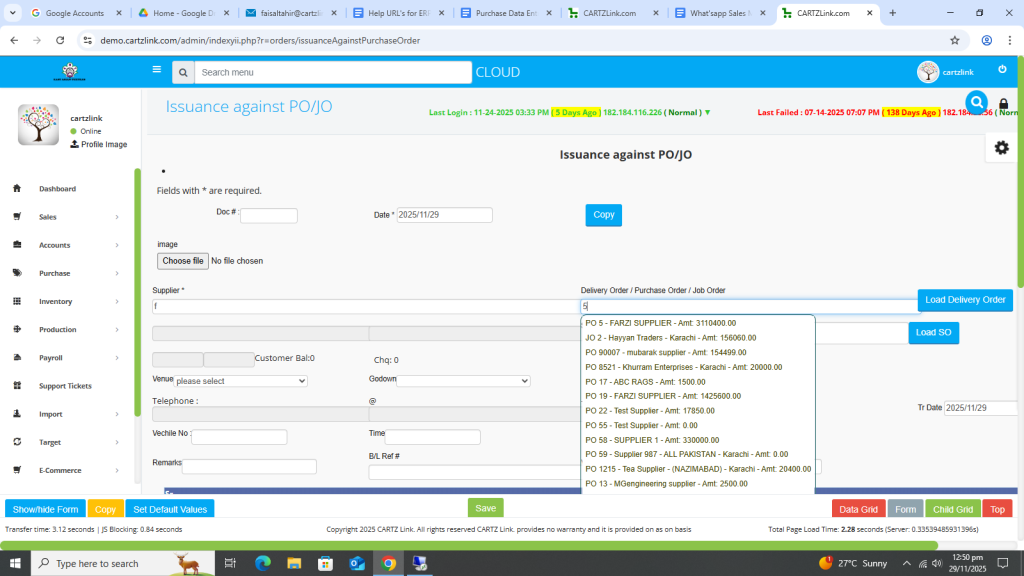
3. Through Previous Sales Order: Please select previous Sales Order created.
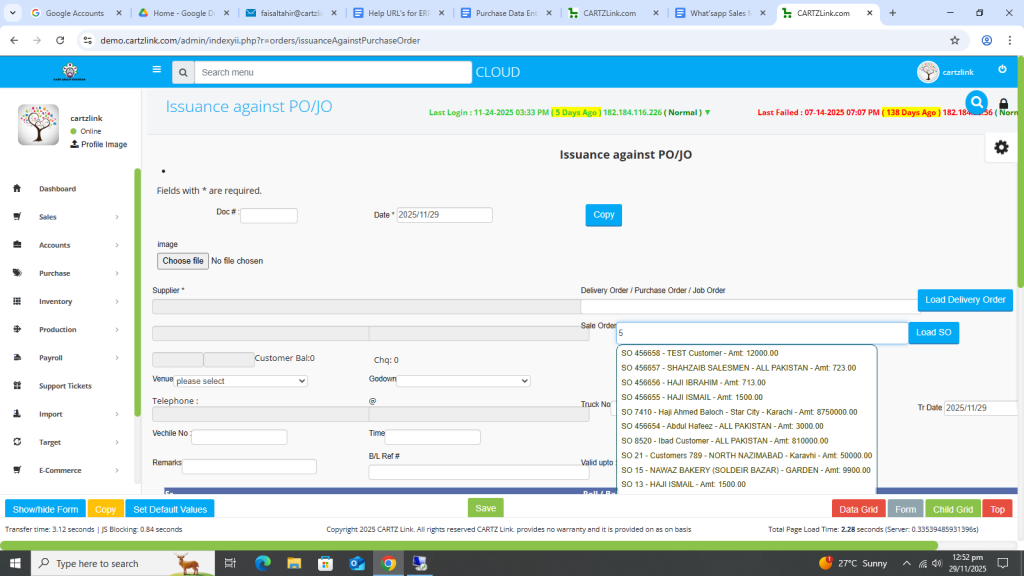
In this example we will select PO and then proceed accordingly.
First select previous created PO (Purchase Order).
Godown selection option is also available.
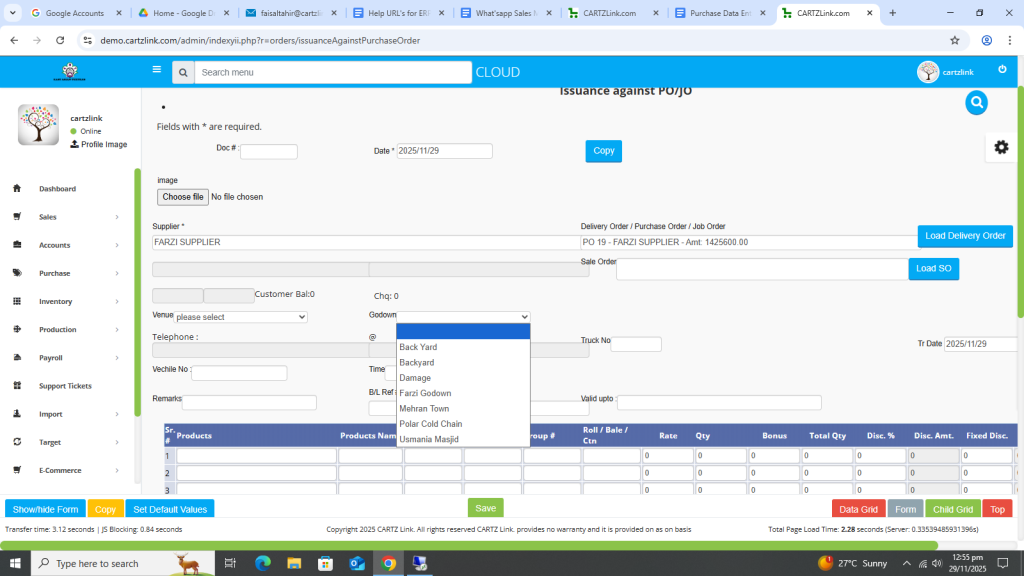
Now go to the next bottom section and select Products.
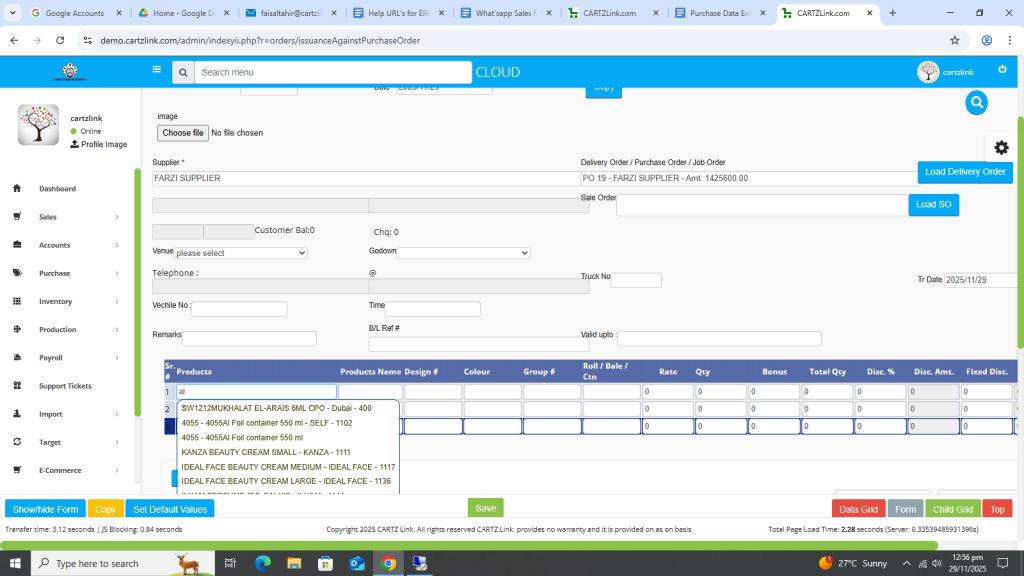
Now enter Quantity.
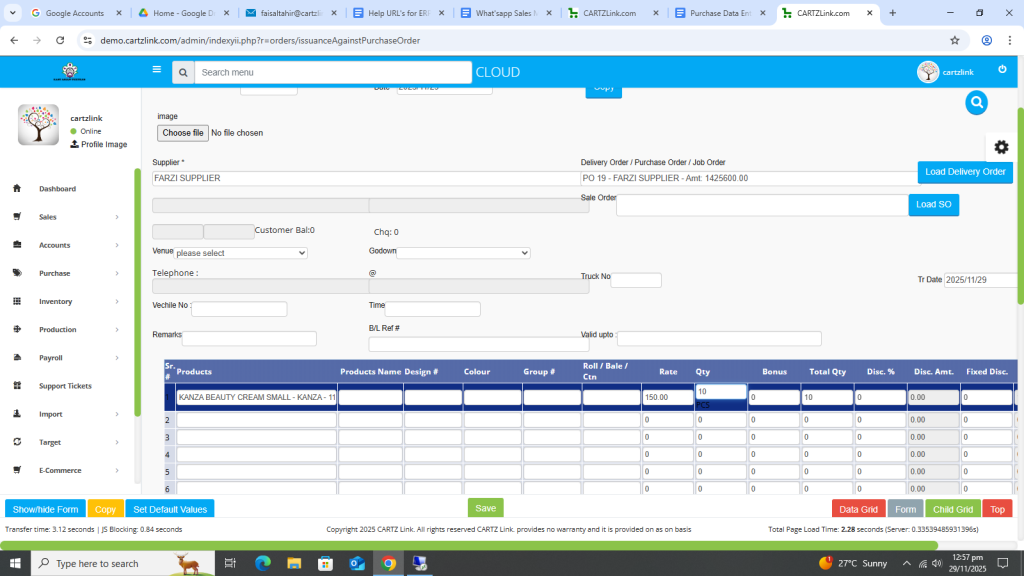
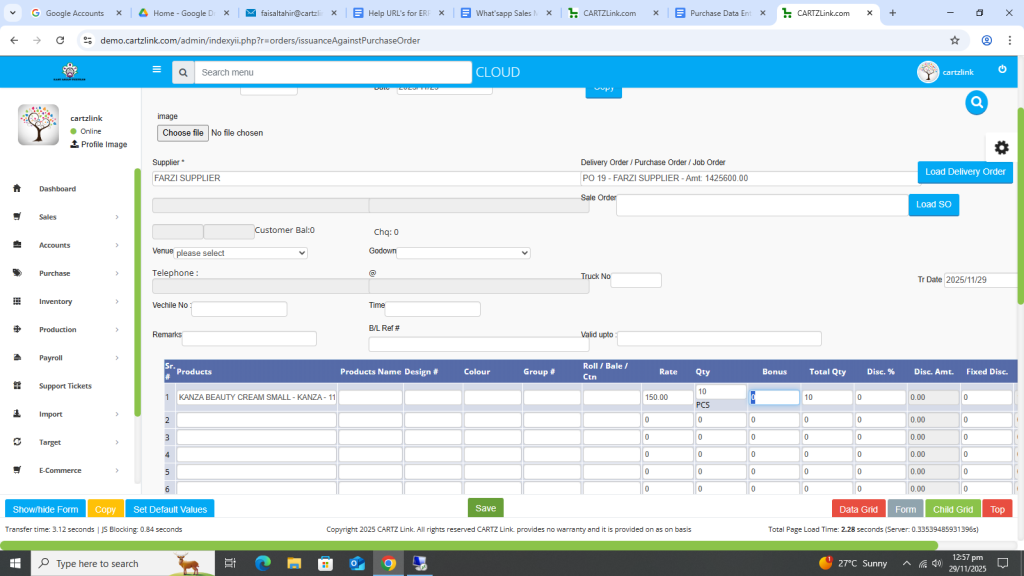
Once all required information is completed, click on the Green Save button at the bottom.
Your record has been Saved.
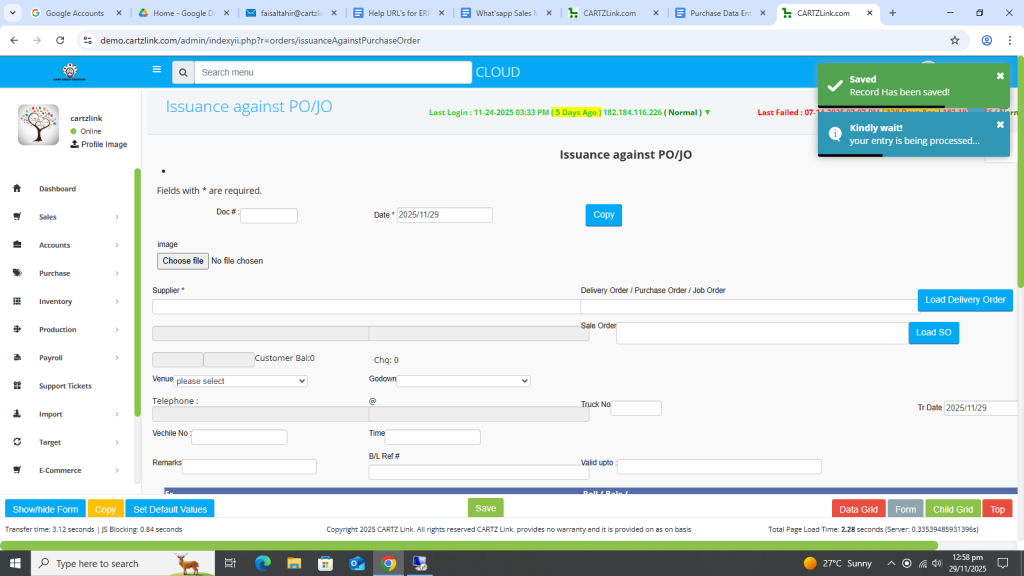
You may update the record by clicking on the update button against this entry.
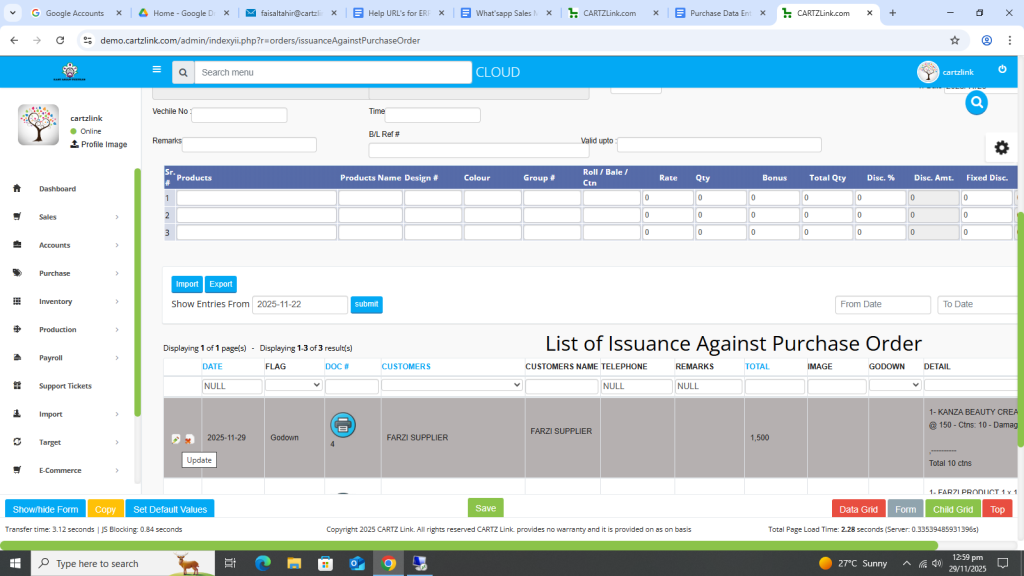
Various printing options are also available. Click on the Printer Icon against this entry.
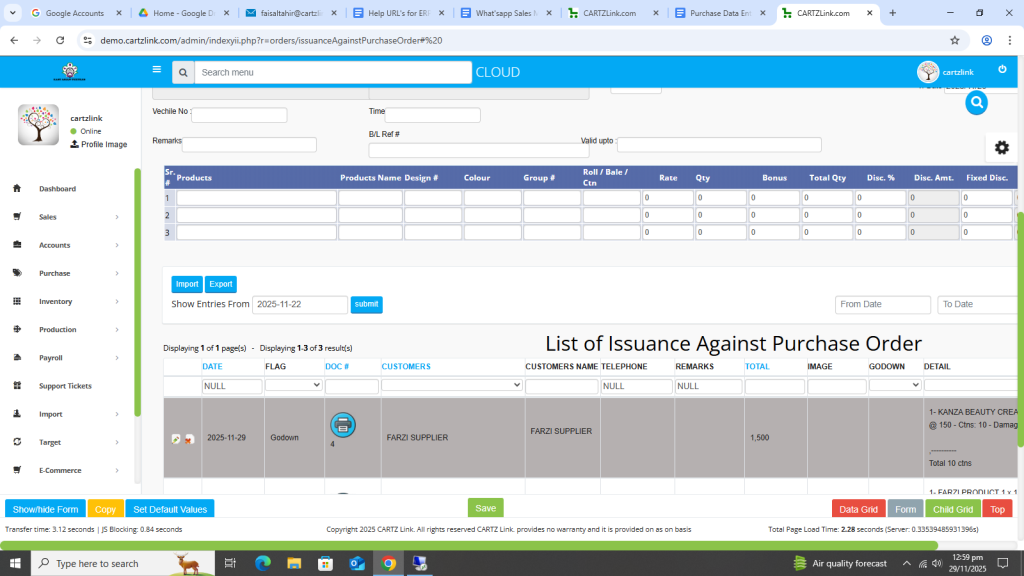
Now click on Print Delivery Challan with Rates.
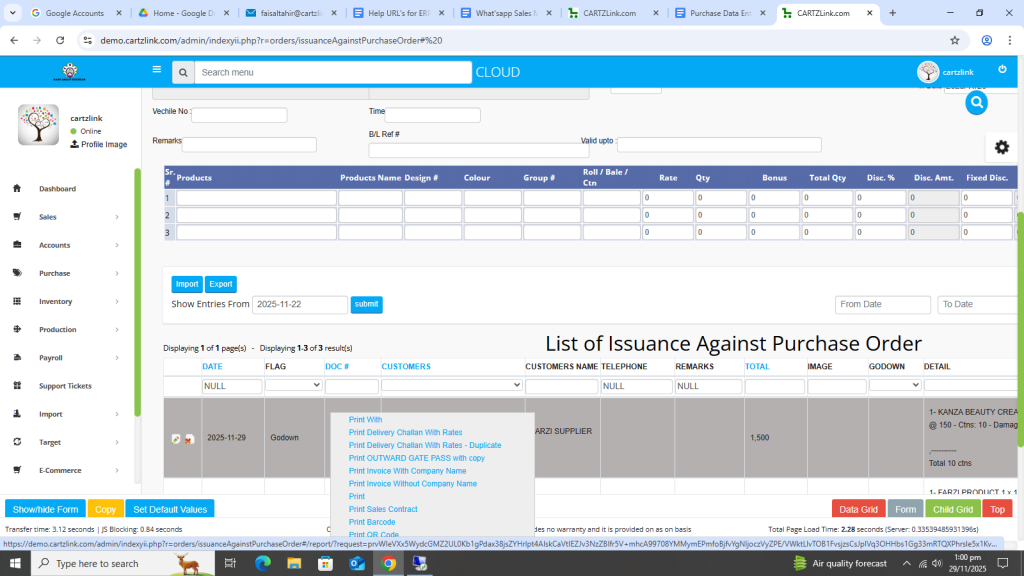
Another window will open with Print / Save options available.