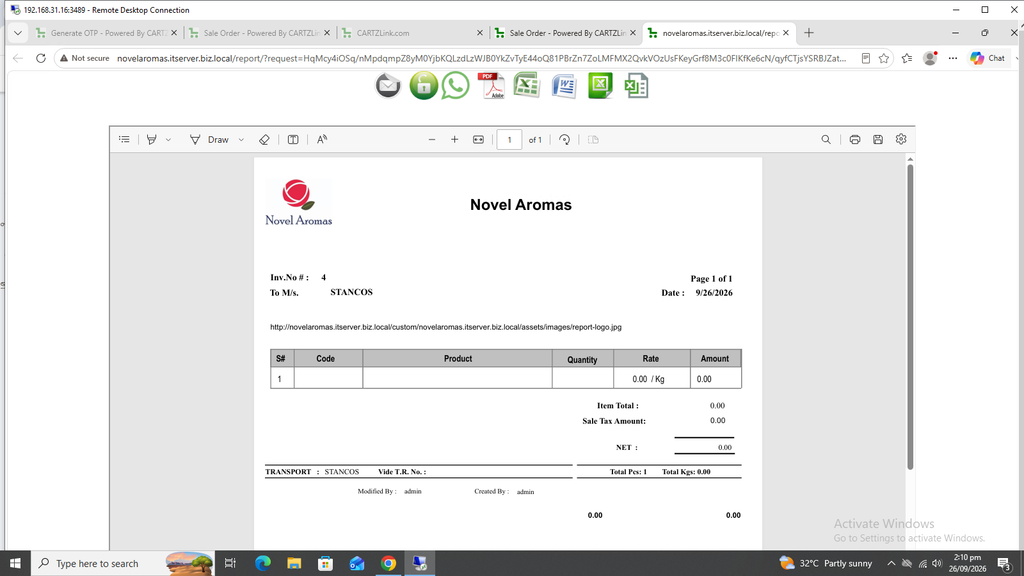
Sales Order:
A Sales Order is a document generated by a seller for its internal use in processing a customer order. The sales order confirms the terms of a transaction between a buyer and seller.
First click on Sales, then click on Transactions and now click on Sales Order.
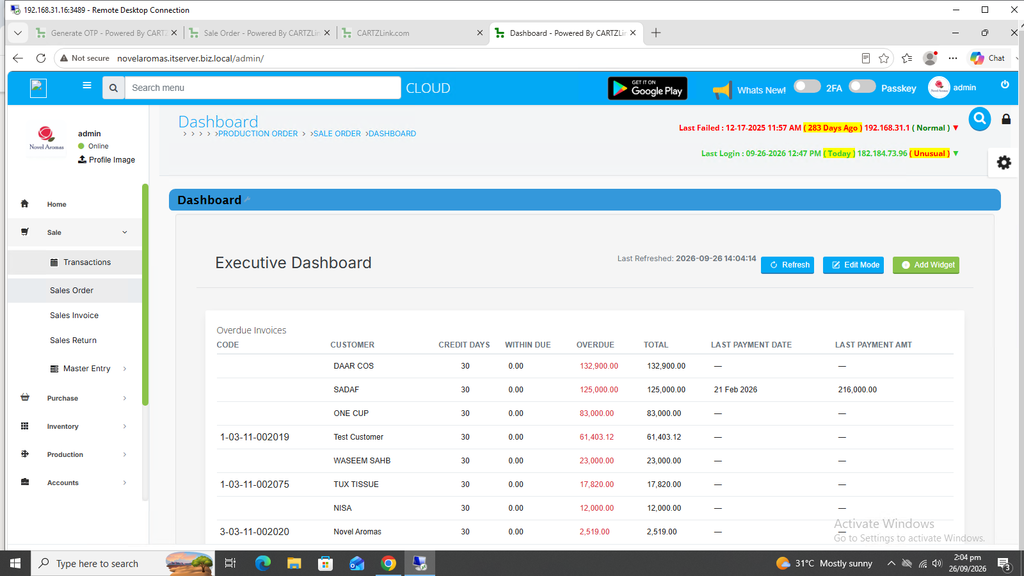
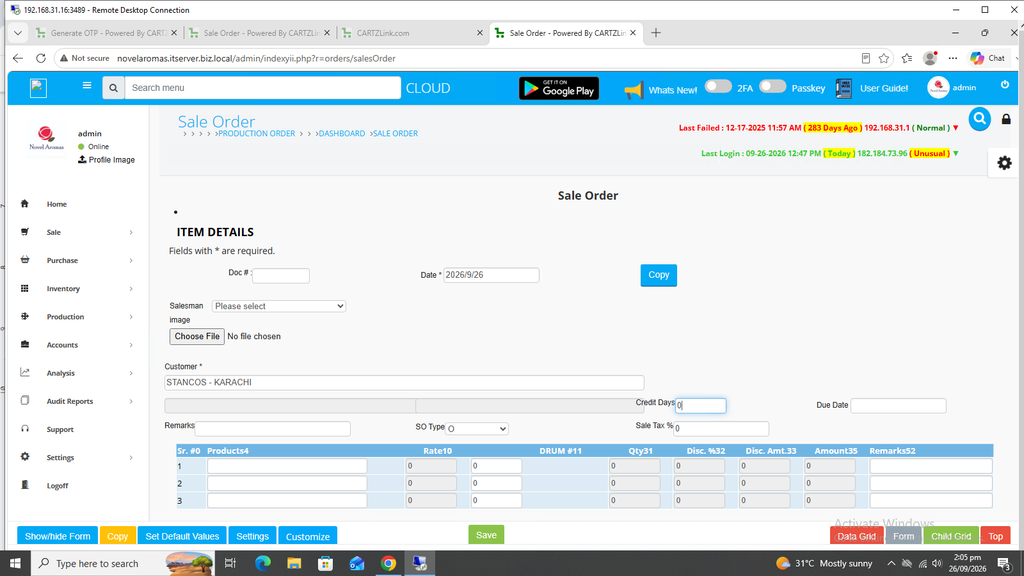
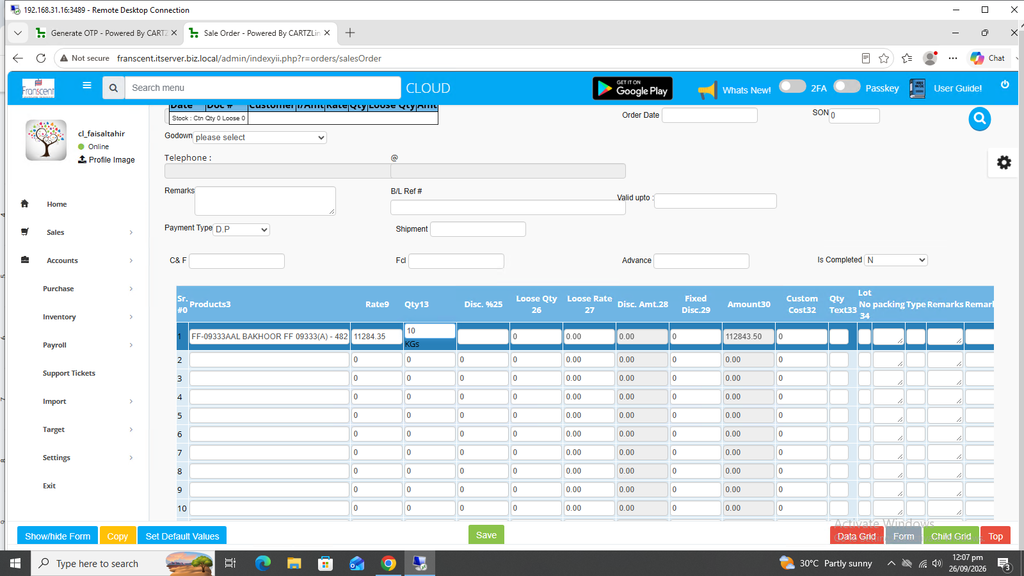
The following page will open as shown in the screen shot below.
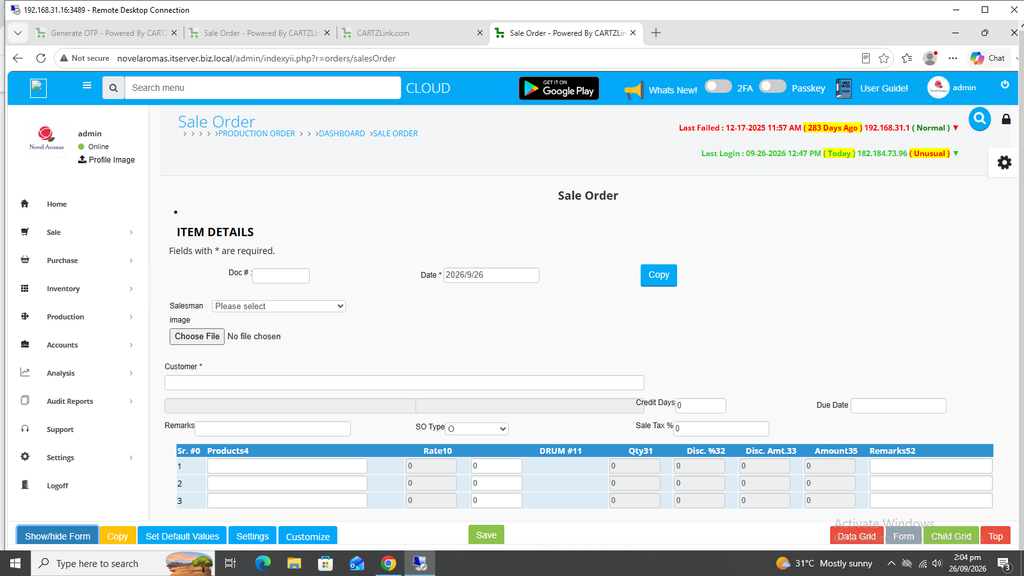
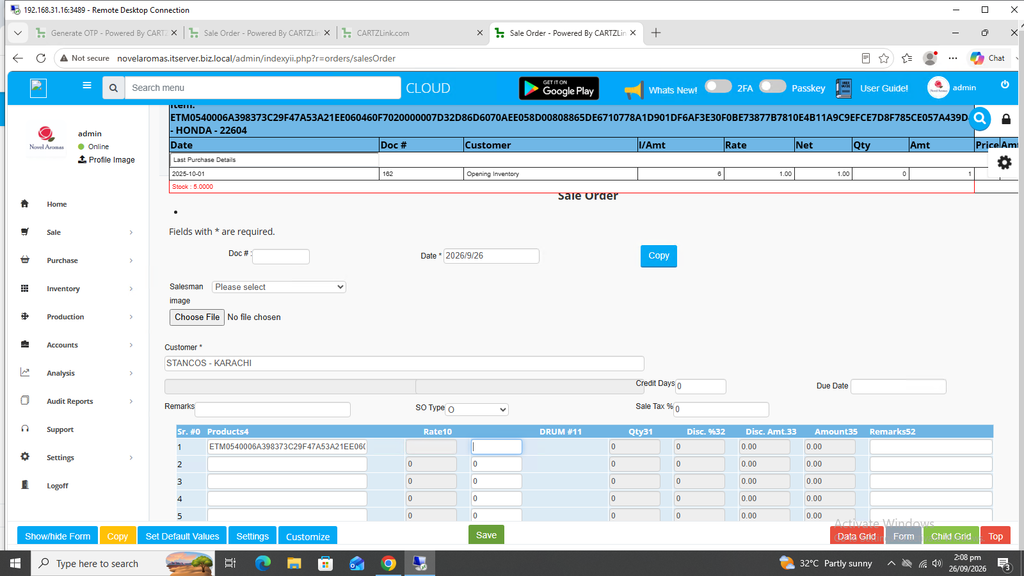
First select the customer.
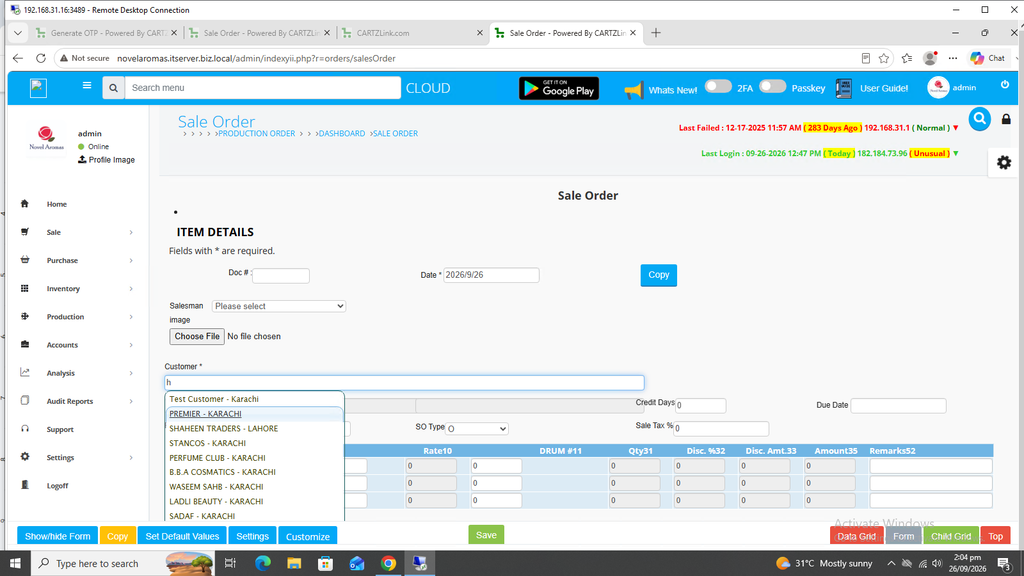
You may enter Credit Days.
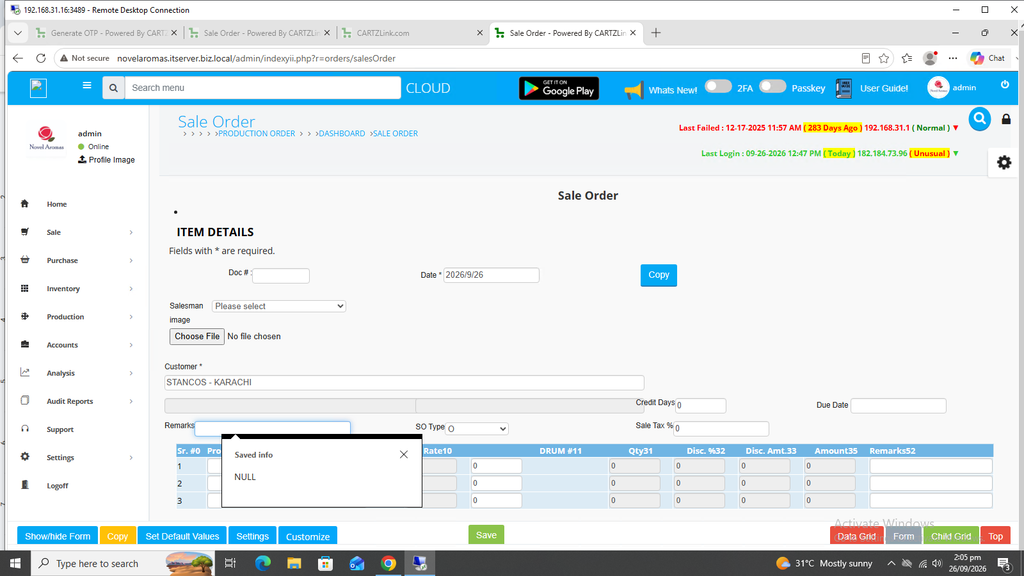
Also remarks can be added.
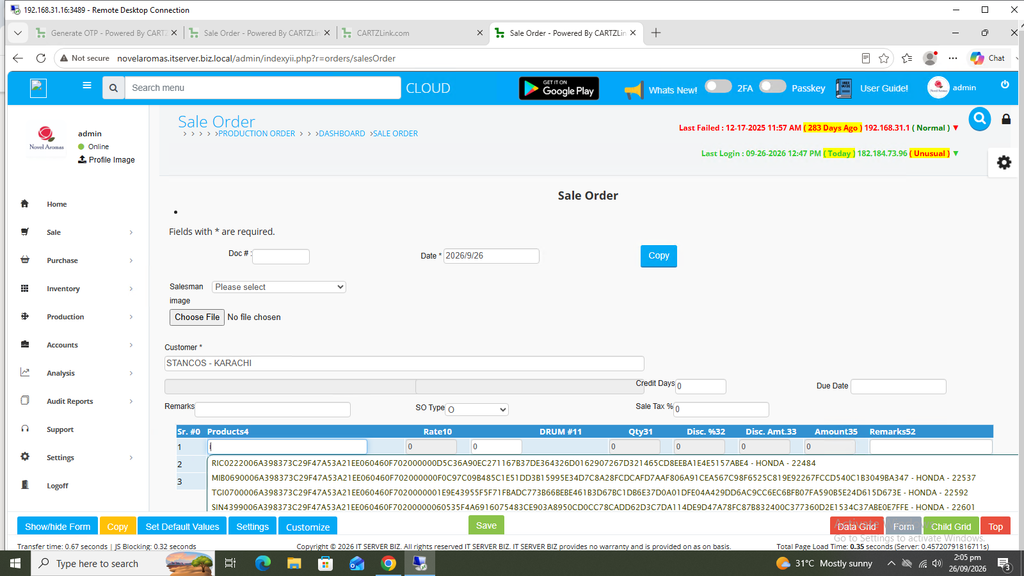
Now select the product.
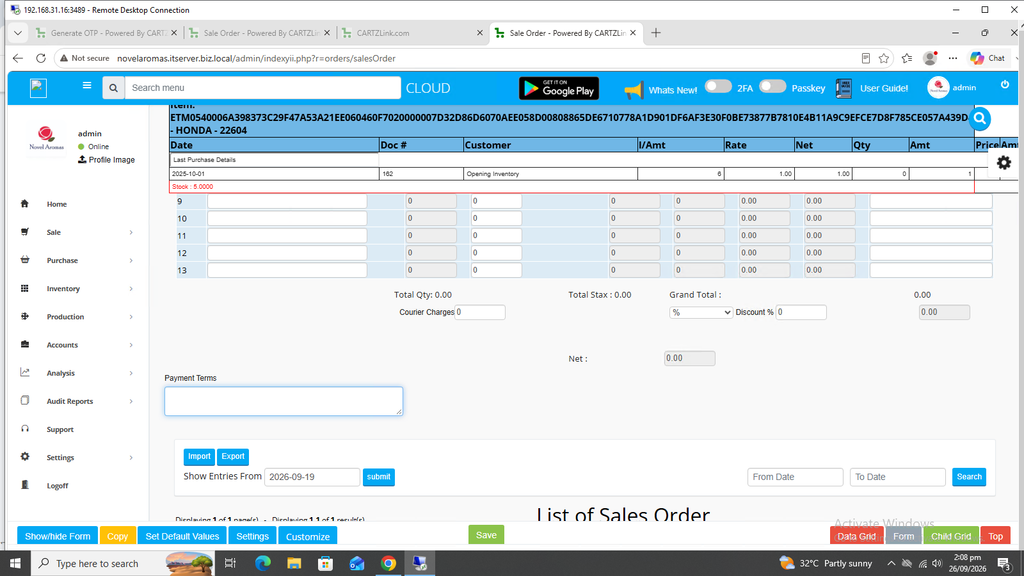
Once selected, the current stock for the product will appear on top.
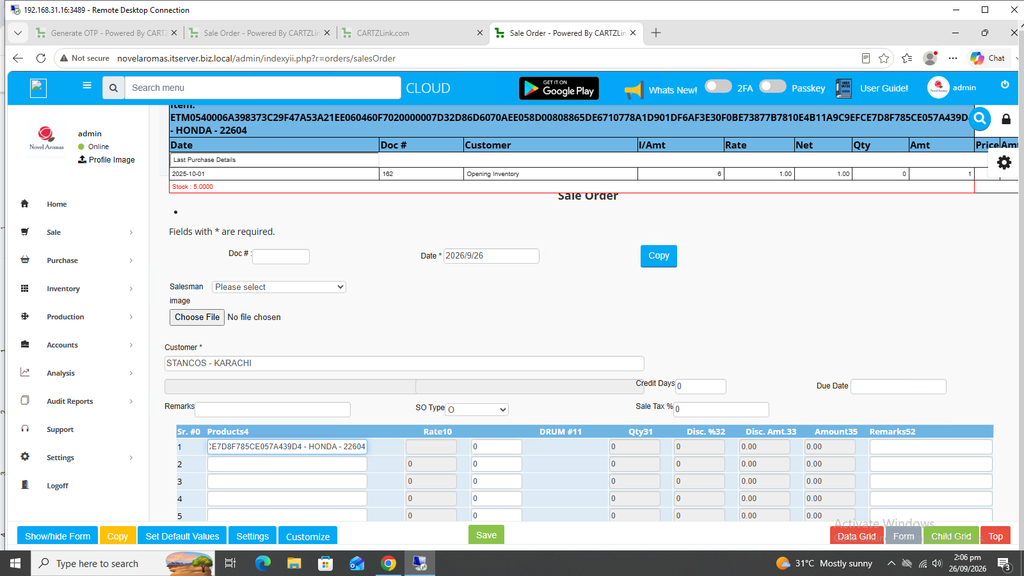
Enter the quantity.
You may enter Payment Terms also.
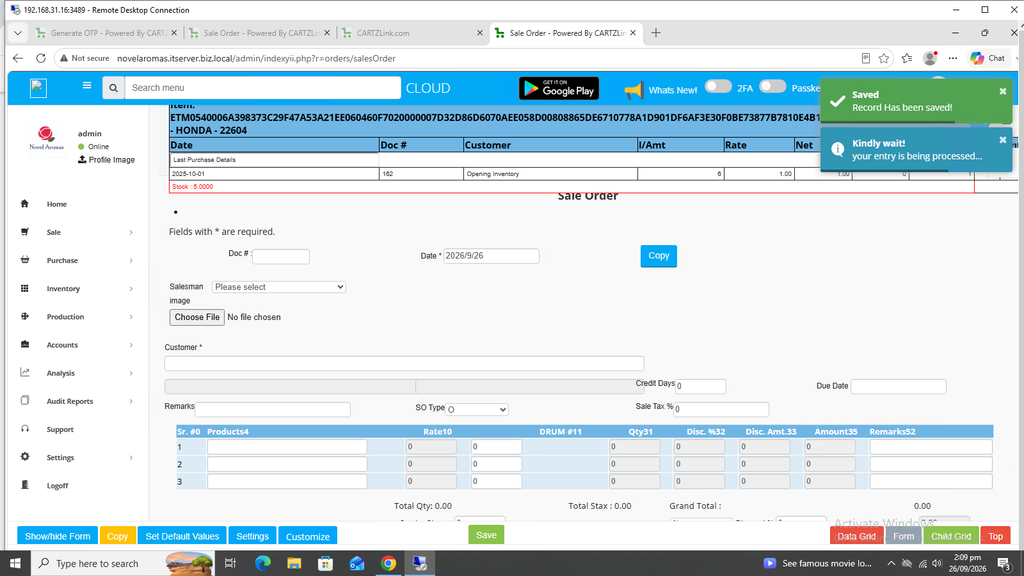
Once all information is completed, click on the Green Save button at the bottom.
Your Sales Order has been created and Saved.
This Sales Order can be edited by clicking on the update button against this record.
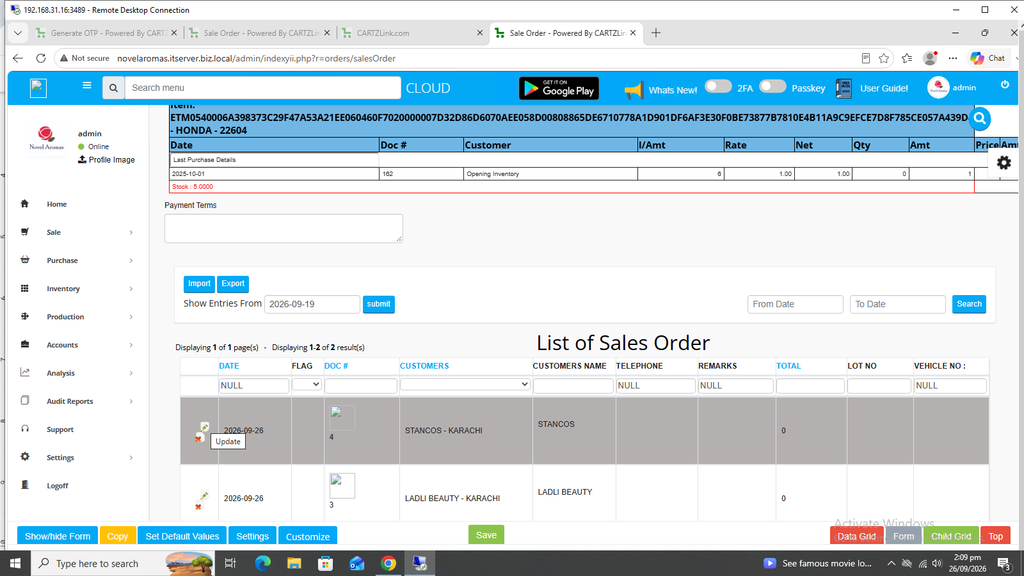
Also click on Print Invoice- Default..
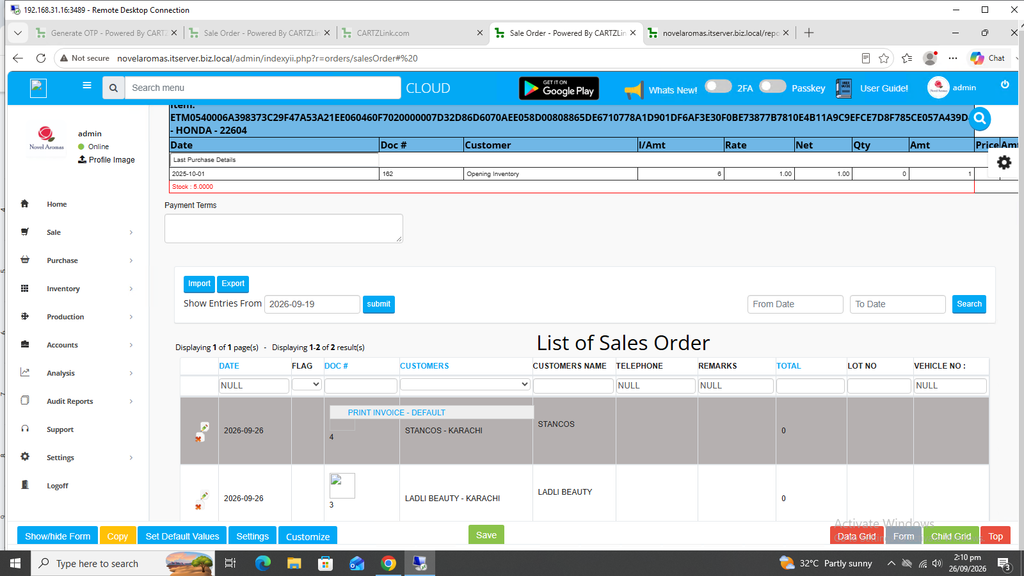
A New Window will open with Print / Save options against this Sales Order.