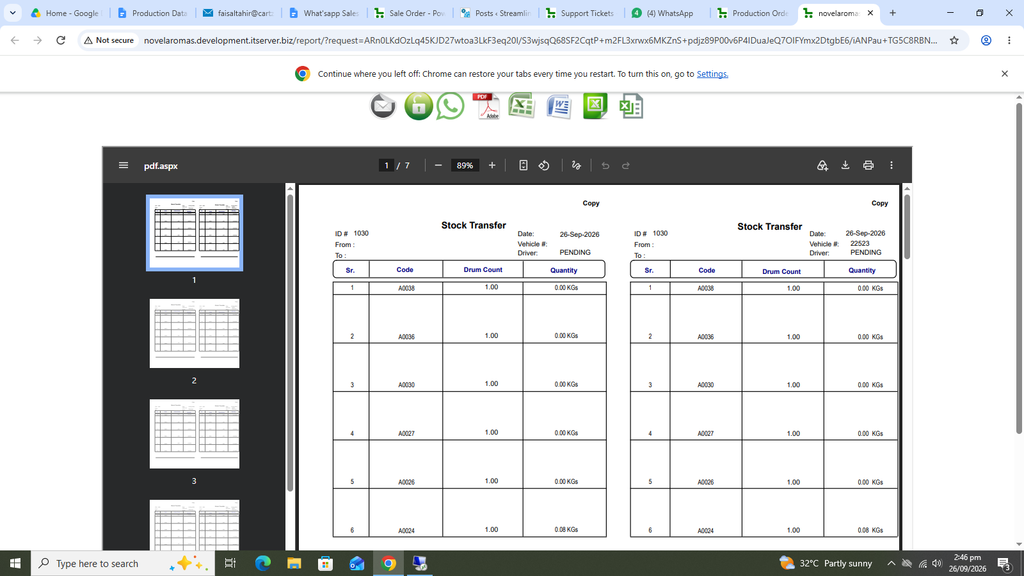
Production Order:
Through the Production Order, the information is sent to the Production Floor to start the production for a particular job.
First click on Production, then click on Data Entry and then click on Production Order.
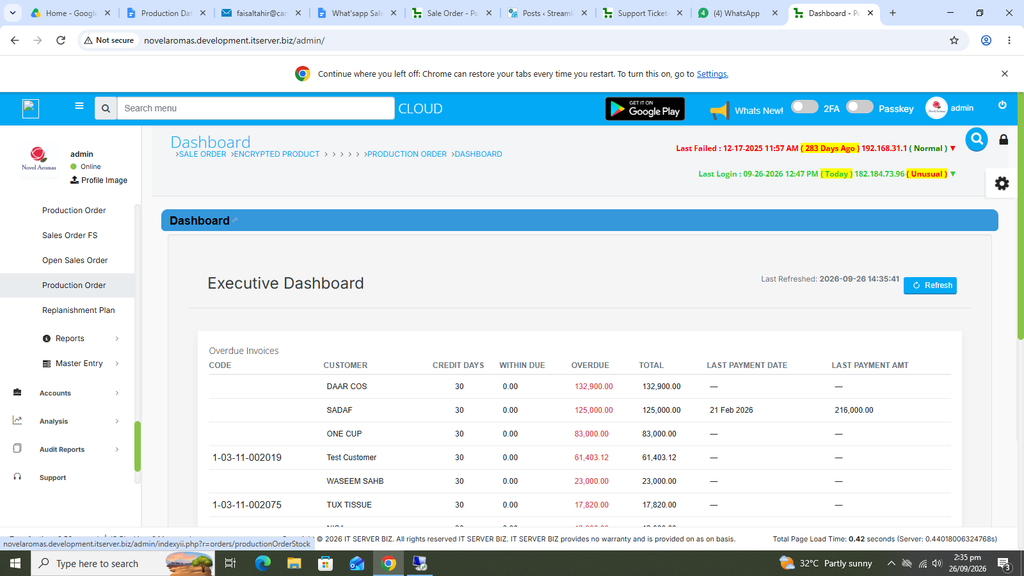
The following page will open as shown in the screen shot below.
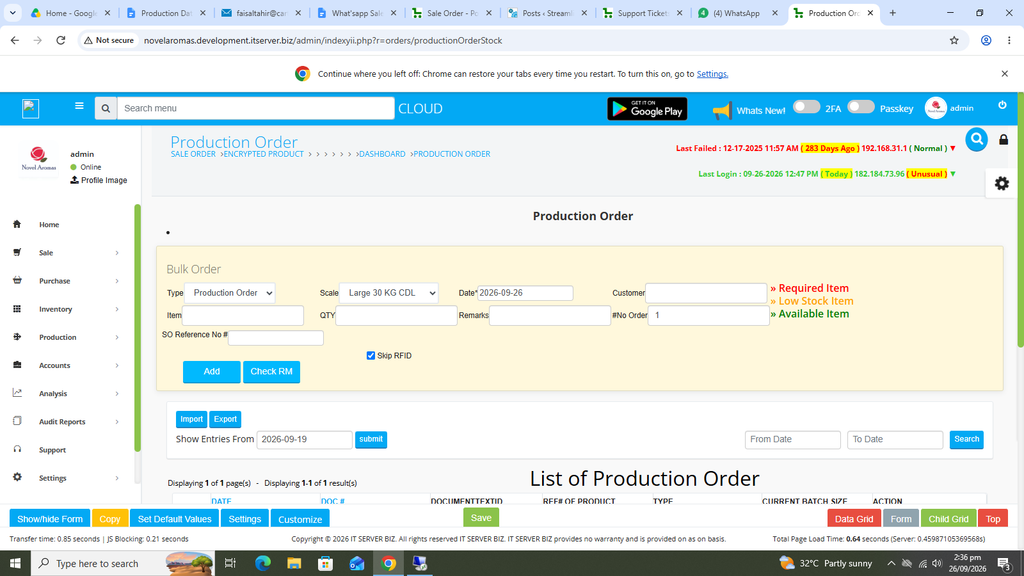
First select the product.
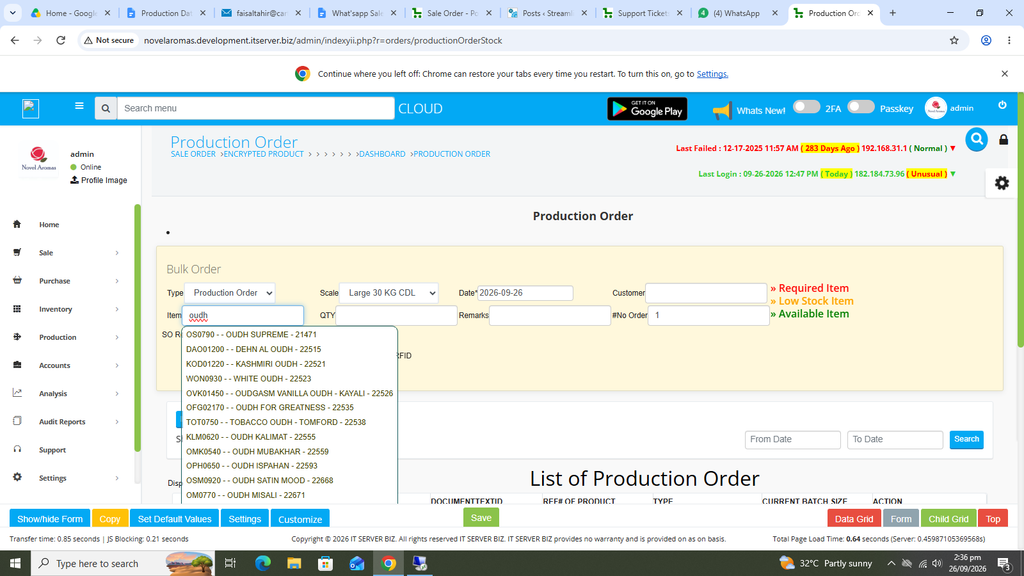
Once a product is selected, QTY will appear automatically.
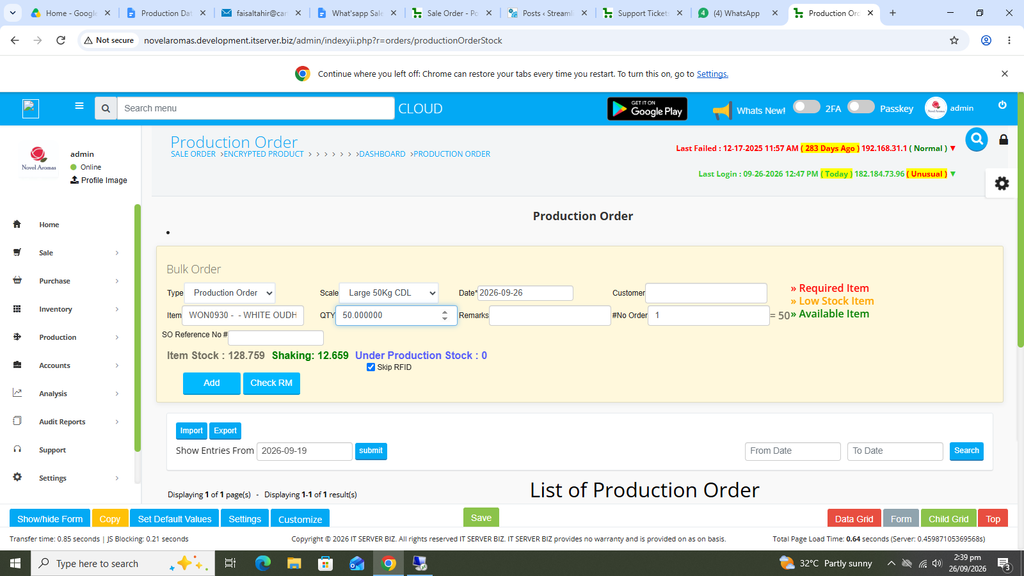
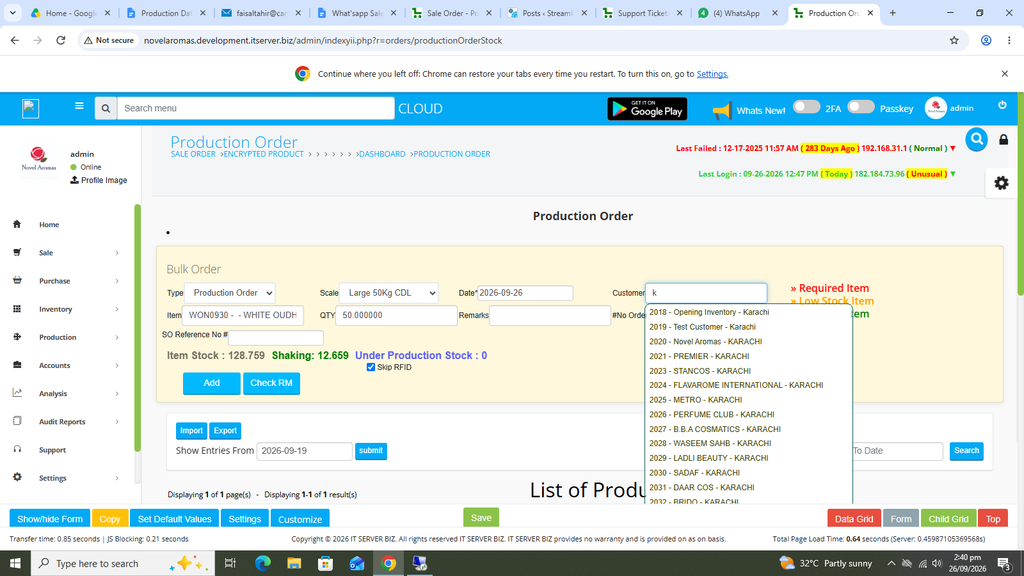
Select the customer.
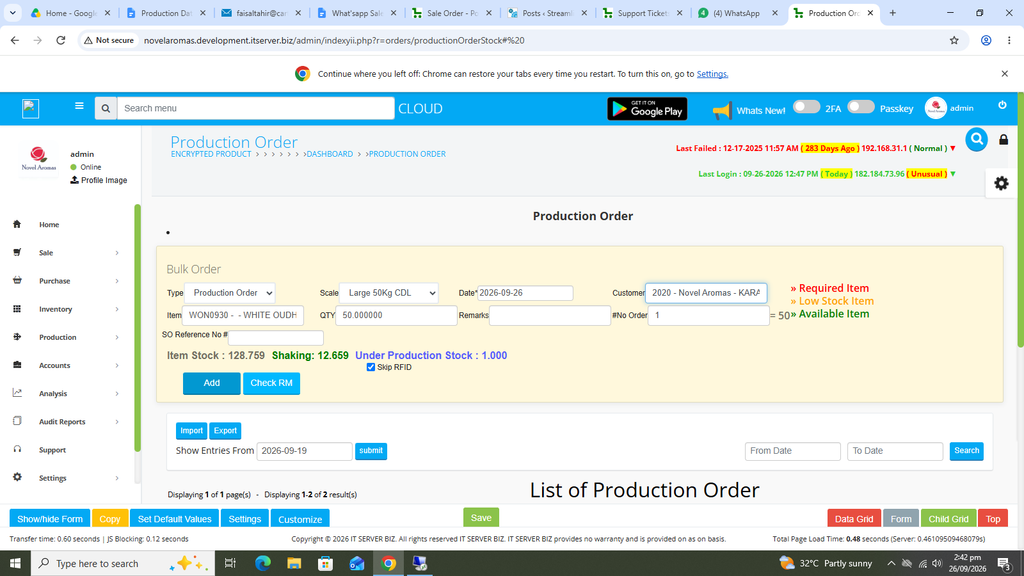
Once all information is completed, click on the BLUE add button at the Left.
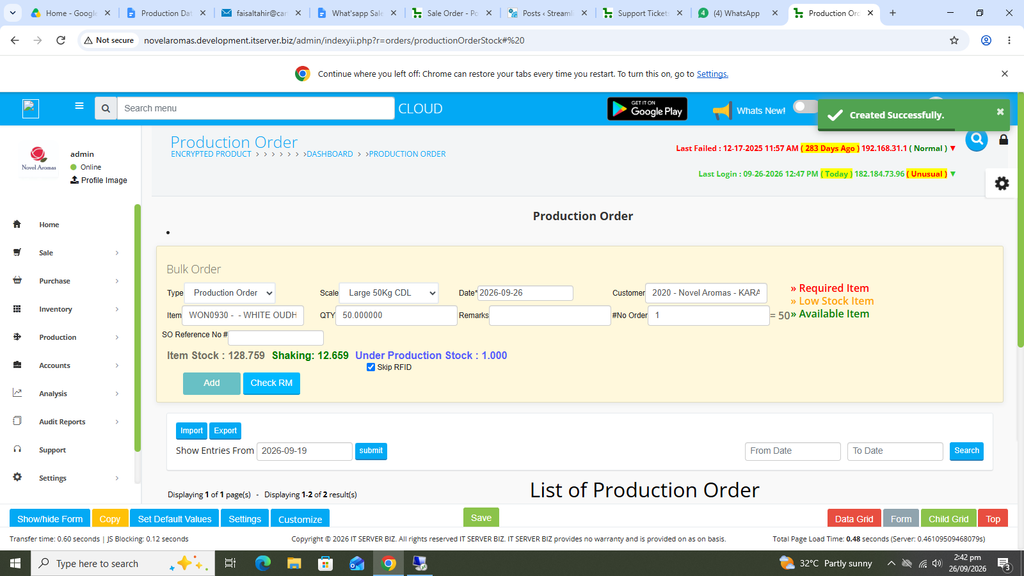
Your Production Order has been created and Saved successfully and has been transferred to the Production Floor.
Various printing options are also available.
Print Production Order Sort by Alpha.
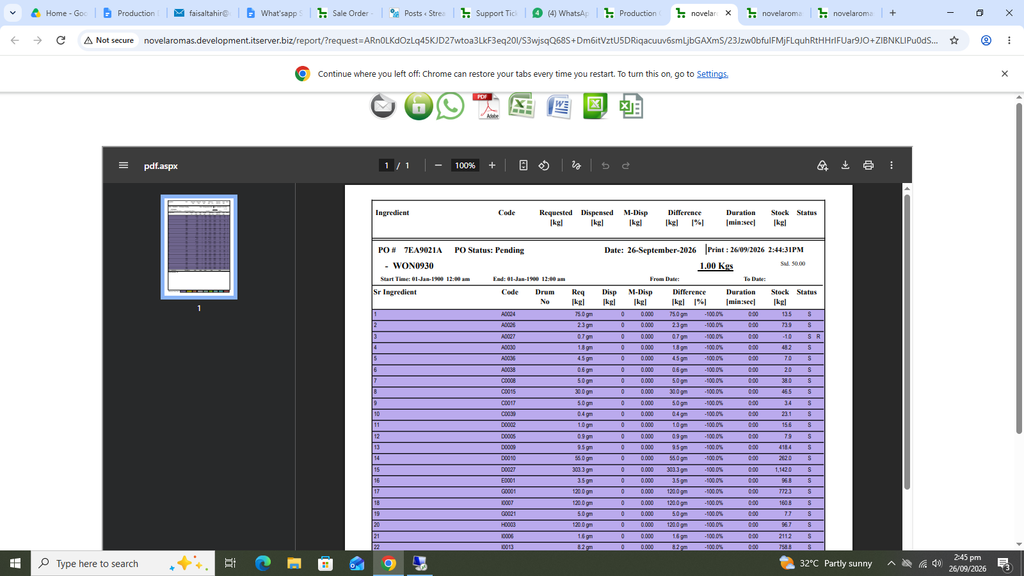
Print Sales Order.
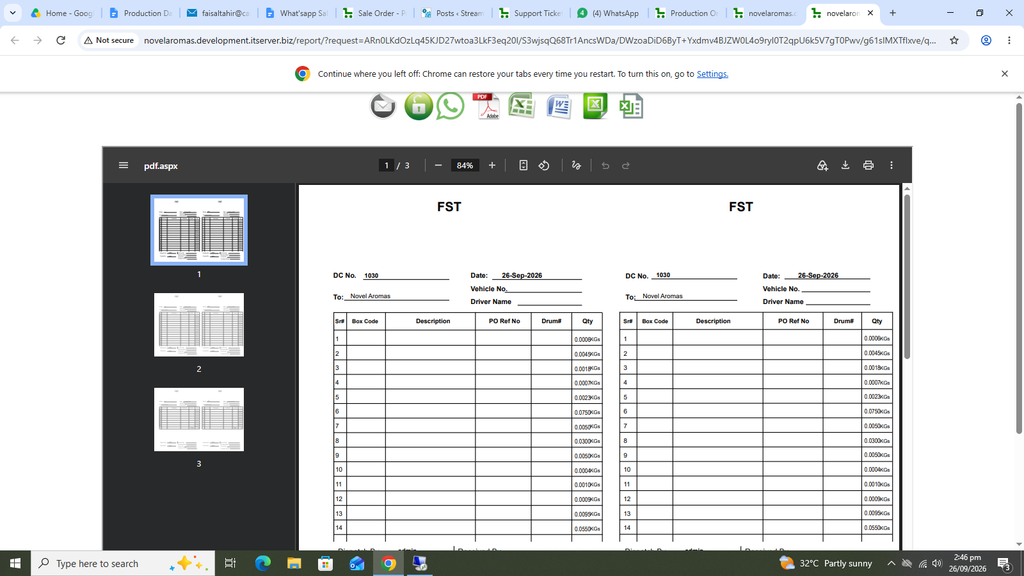
Print Stock Transfer.