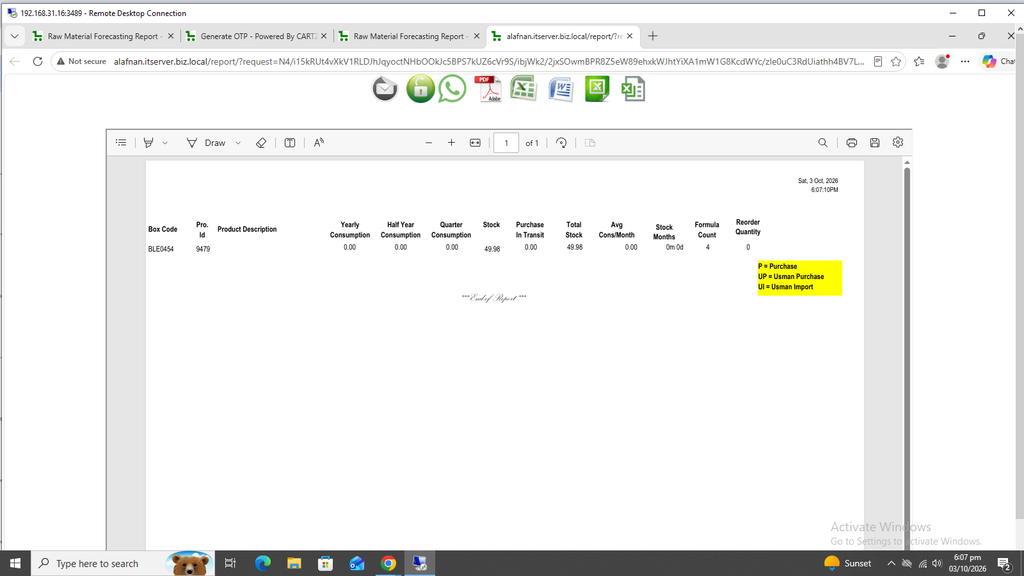
Raw Material Forecasting Report:
This report is very useful as it forecasts and predicts how much raw material should be required and needed for future months.
First click on Production. Now click on Reports and then click on Raw Material Forecasting Report.
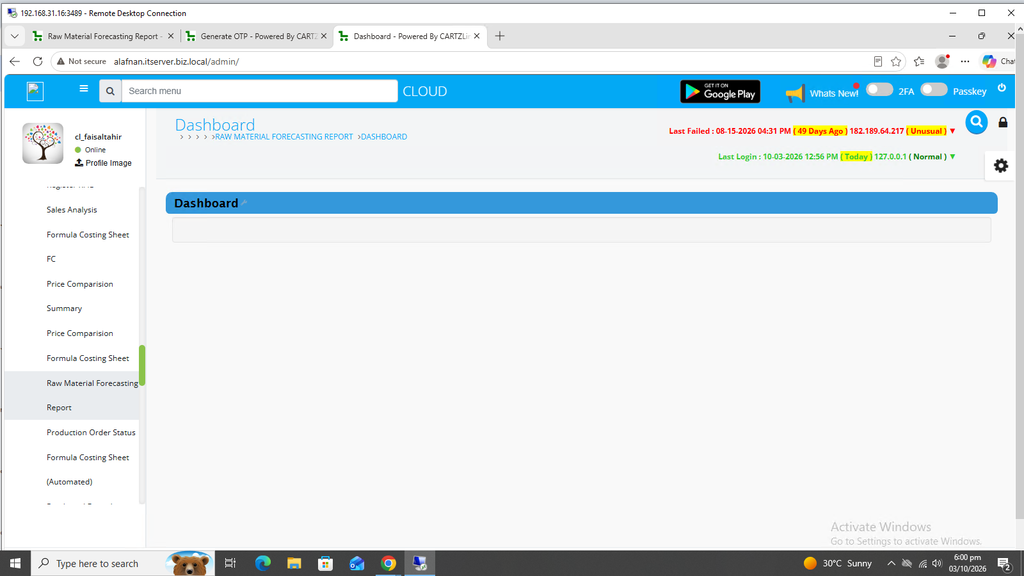
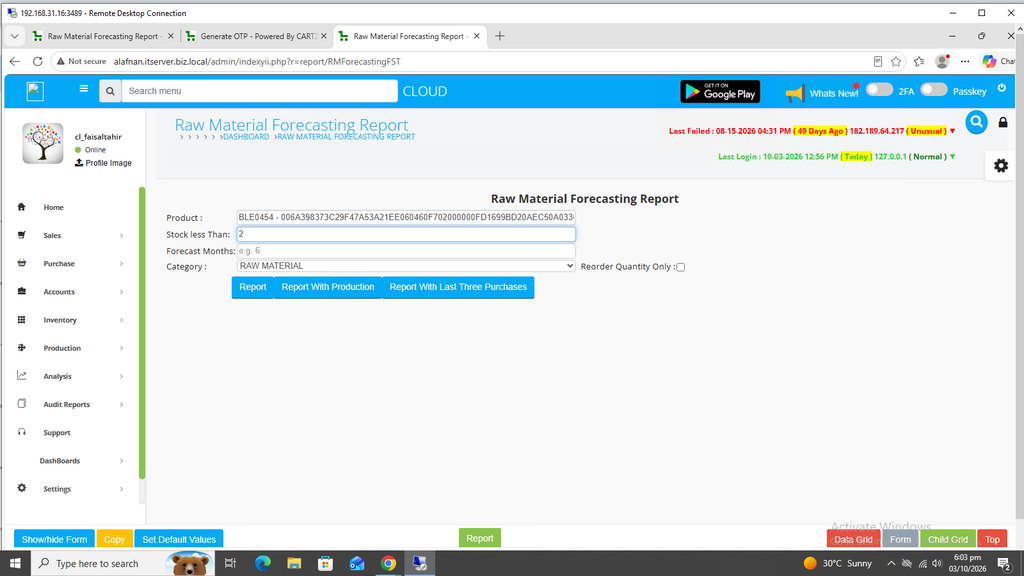
The following page will open as shown in the screenshot below.
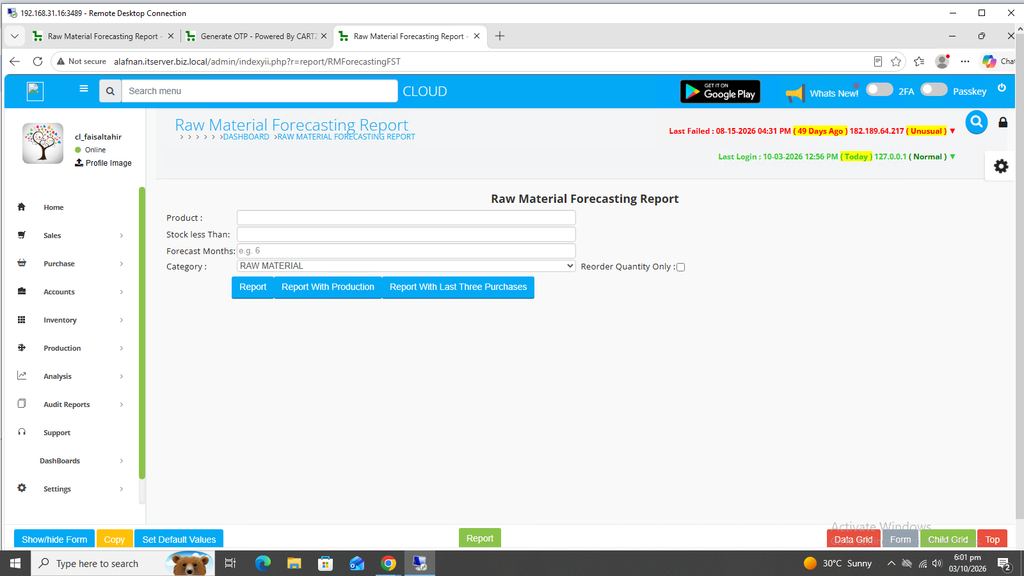
Select the product / raw material for which the forecasting is required.
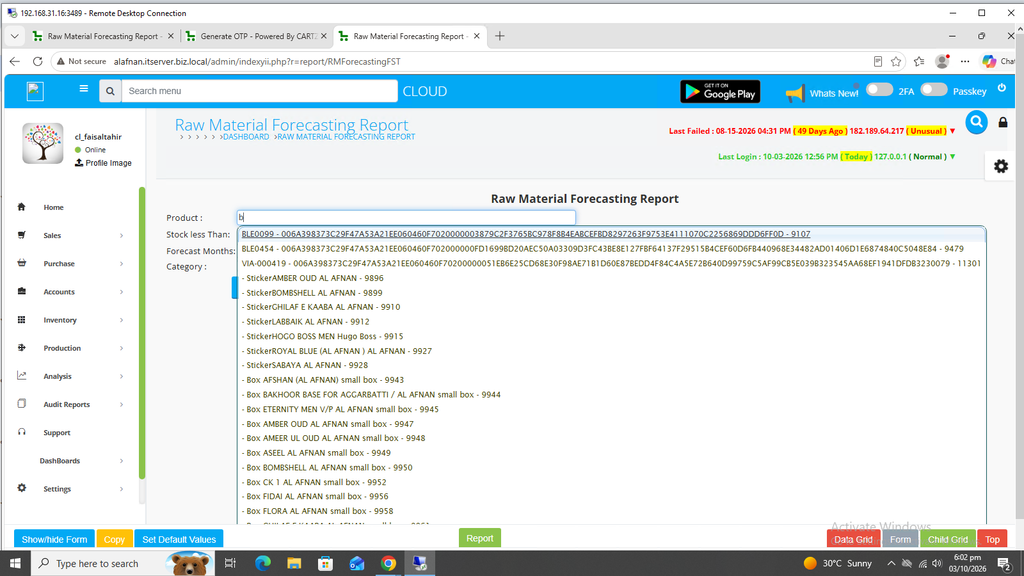
Now enter Stock Less Than Quantity.
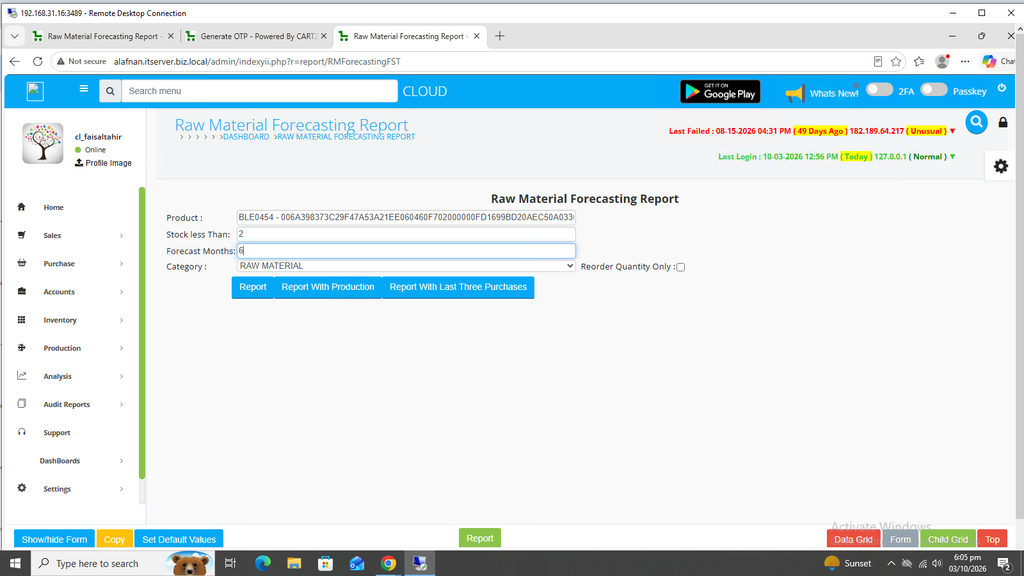
Enter the Forecasting Month(s) i.e. how many months forecast is required for this product.
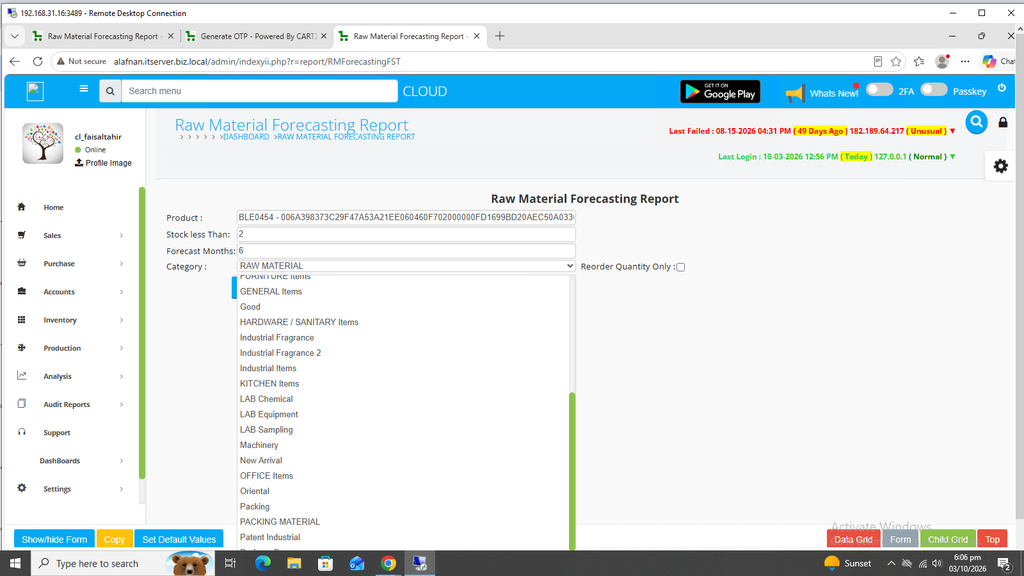
Category selection option is also available.
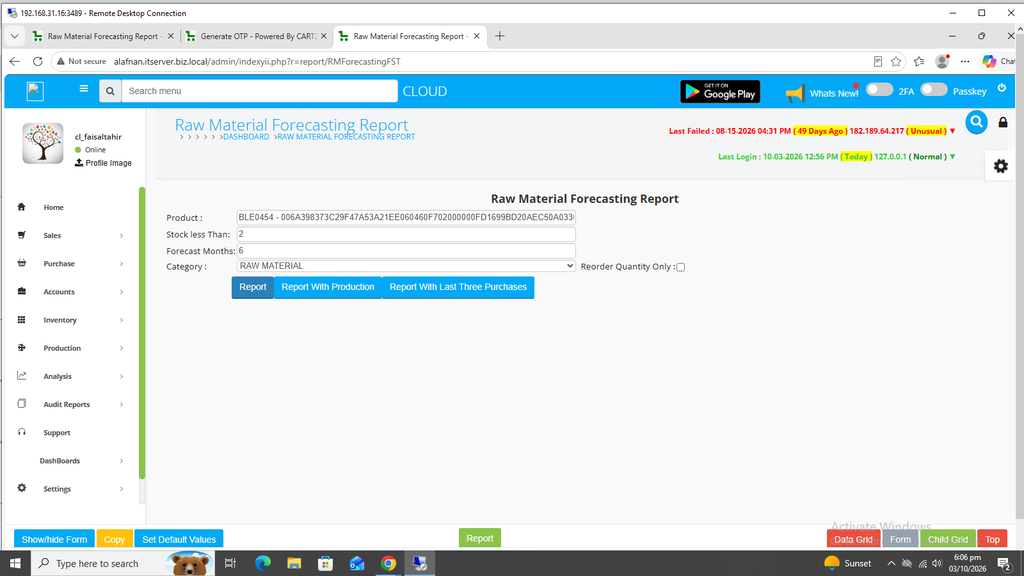
Once all information has been completed, click on the Blue Report button.
Your desired Forecasting Report will open in a new window with Print / Save options.