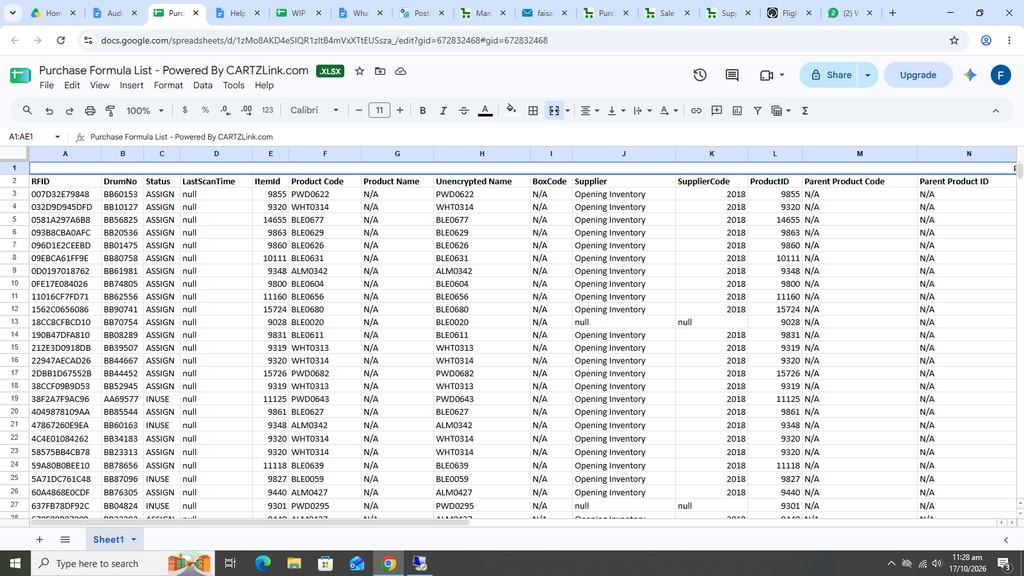
Purchase Formula List:
This report is useful in informing about the purchased items during a particular tenure or time period..
First click on Audit Reports and then click on Purchase List.
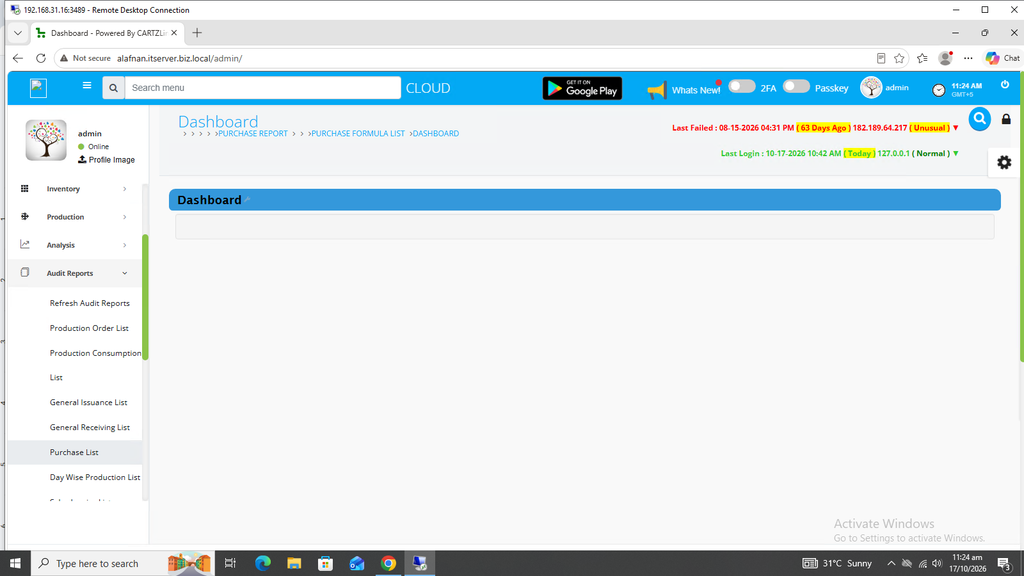
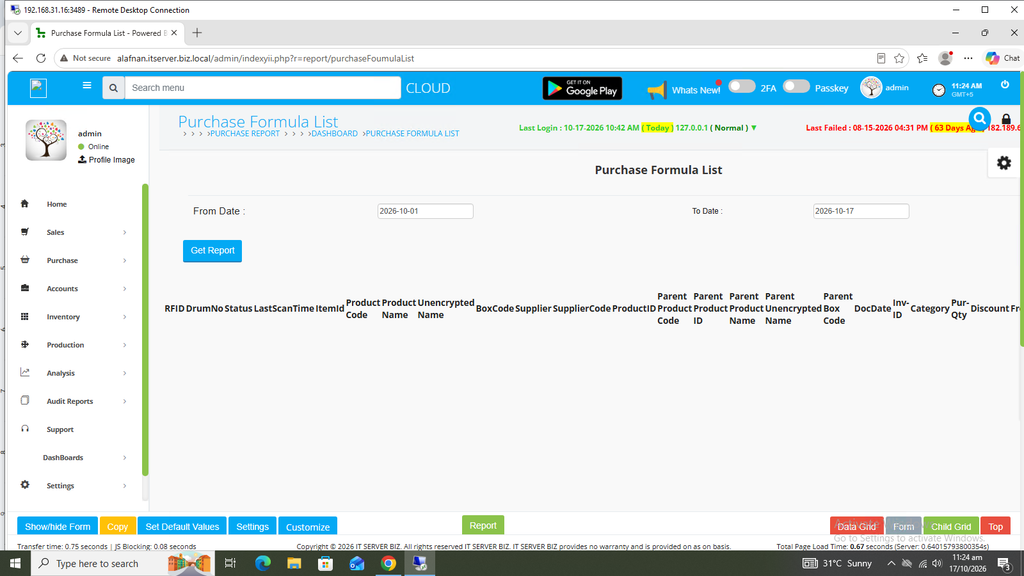
The following page will open as shown in the screen shot below.
First select the From Date.
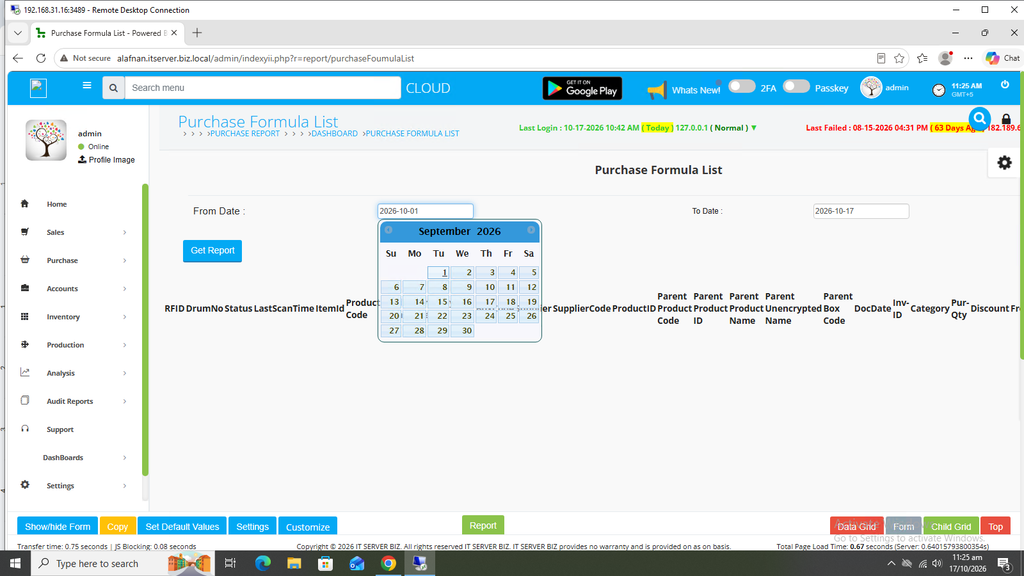
Now select the To Date.
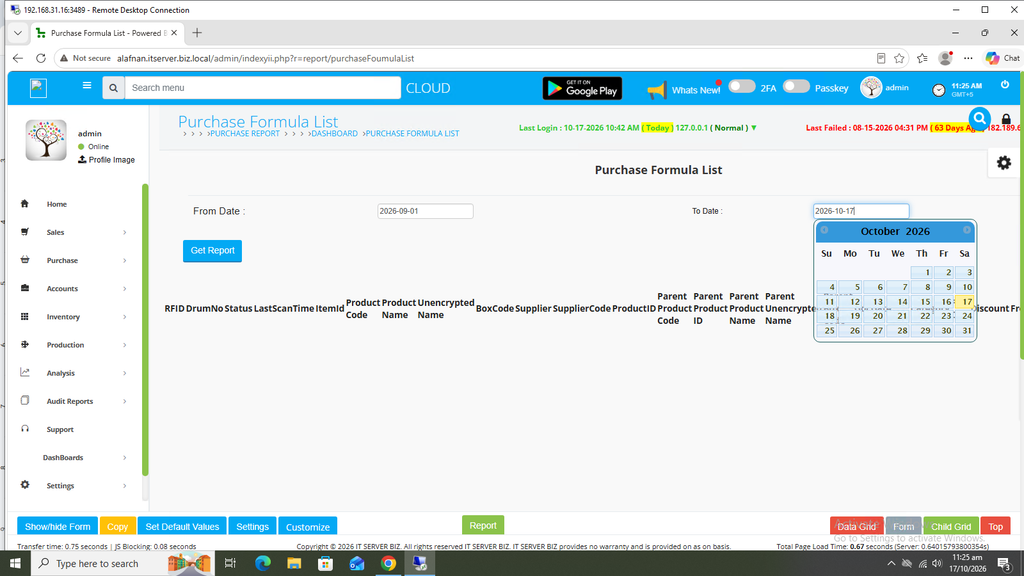
Once the date has been selected, click on the BLUE GET REPORT button at the left.
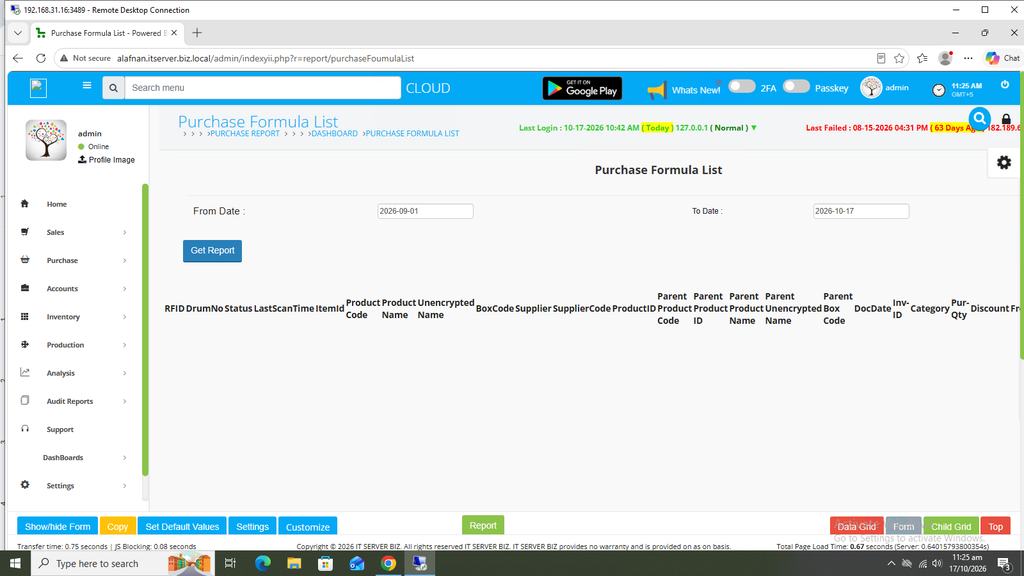
The desired report’s details will be shown accordingly on the same screen.
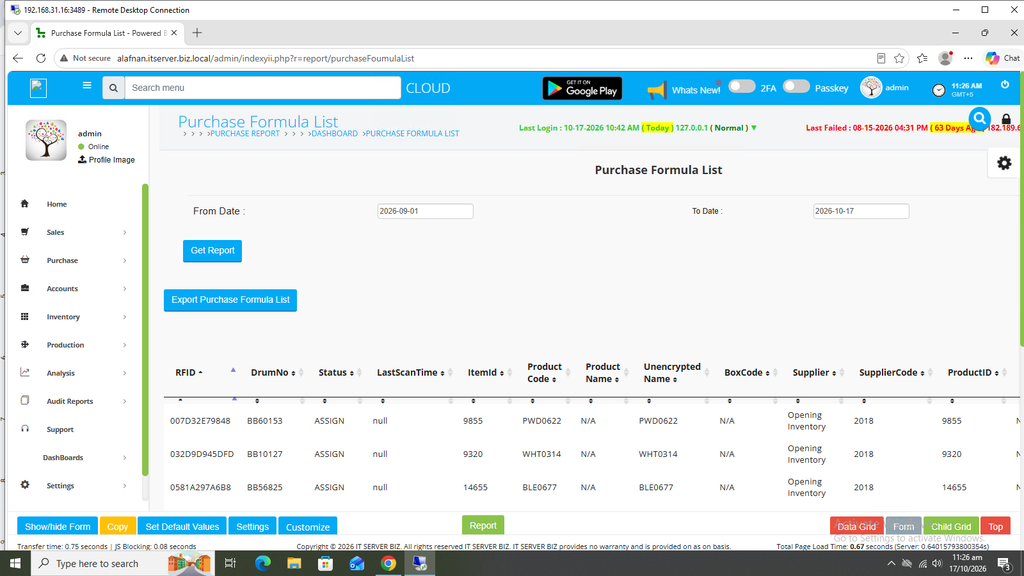
You can export this report also. Click on Export Purchase Formula List Blue Button on left.
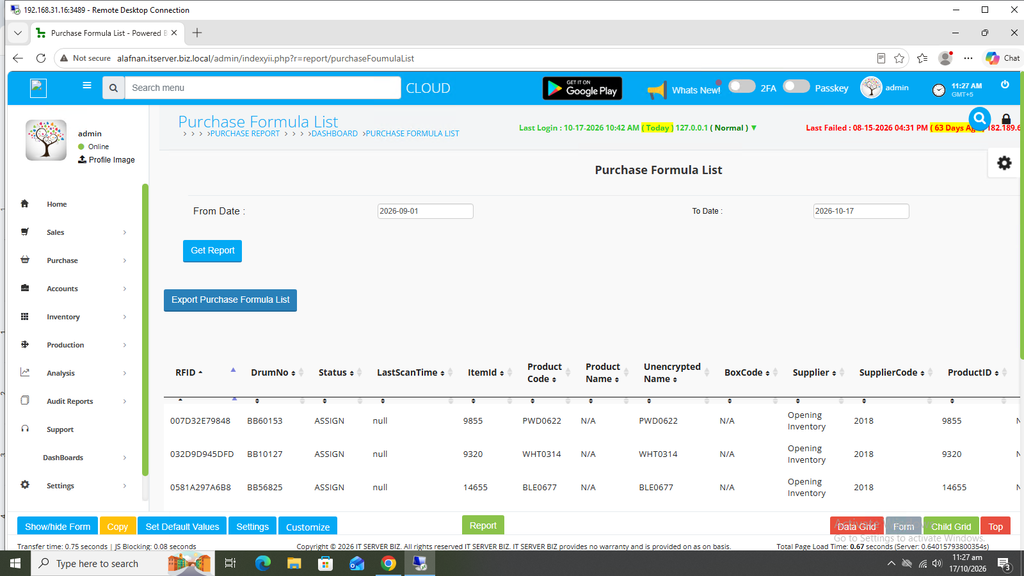
Your report has been downloaded.
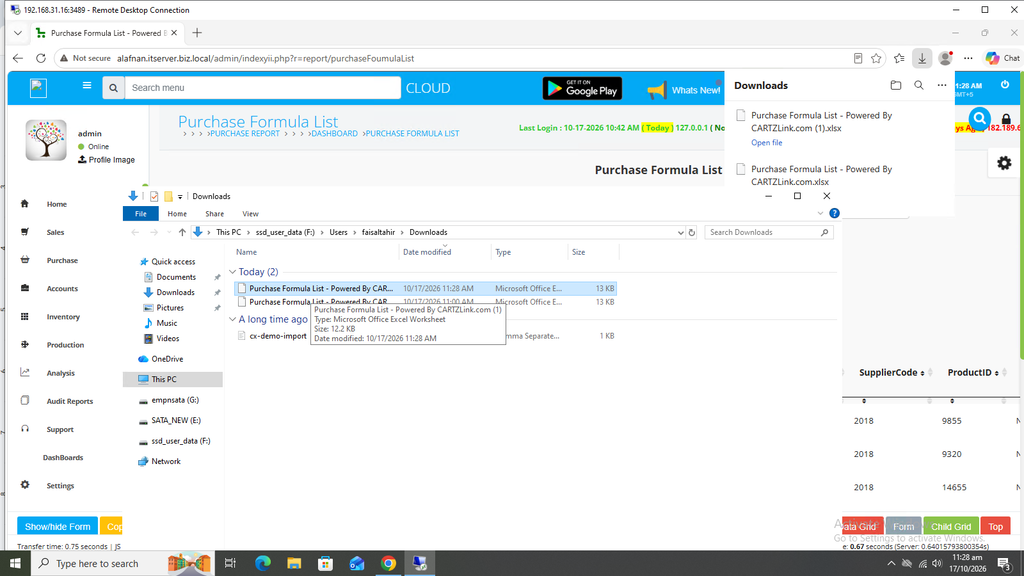
You may click and open the Report accordingly.