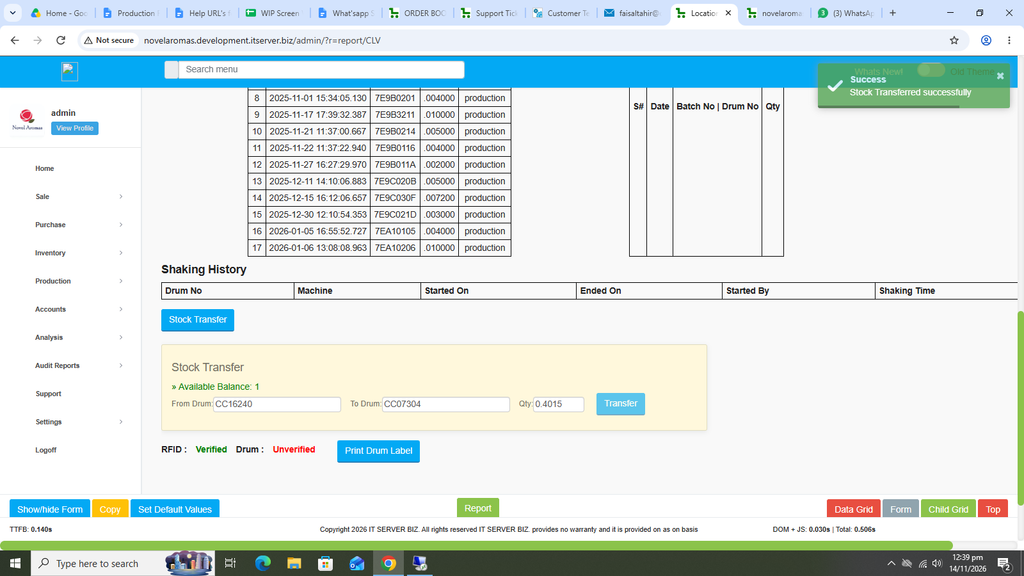
Location View Report:
This report is very useful as it helps in identifying the current location of the drum. Also a very important feature of this report is to help in Stock Transfer which usually happens from Drum to Drum.
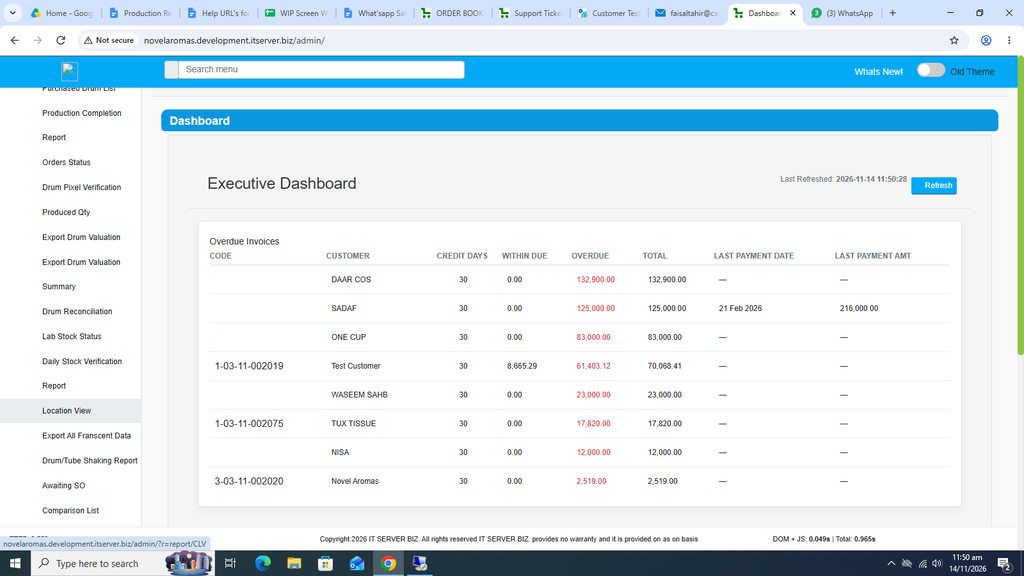
First click on Production. Now click on Reports and then click on Location View.
The following page will open as shown in the screenshot below.
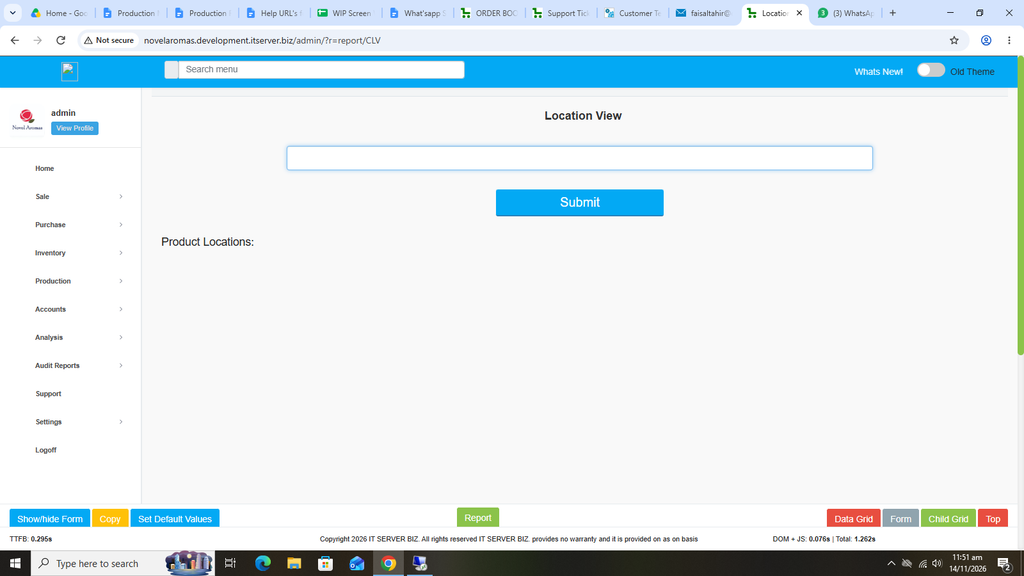
Enter the drum number.
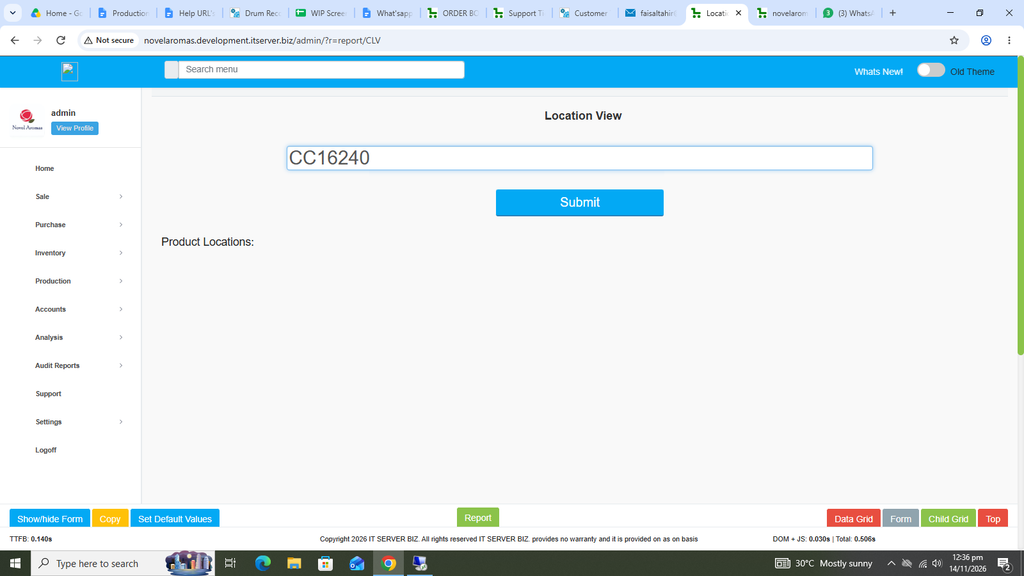
Now click on the Blue Submit button.
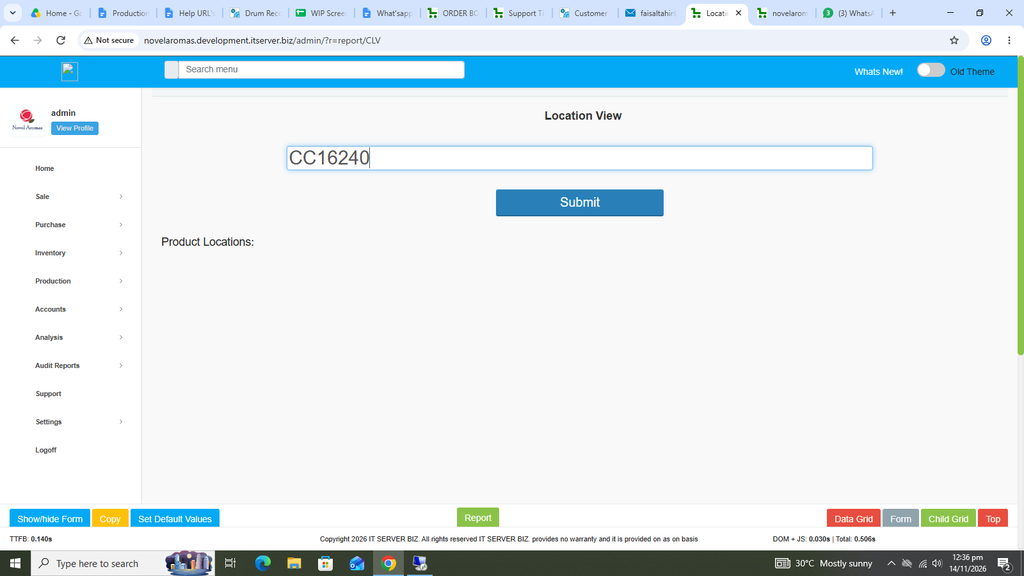
The details against the Drum will appear accordingly.
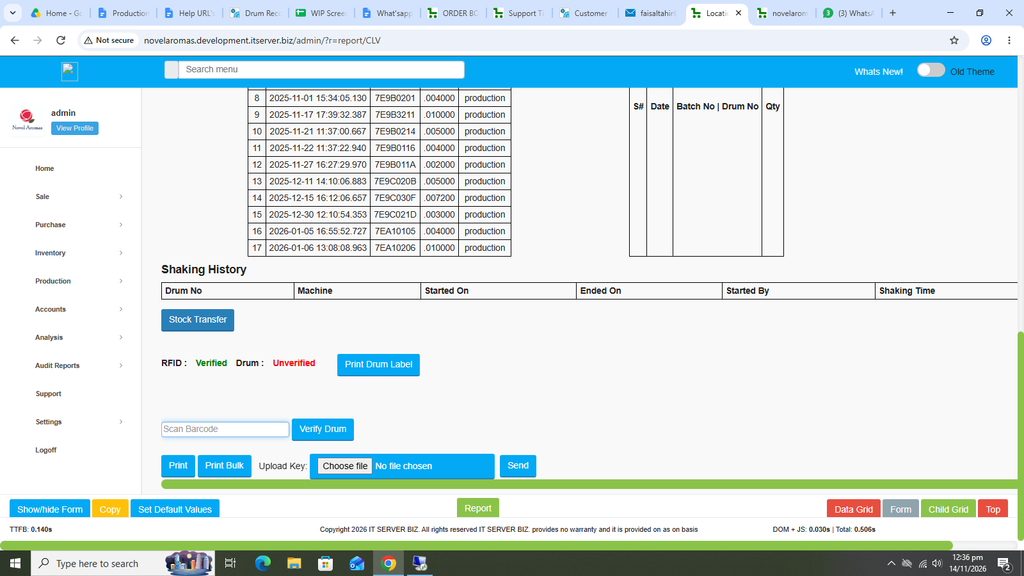
Here one of the important features is the Stock Transfer option.
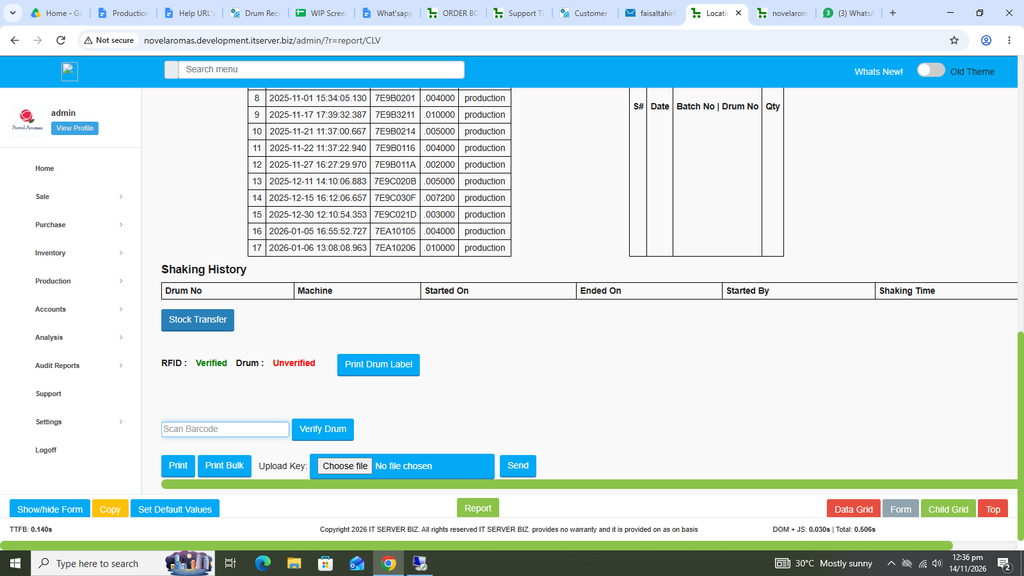
Click on the Blue Stock Transfer Button.
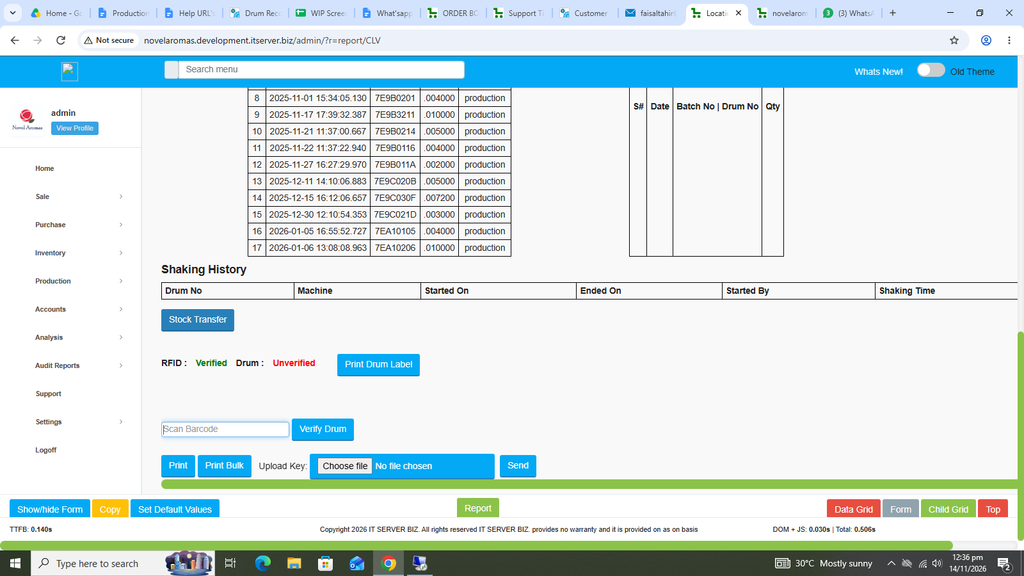
The available balance of current Drum number will appear automatically with the transfer option available.
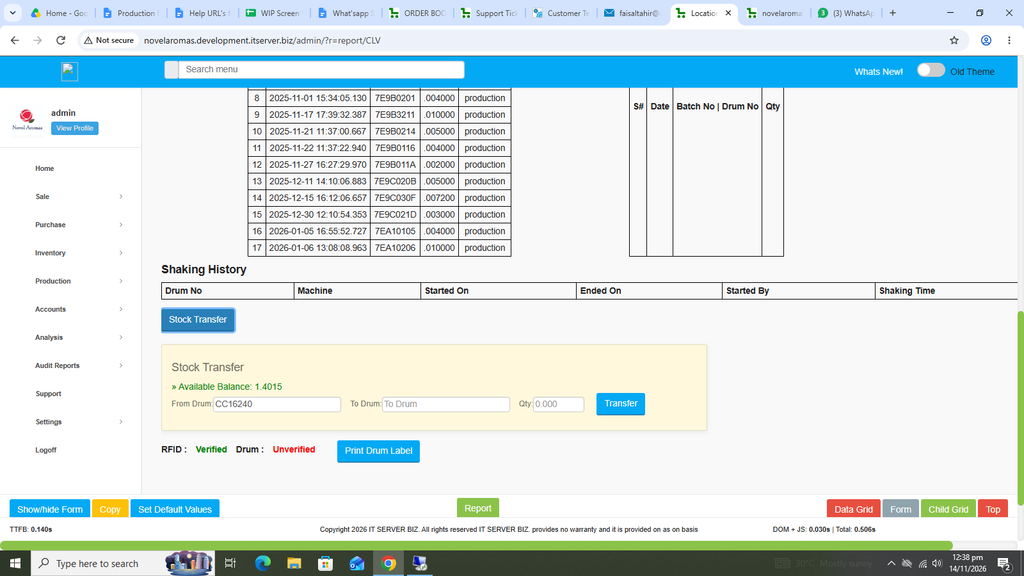
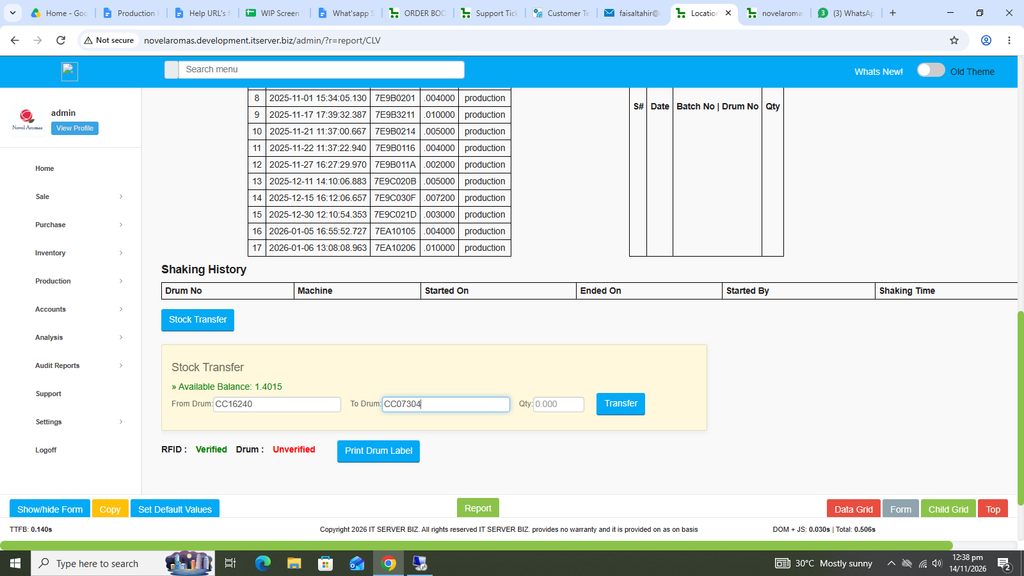
Enter the new Drum number against the To Drum field.
Please note that both the Drum Numbers must have the same items. Also transfer to same drum number is not possible.
Also enter the required quantity to be transferred in the Qty field.
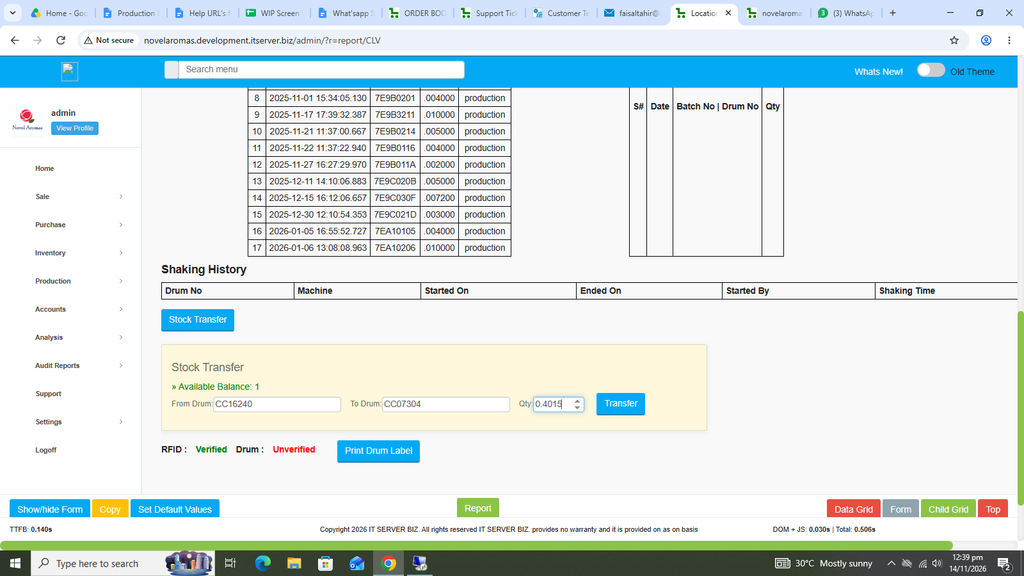
Once entered, click on the Blue Transfer Button.
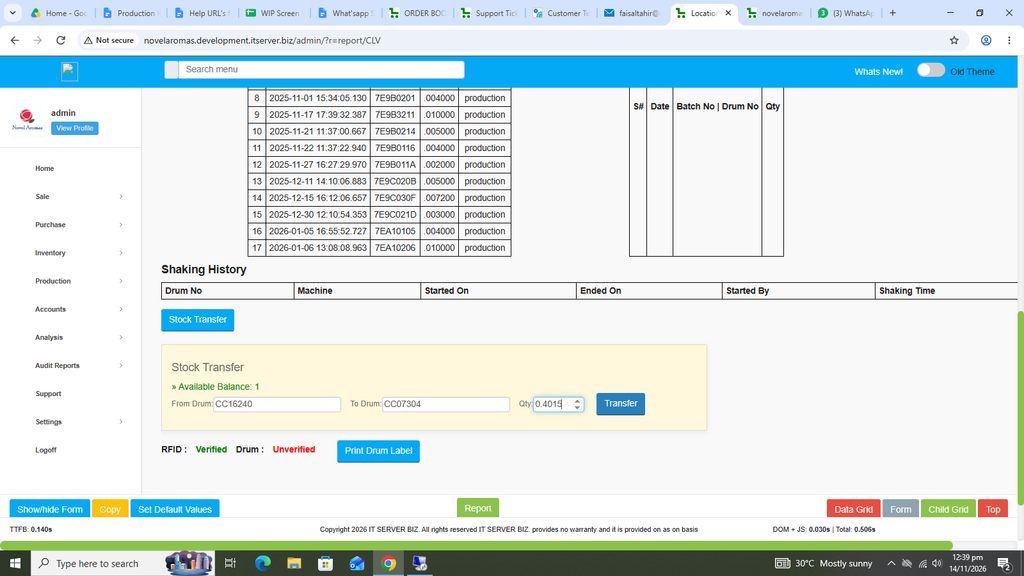
A popup will appear in order to confirm the transfer.
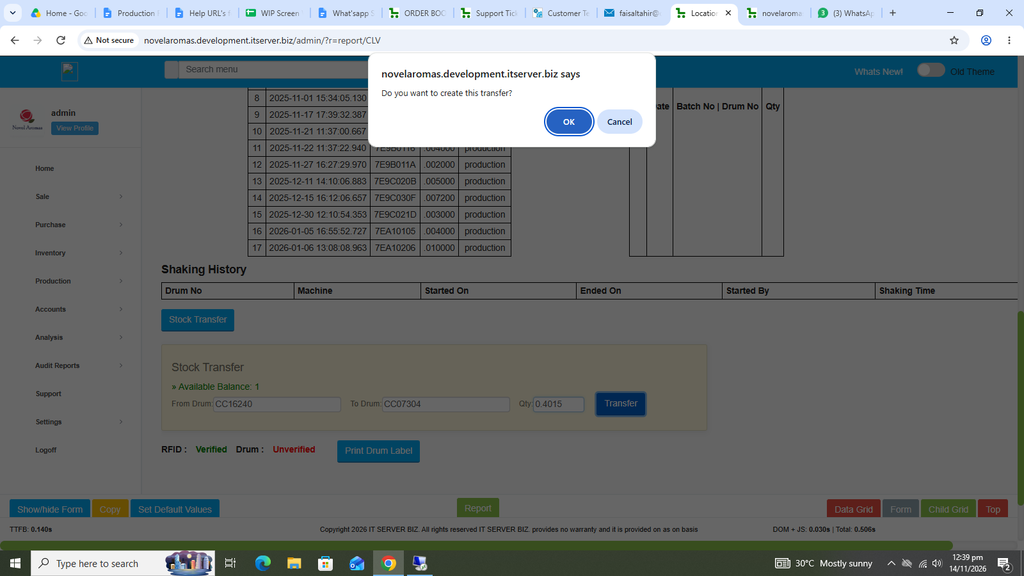
Now click on the OK button.
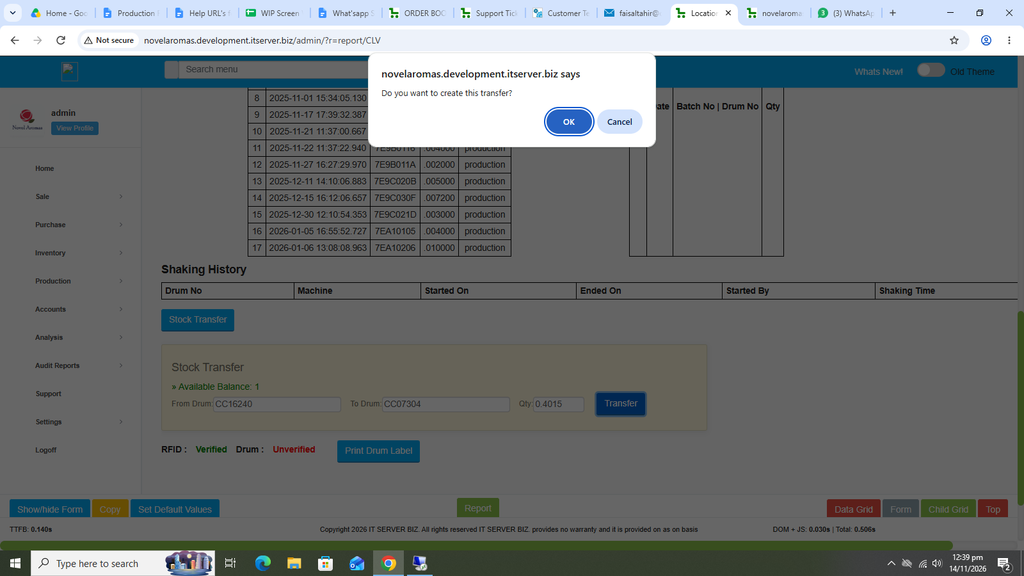
Your stock has been transferred successfully.