Master Utility Accounts:
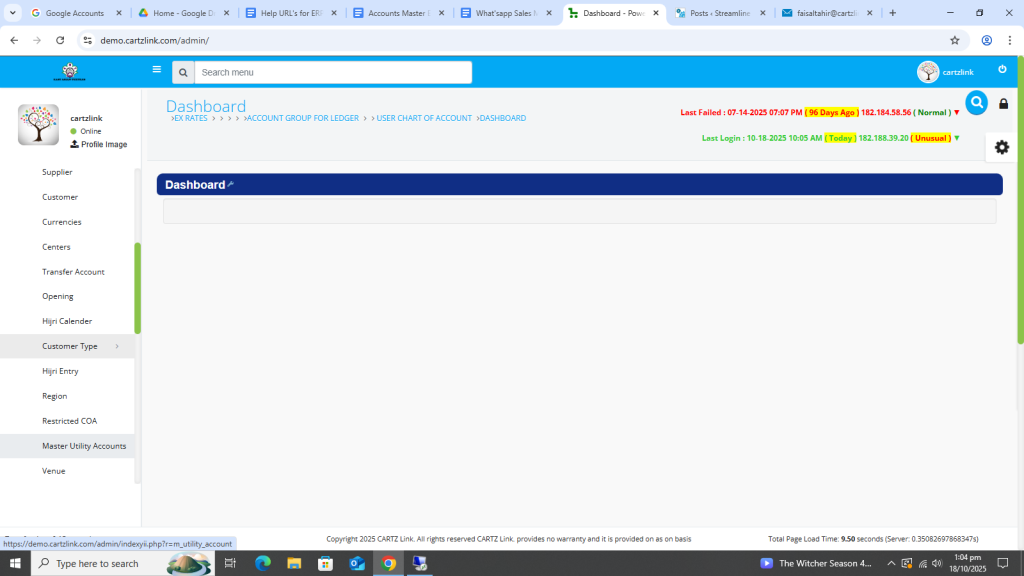
This feature helps in showing the re-occurring Utility Accounts on Dash Board. Go to Accounts, now click on Master Entry and then click on Master Utility Account.
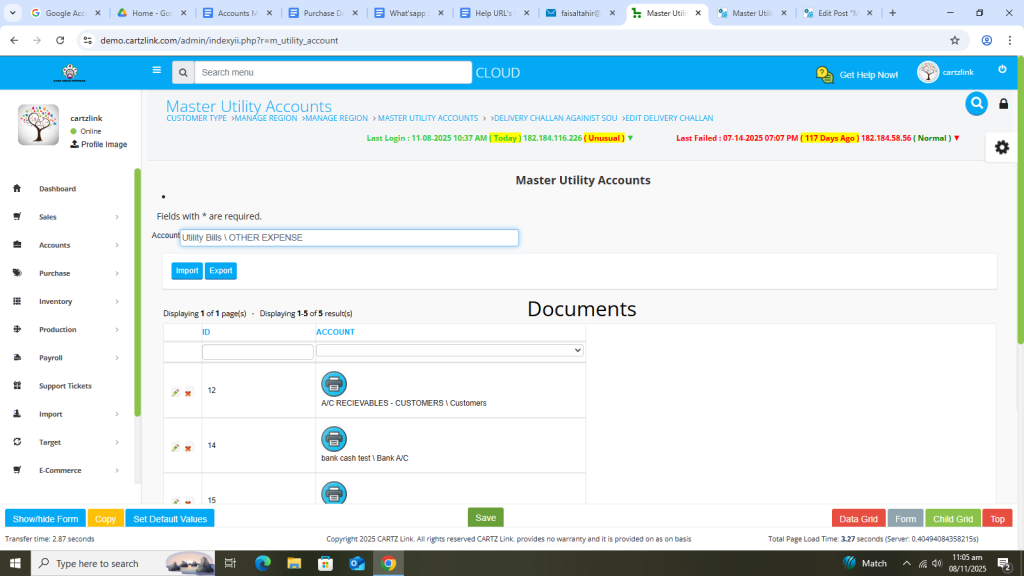
The following page will open as shown in the screenshot below.
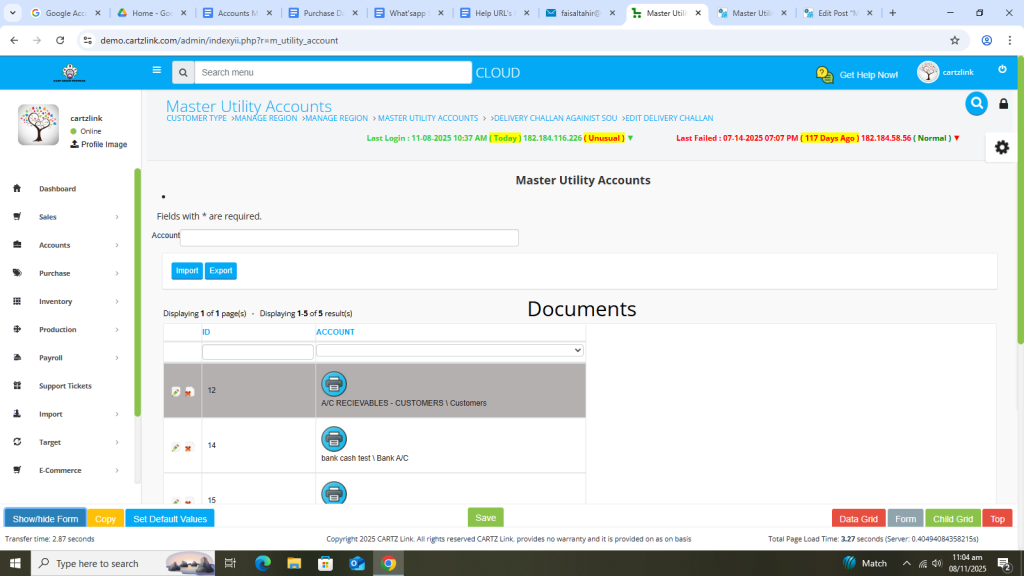
First select the account.
Now click on the Green Save button at the bottom.
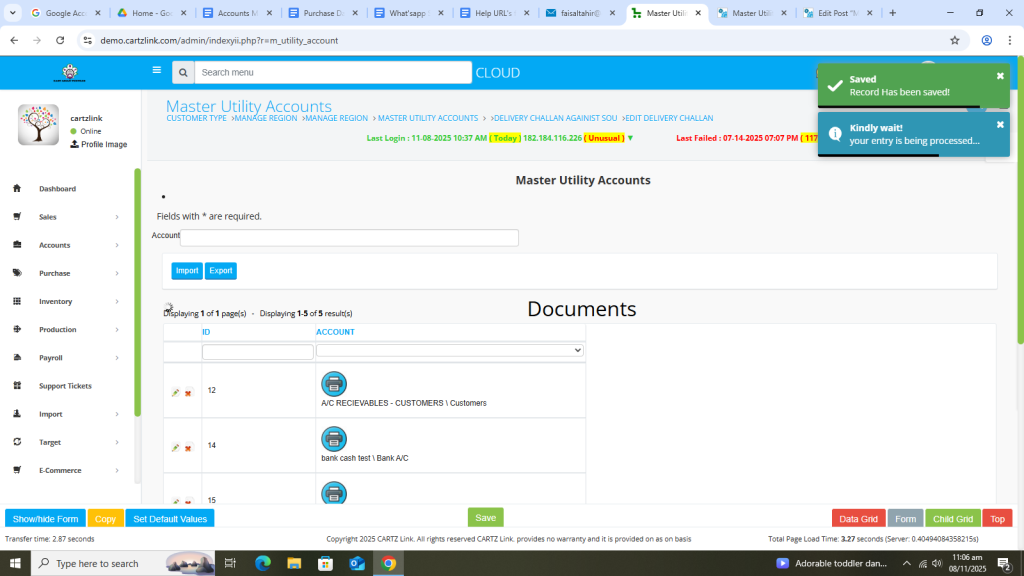
Your entry has been saved.
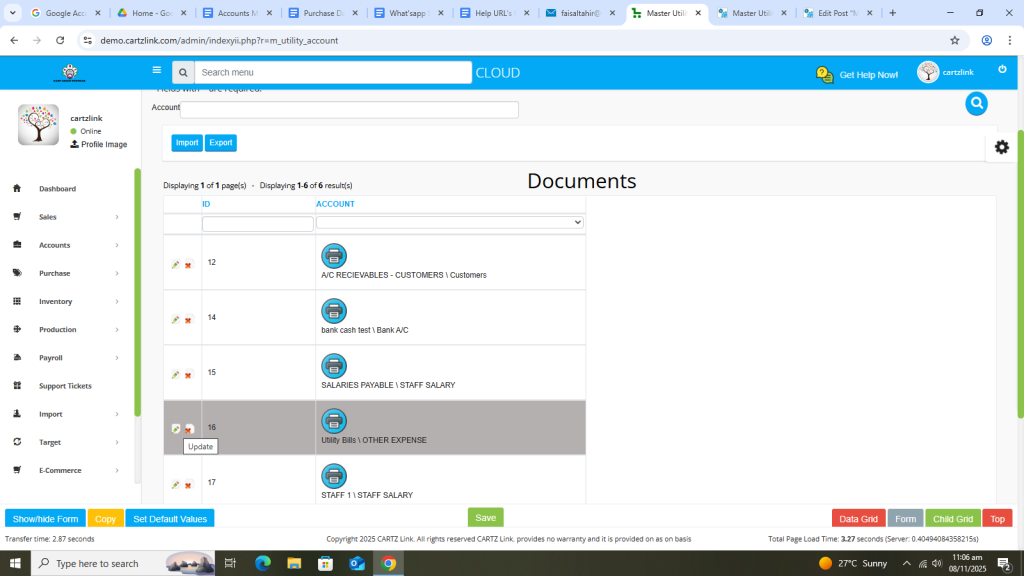
You may edit it as per the requirement by clicking on the update button against this record.
Now click on the Printer icon against this record.
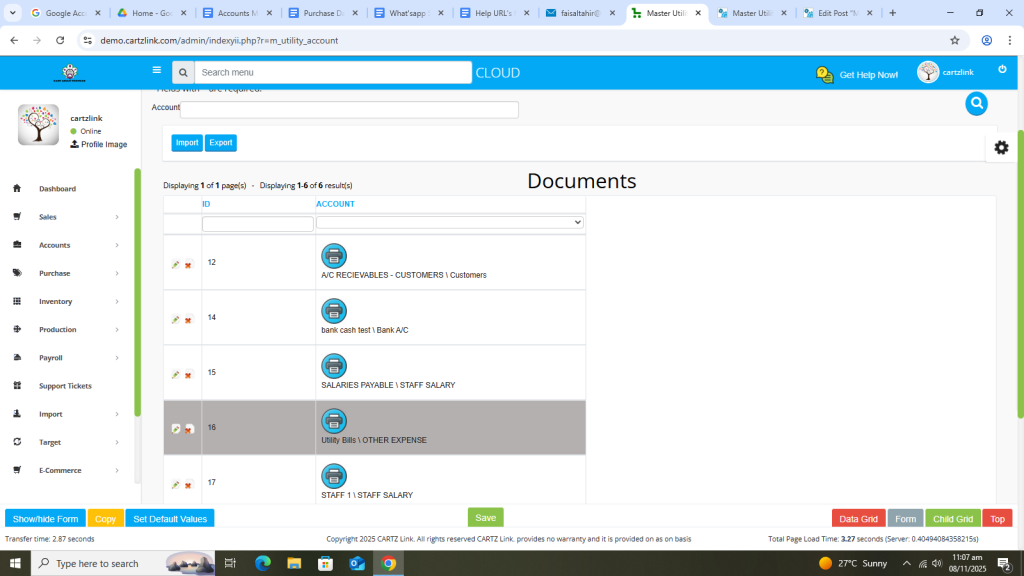
View Ledger option will appear.
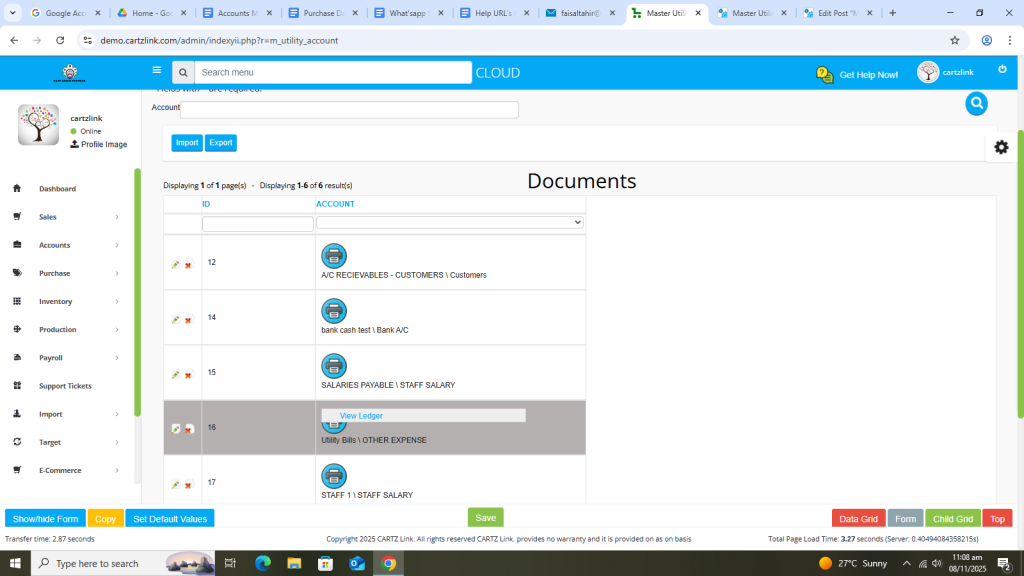
Click on View Ledger to view the details in new window.
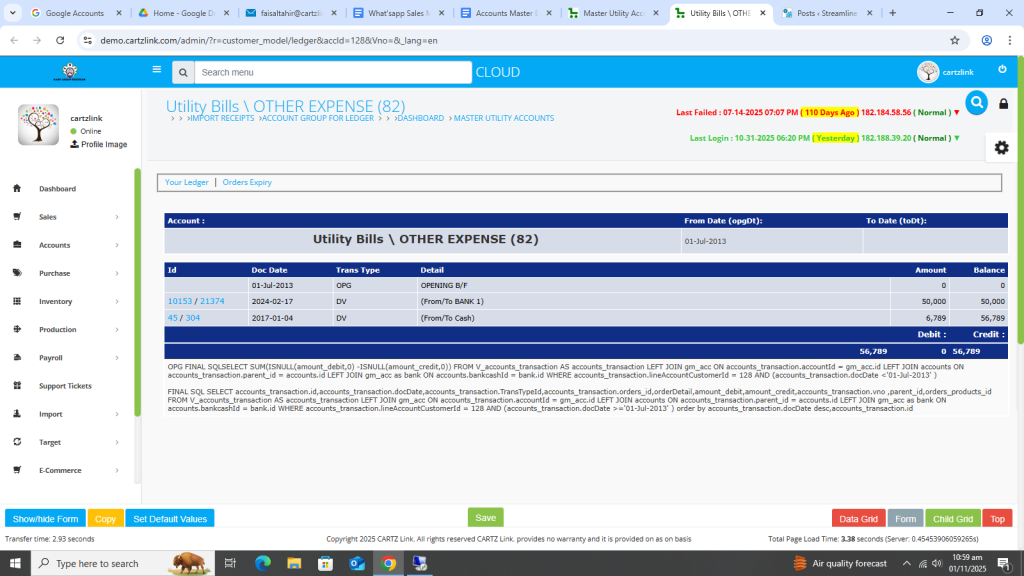
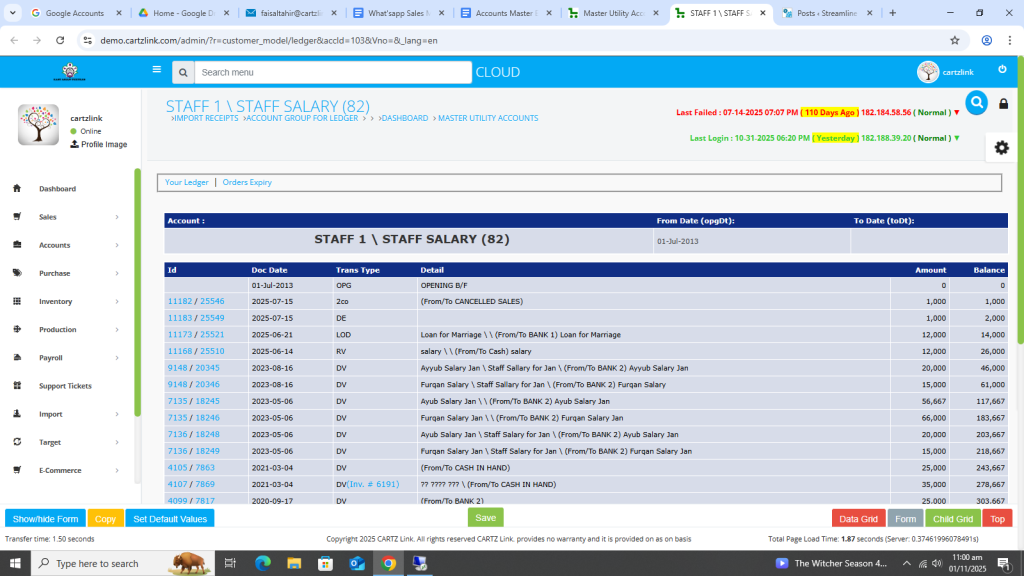
Another example.
Now you also have the option to for quick and instant search the Account. Go to the previous page as shown below.
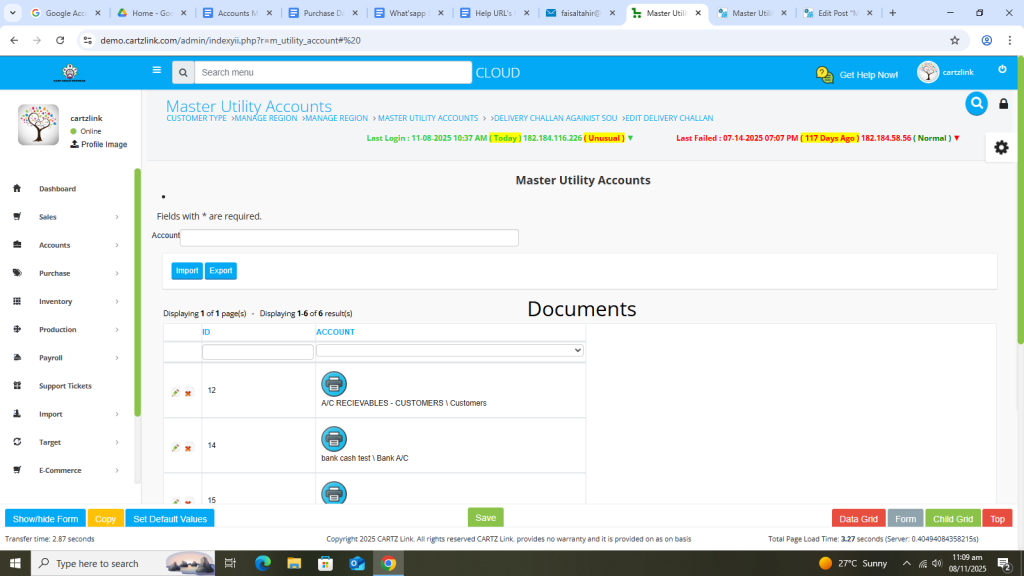
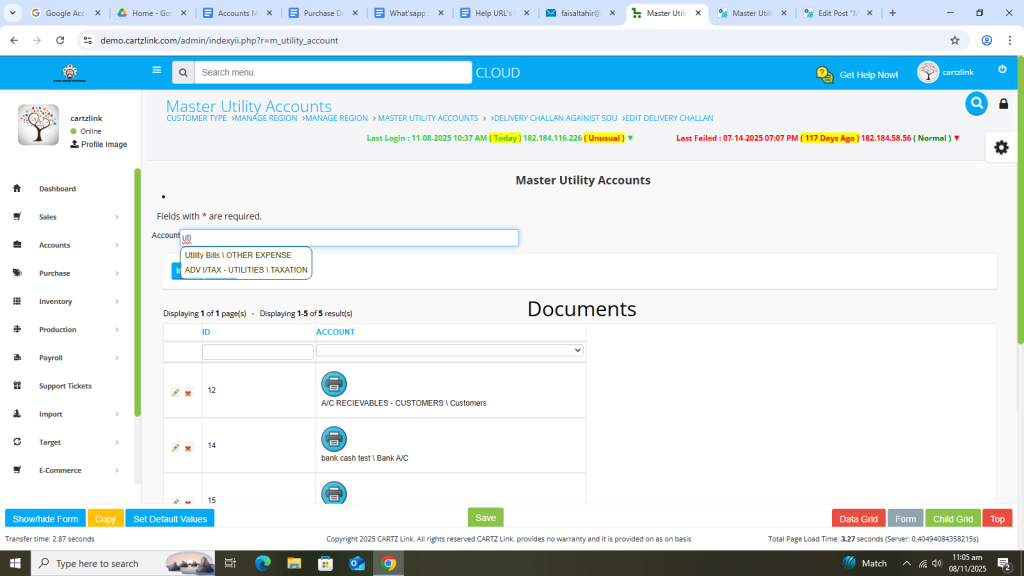
Click on the Account Search feature.
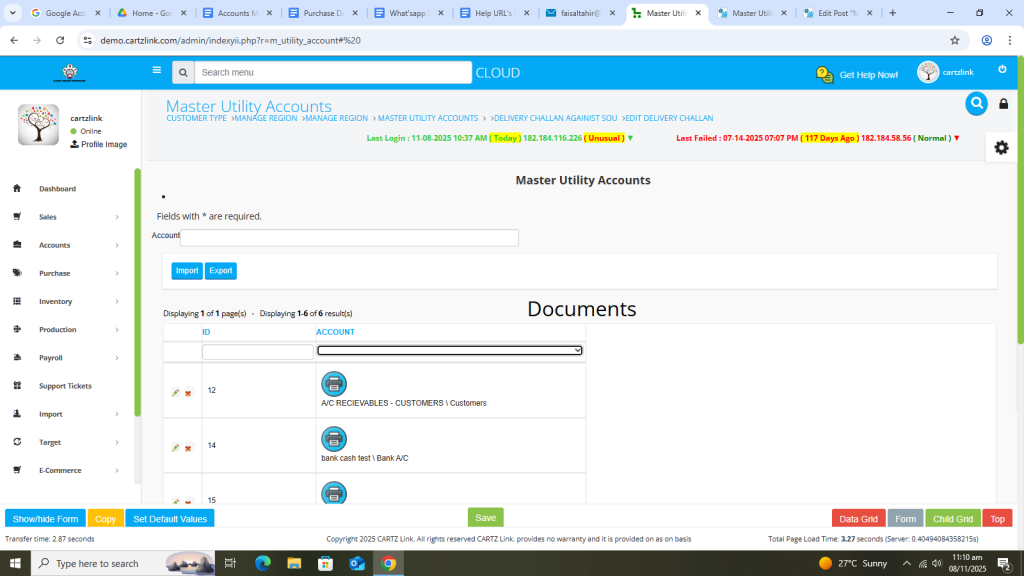
Enter and search the required Utility Expense Account.
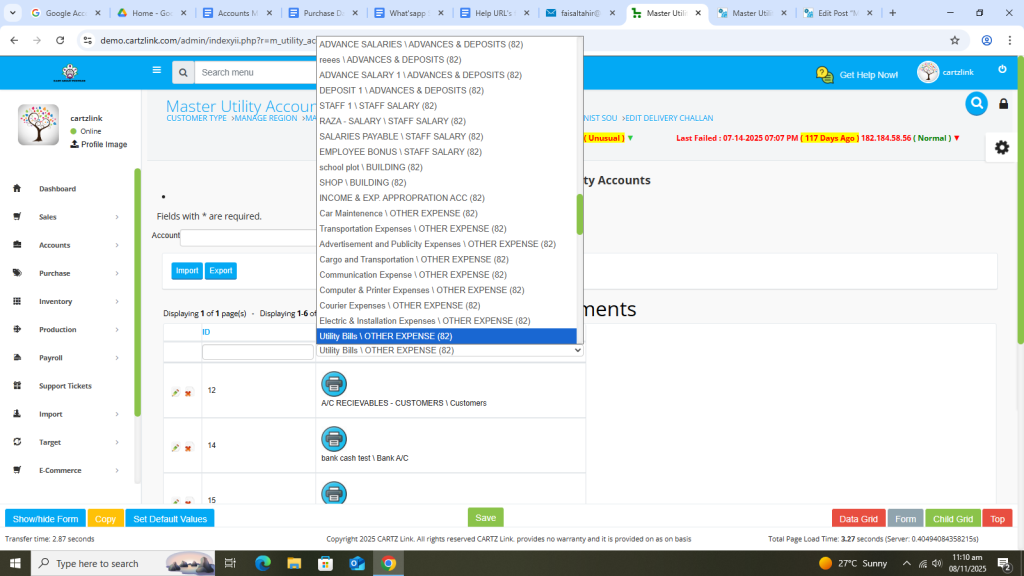
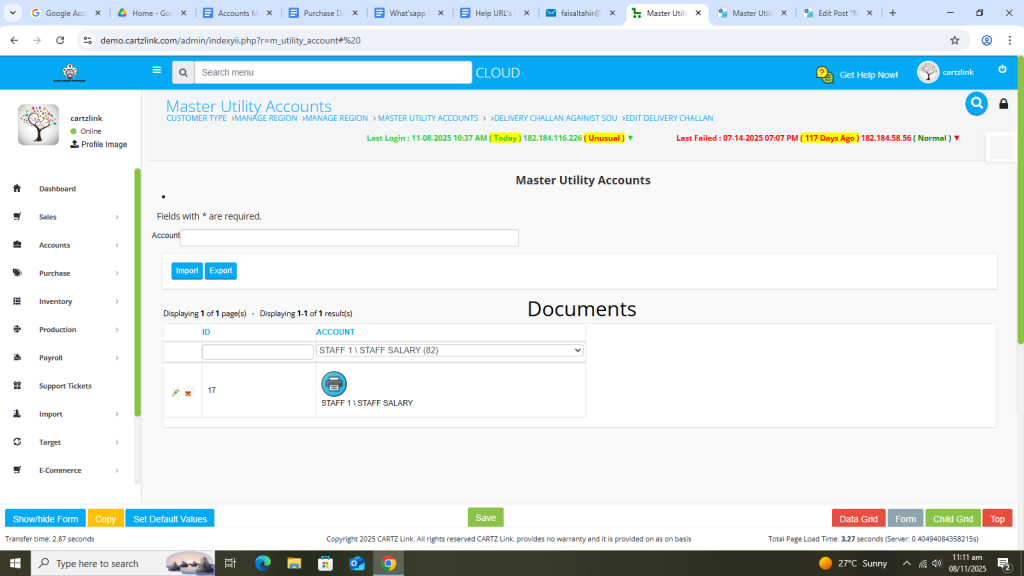
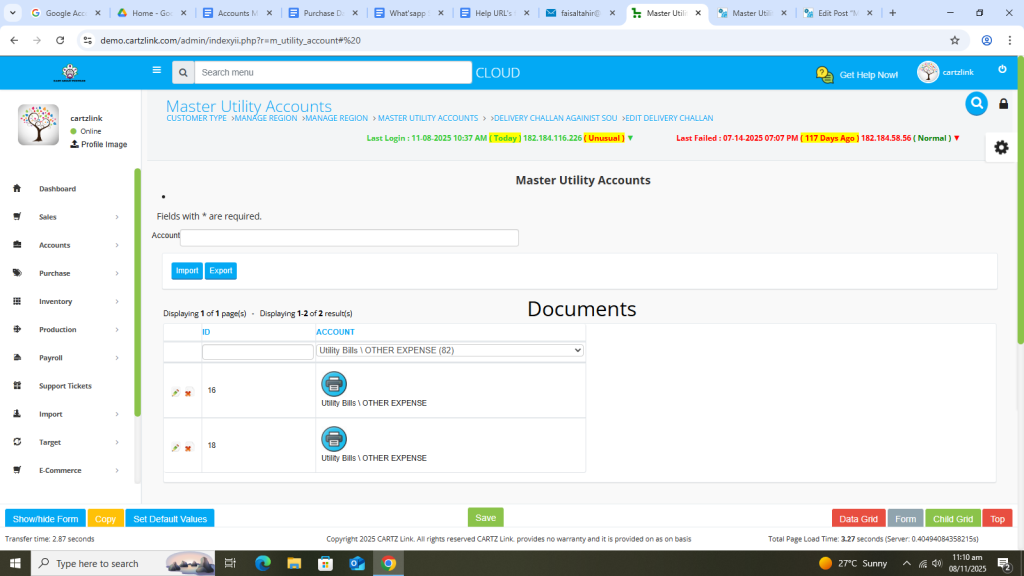
Only your desired Utility Bill Account will appear.
Another search example for the Staff Salary Account.
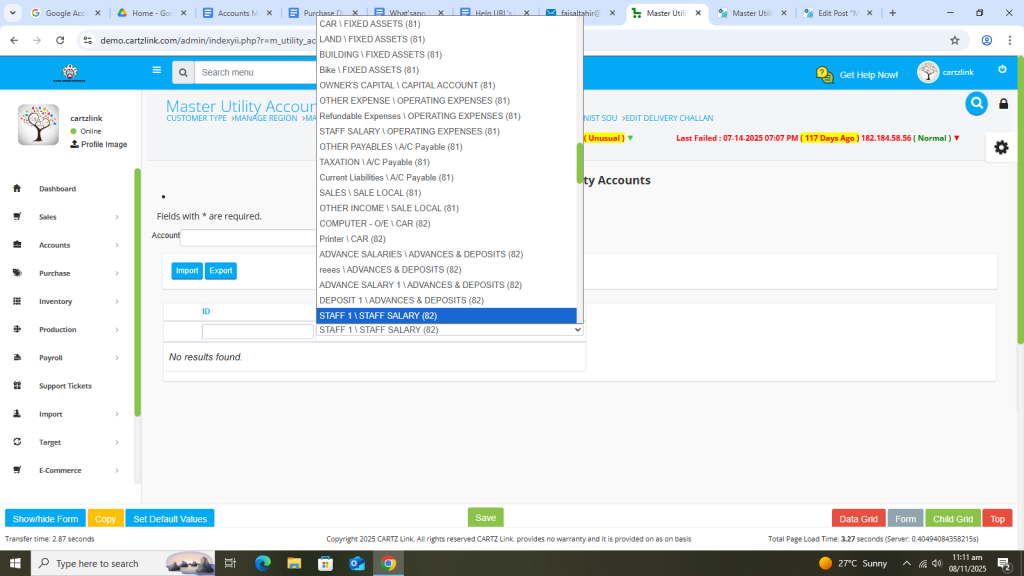
Only Staff Salary Account appears after search.