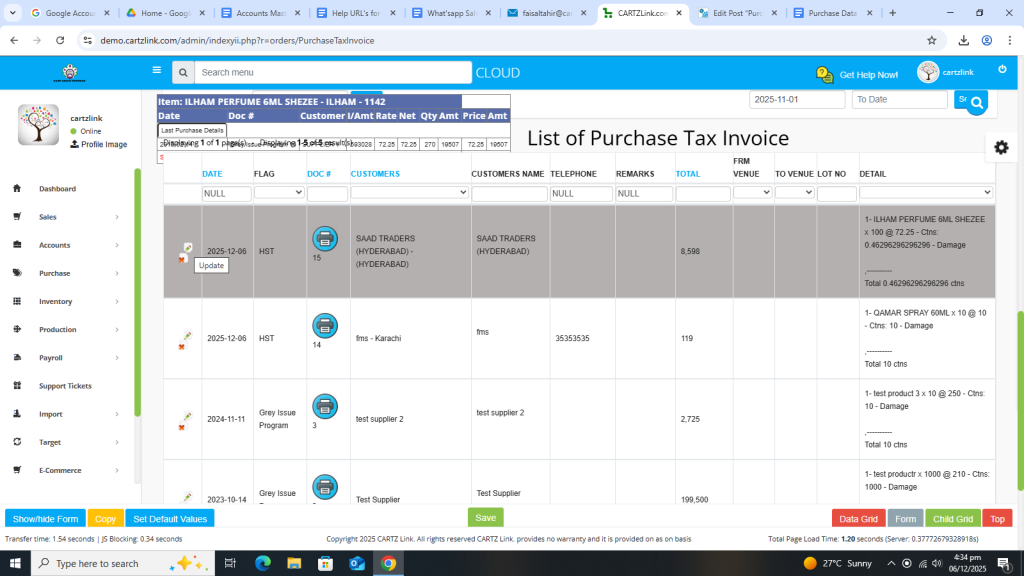
Purchase Tax Invoice:
The Tax Invoice for purchase can be generated through this feature. Go to Purchase, now click on Data Entry and then click on Purchase Tax Invoice.
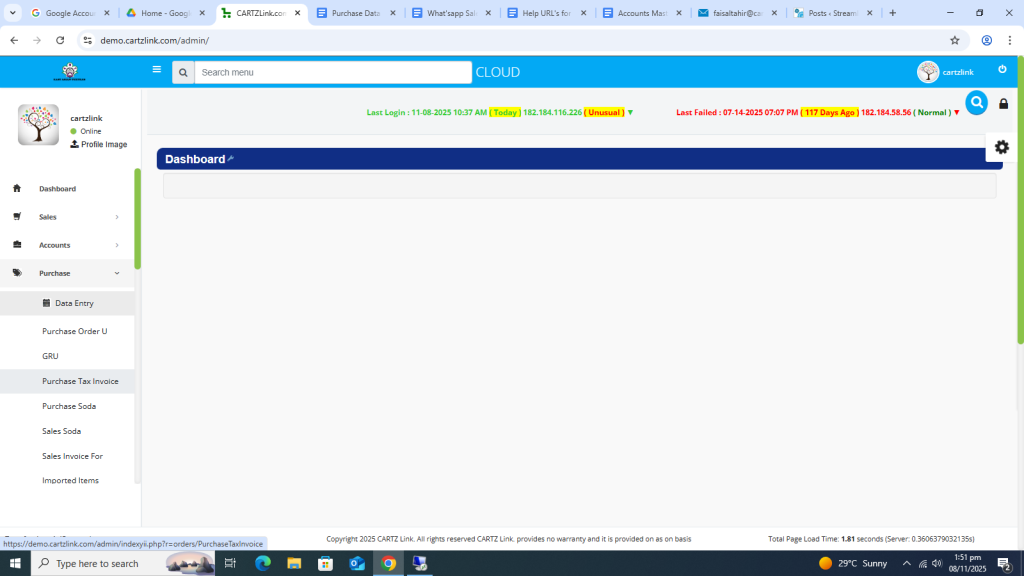
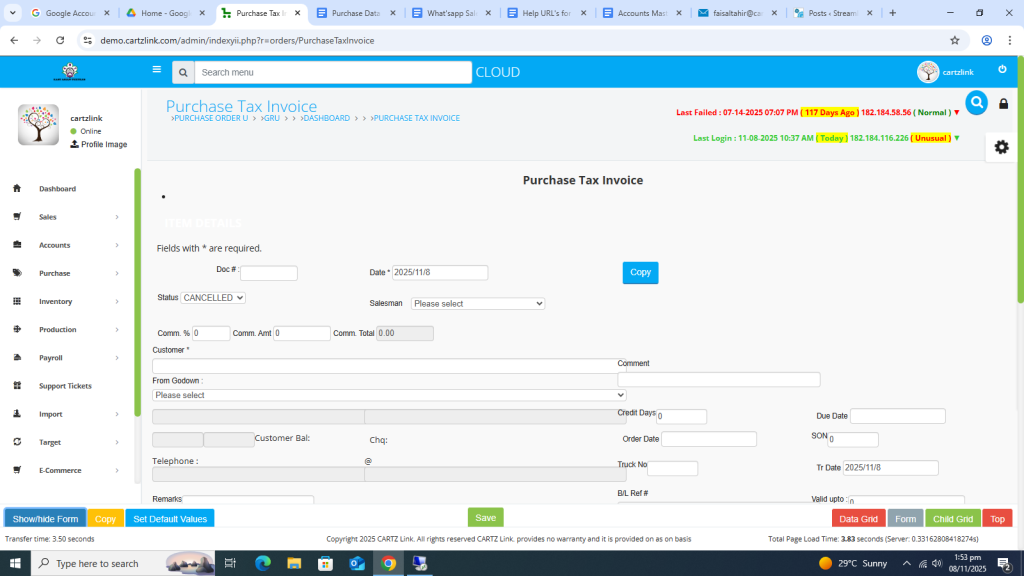
The following page will open as shown in the screen shot below.
First enter the Customer name.
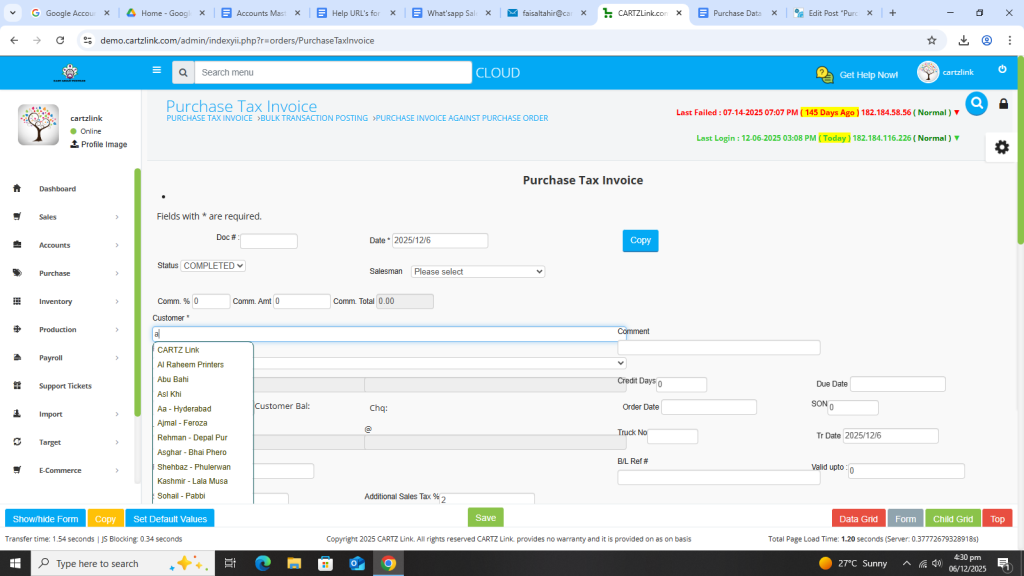
You may also select Godown if required.
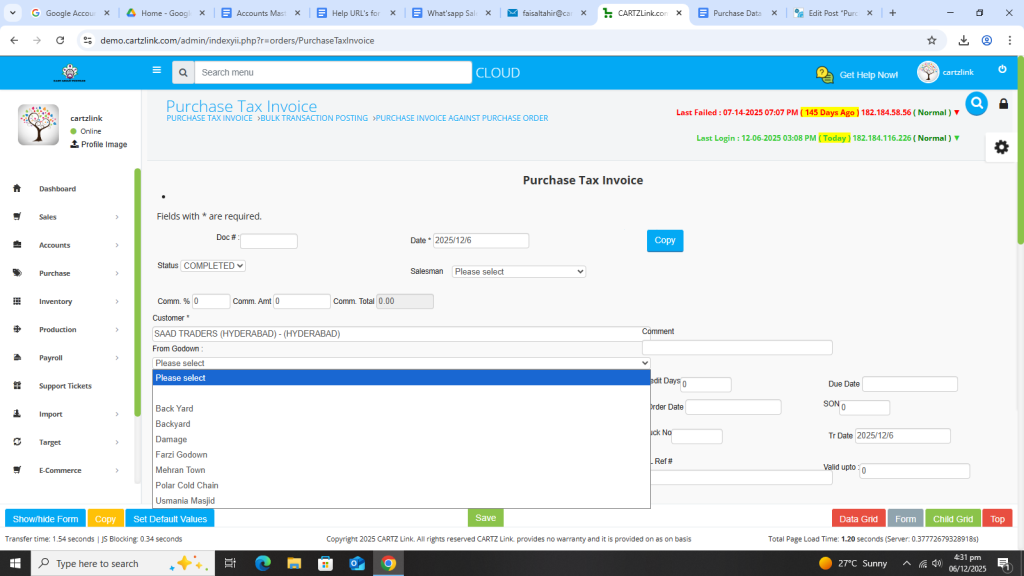
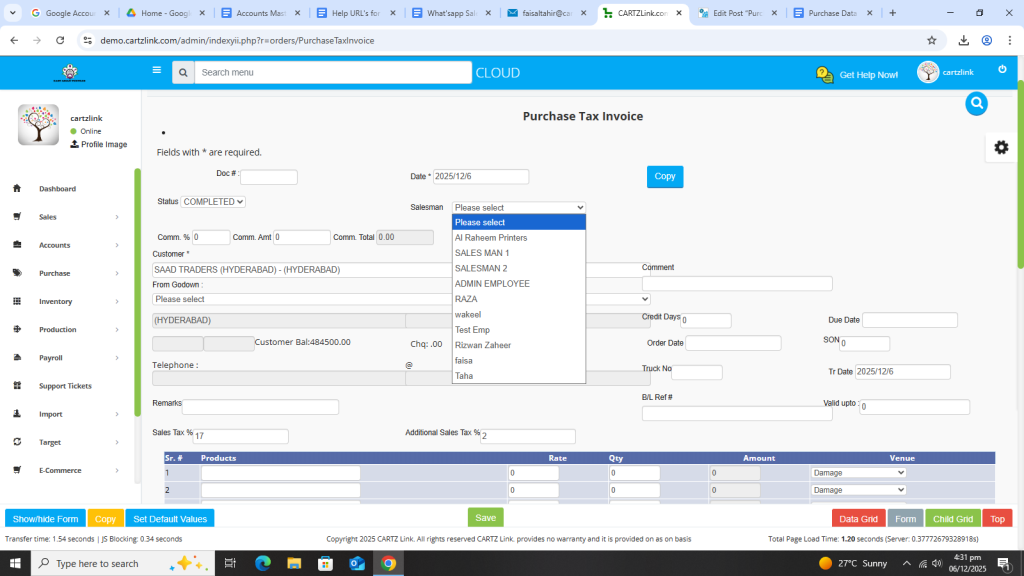
Salesman can also be selected.
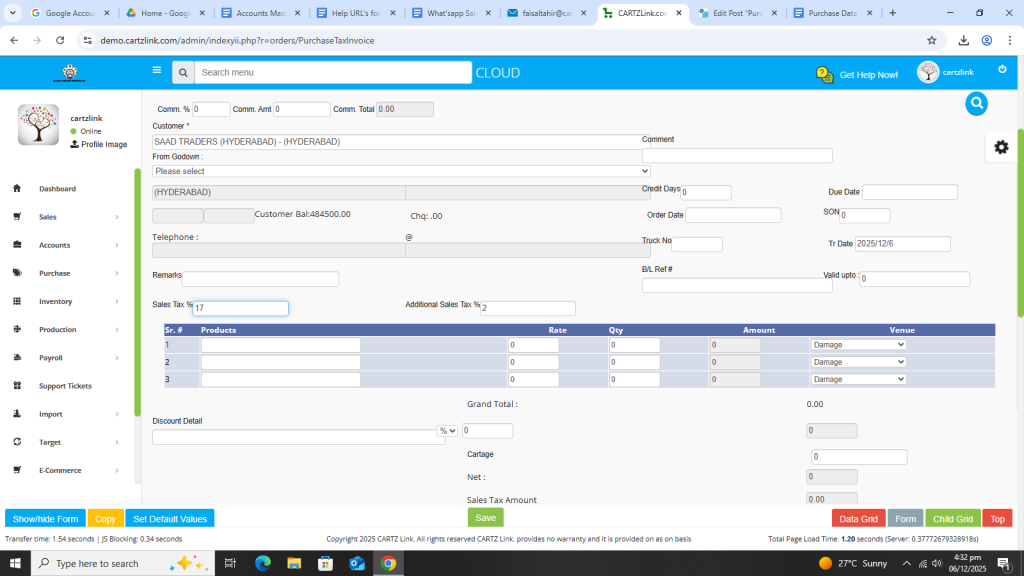
Also check the current Tax %.
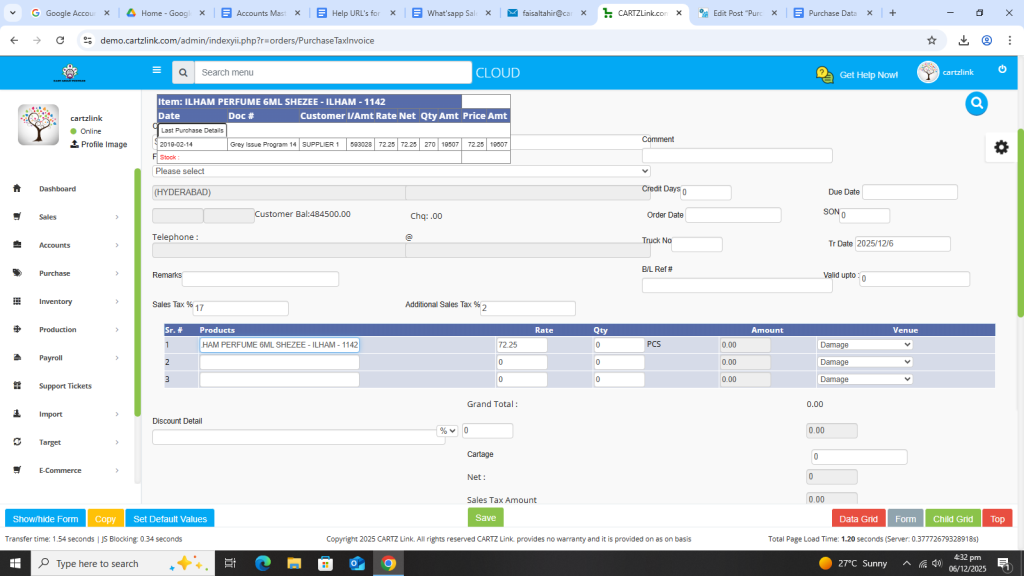
Now enter the product name.
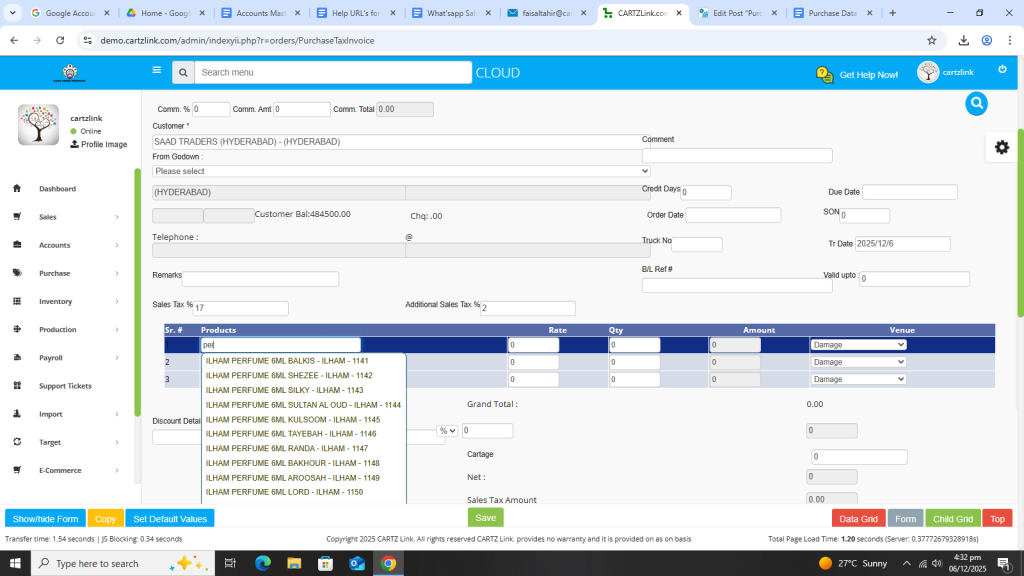
Current details chart for product will appear automatically.
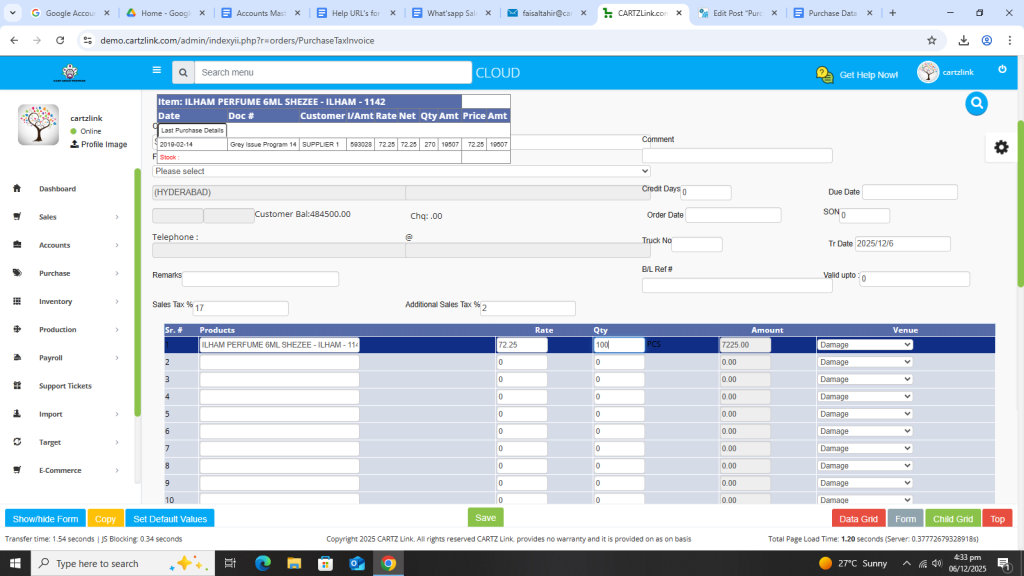
Now enter the quantity against this product.
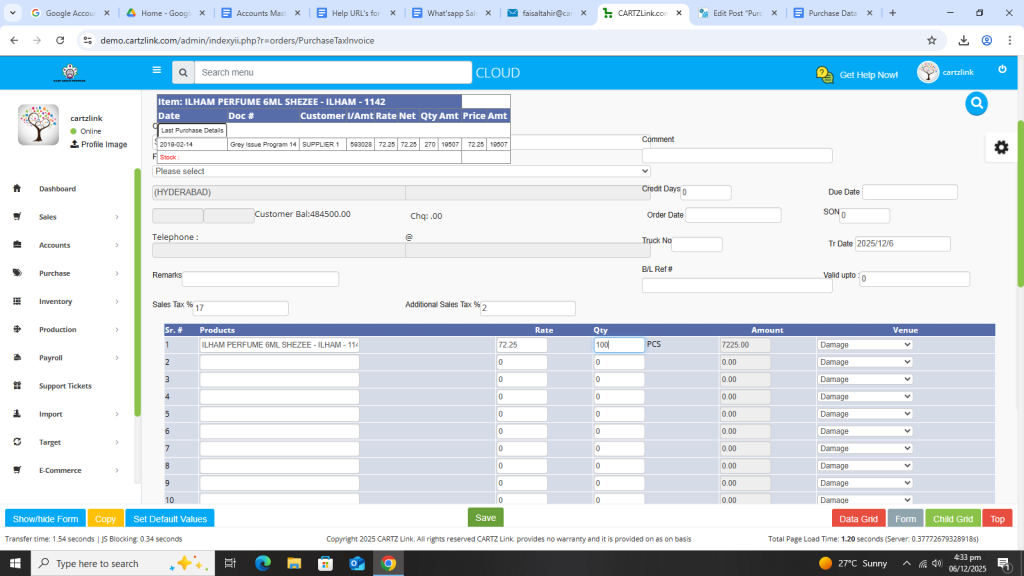
Once all required information is completed, click on the Green Save button at the bottom.
Your Invoice has been saved now.
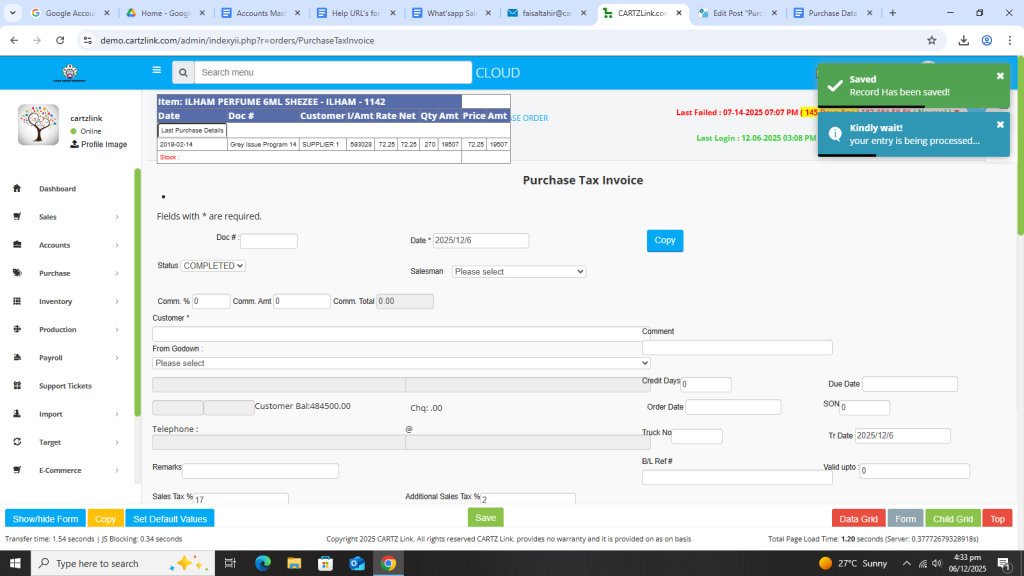
You may edit the invoice by clicking on update button against this invoice.