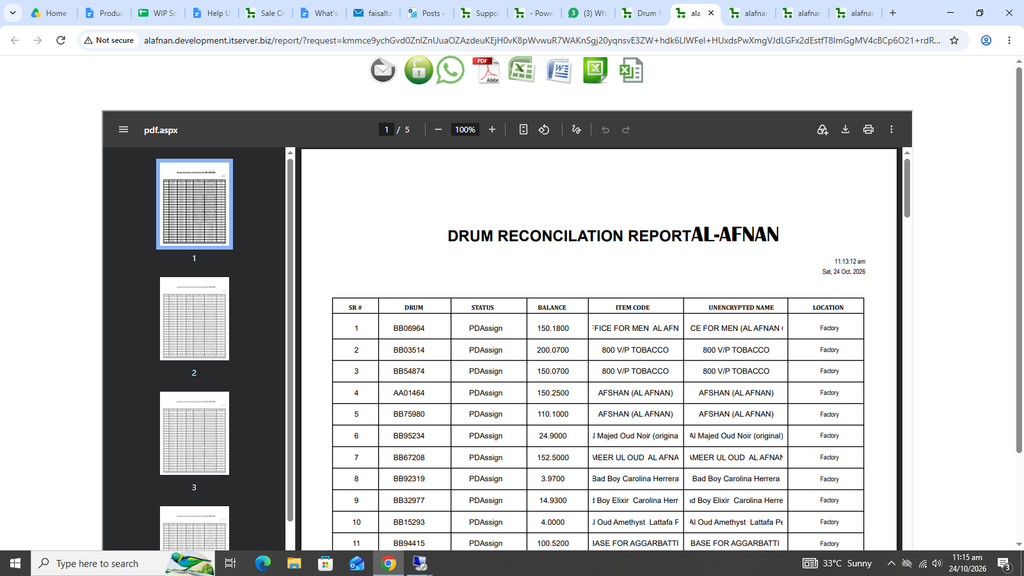
Drum Reconciliation Report:
This report shows the drum wise stock along with the total stock of the product.
First click on Production. Now click on Reports and then click on Drum Reconciliation.
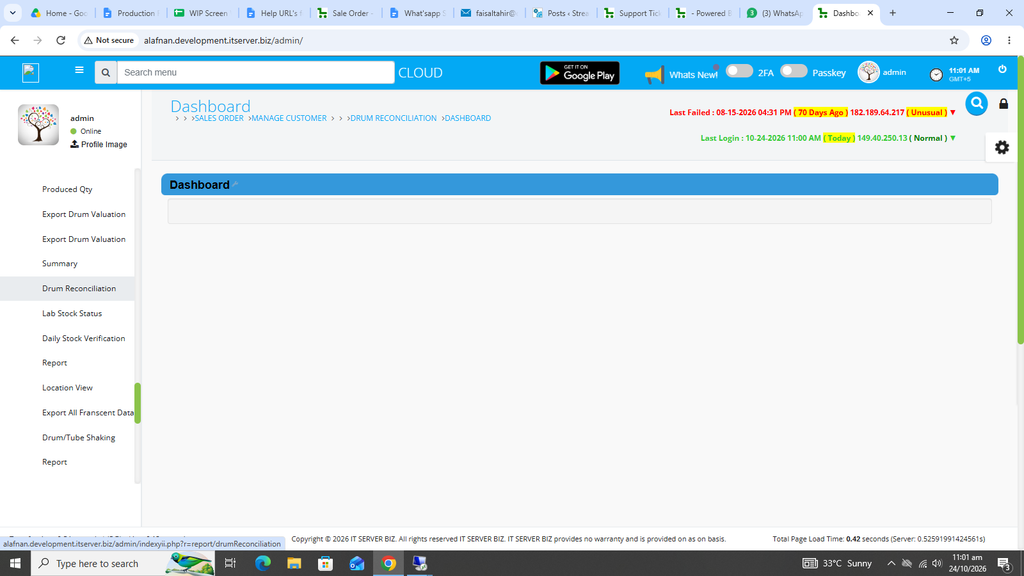
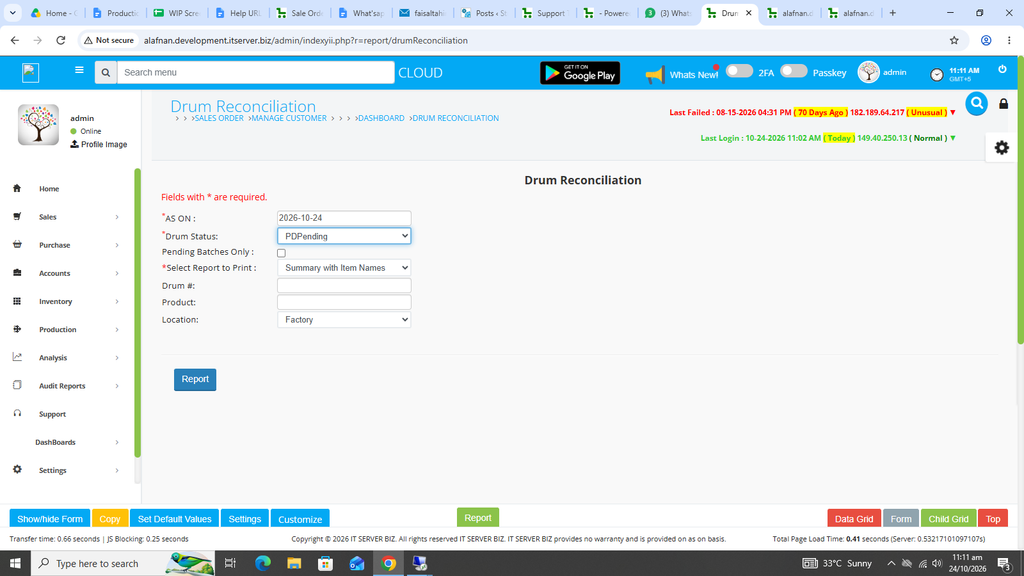
The following page will appear as shown in the screenshot below.
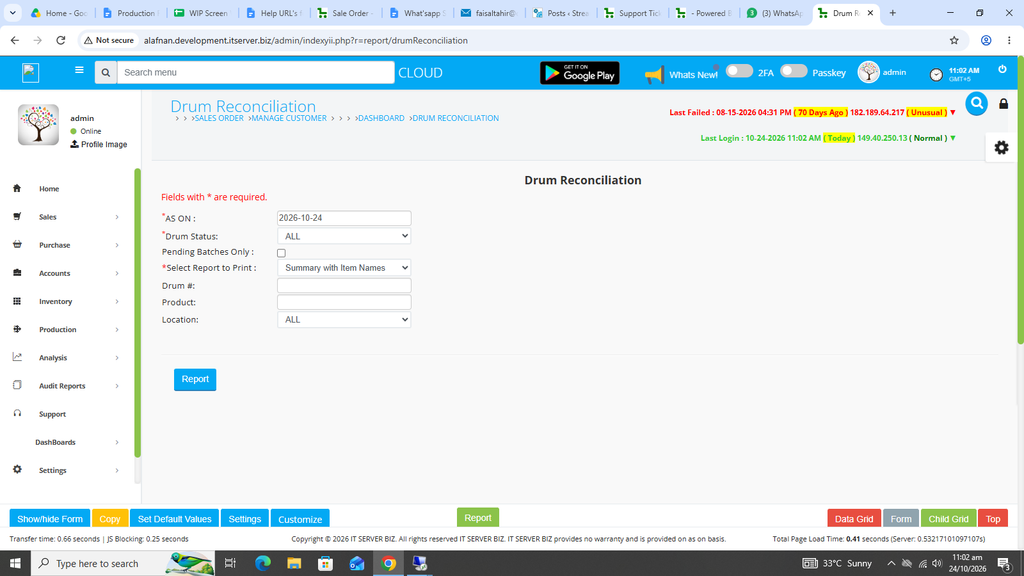
First check and select the desired date for this report.
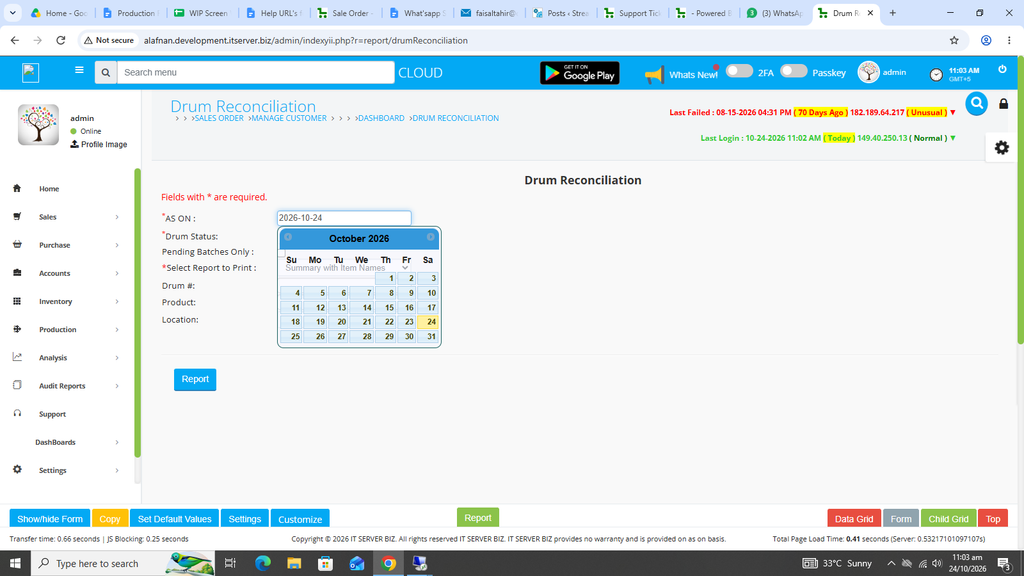
Now select the Drum Status.
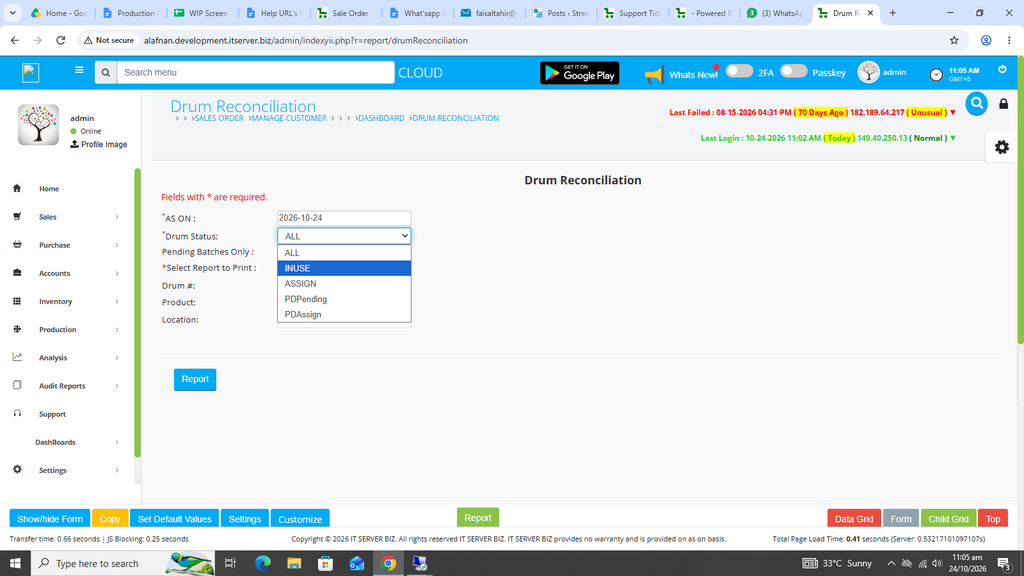
Now select the Location.
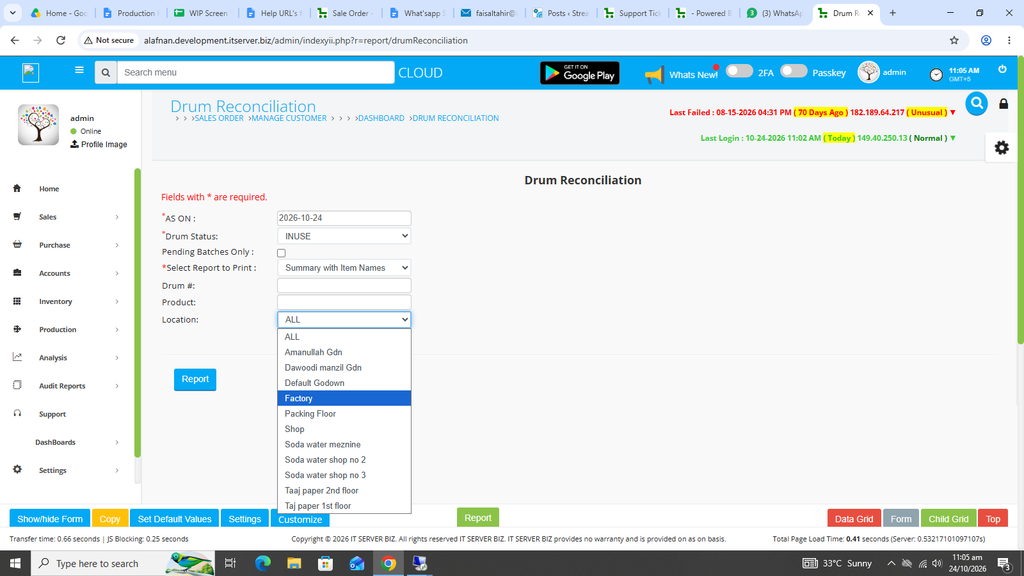
Once every field selection is completed, click on the Blue Report Button on the left.
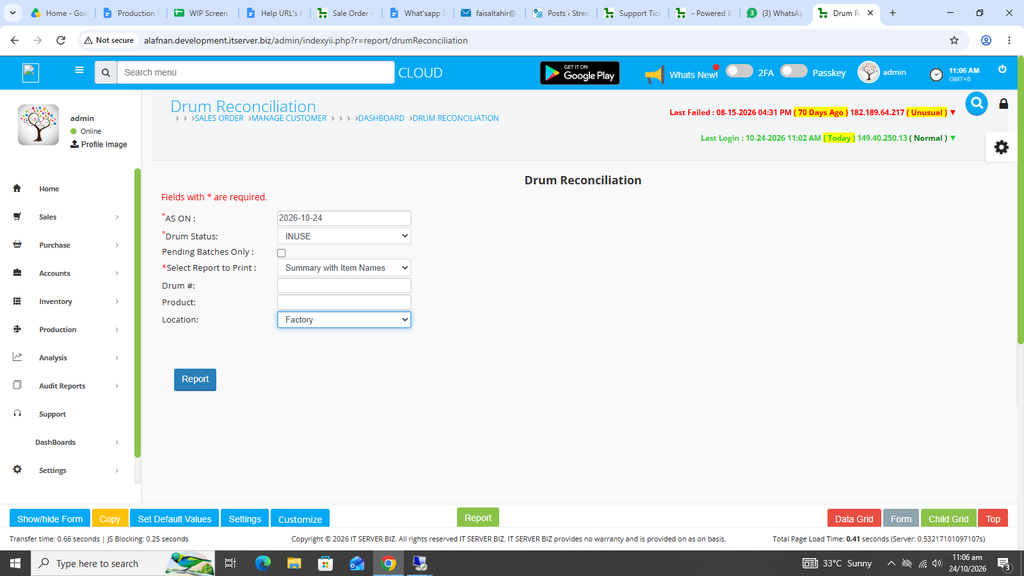
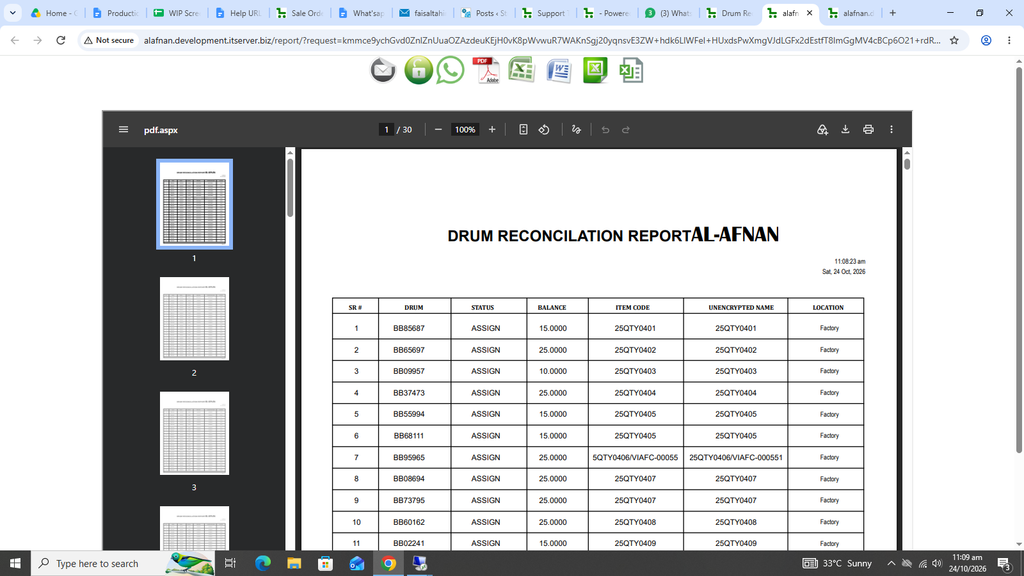
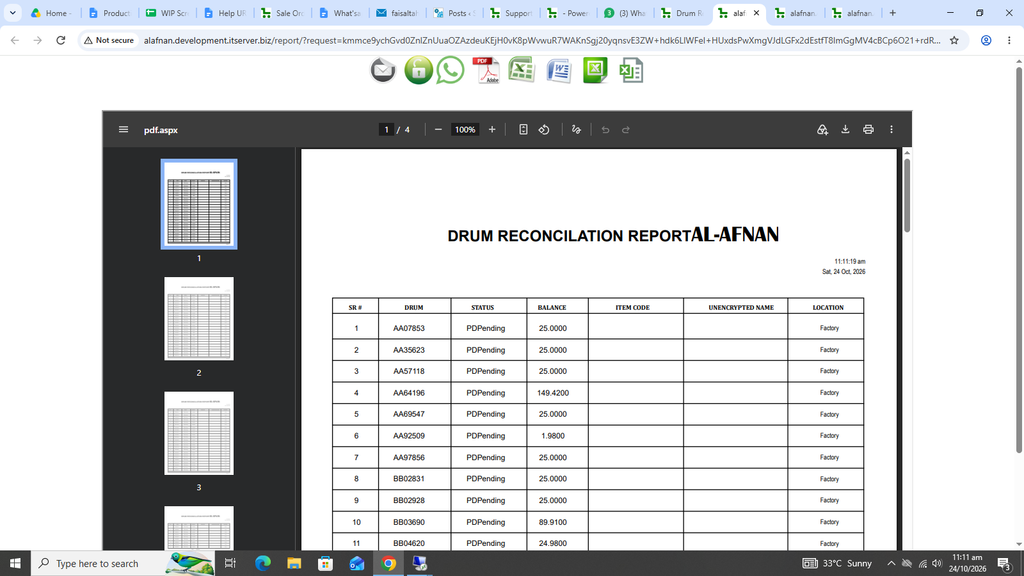
The desired report will open in a new window with Print / Save options.
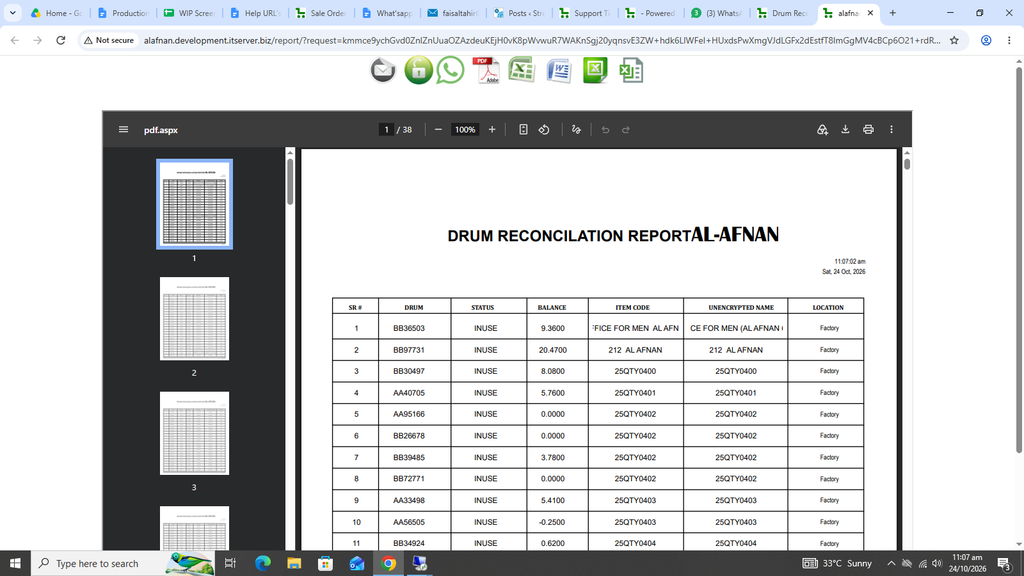
Now if assigned drum status is required then go to the previous screen and select ASSIGN in drum status.
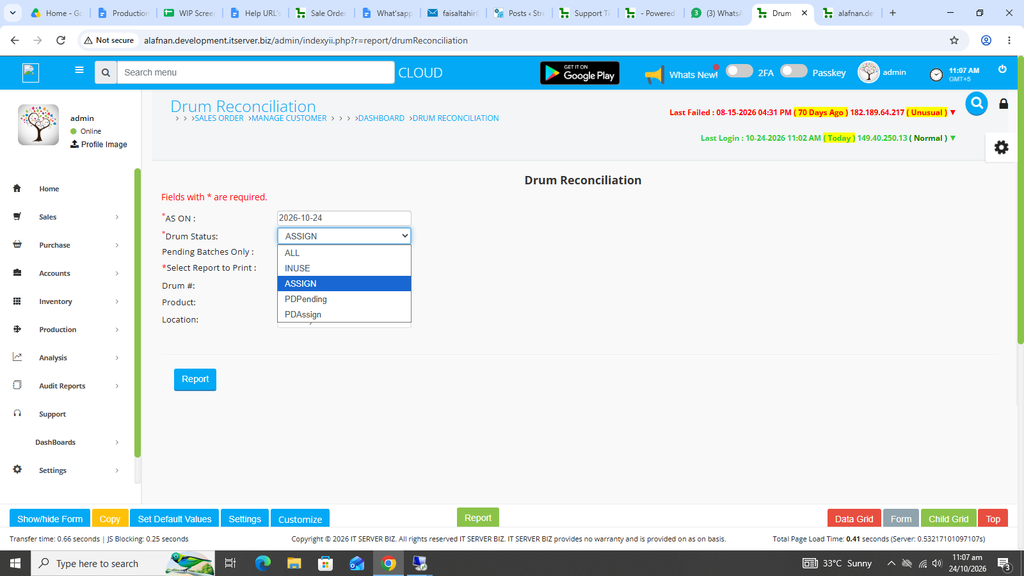
Again click on the Blue Report button.
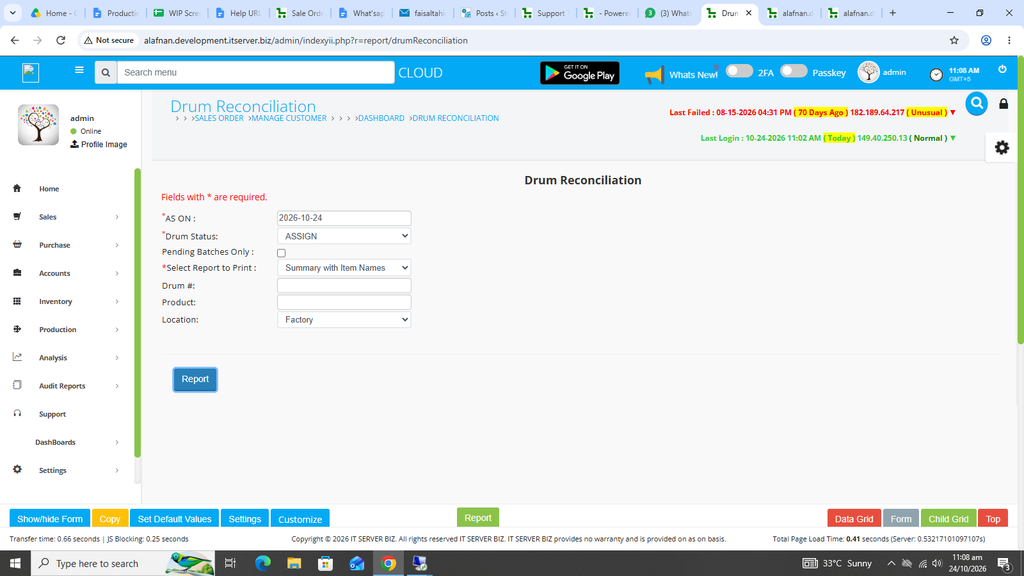
Assigned drum status report will open in a new window with Print / Save options.
For the PDPending drum report, again go to the previous page and select the option of PDPending in the Drum Status option.
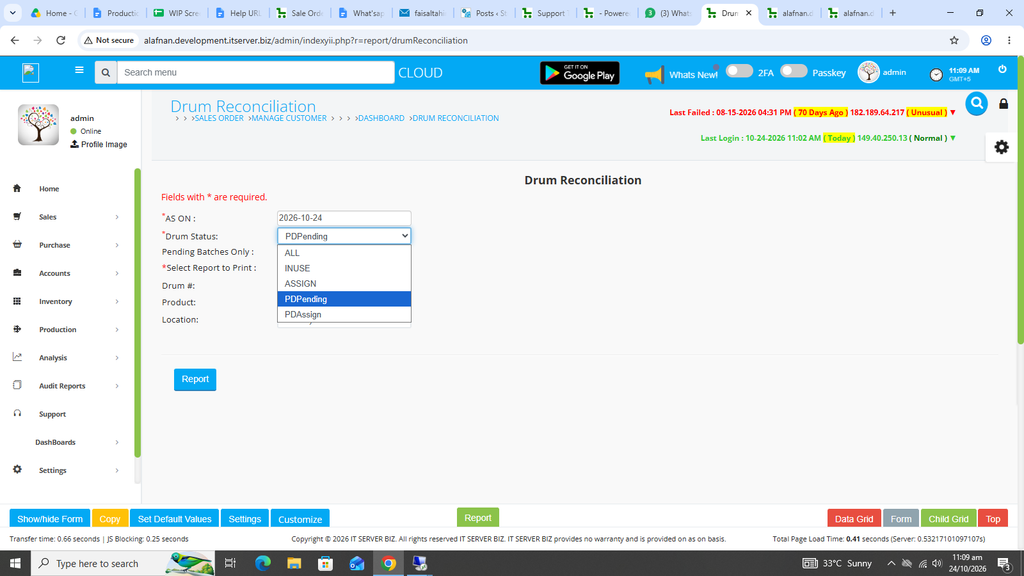
Click on Blue Report Button.
Desired report will open in a new window with Print/ Save options.
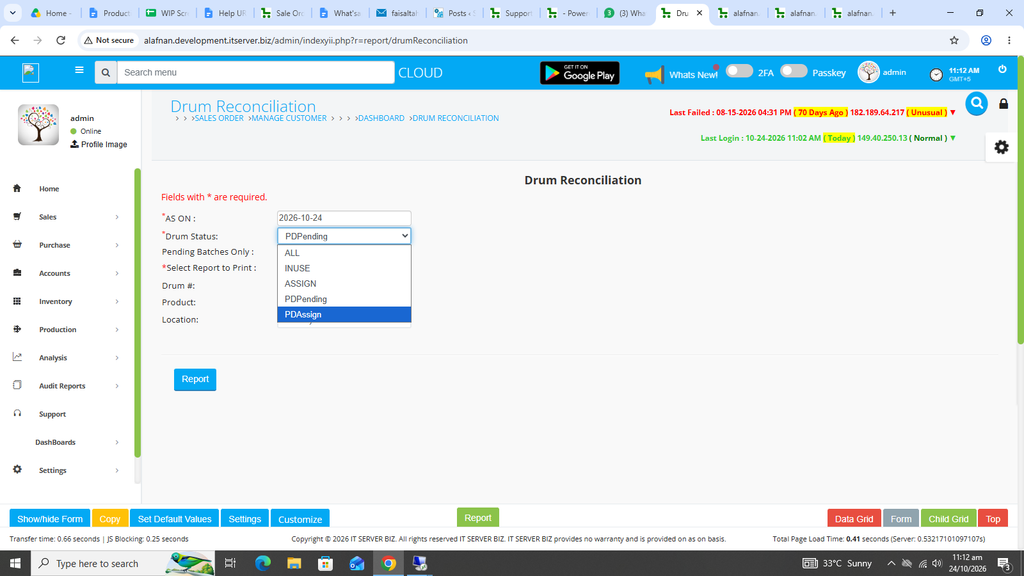
Finally, if PDAssign drum status report is required then select PDAssign in the Drum Status field.
Again click the Blue Report button.
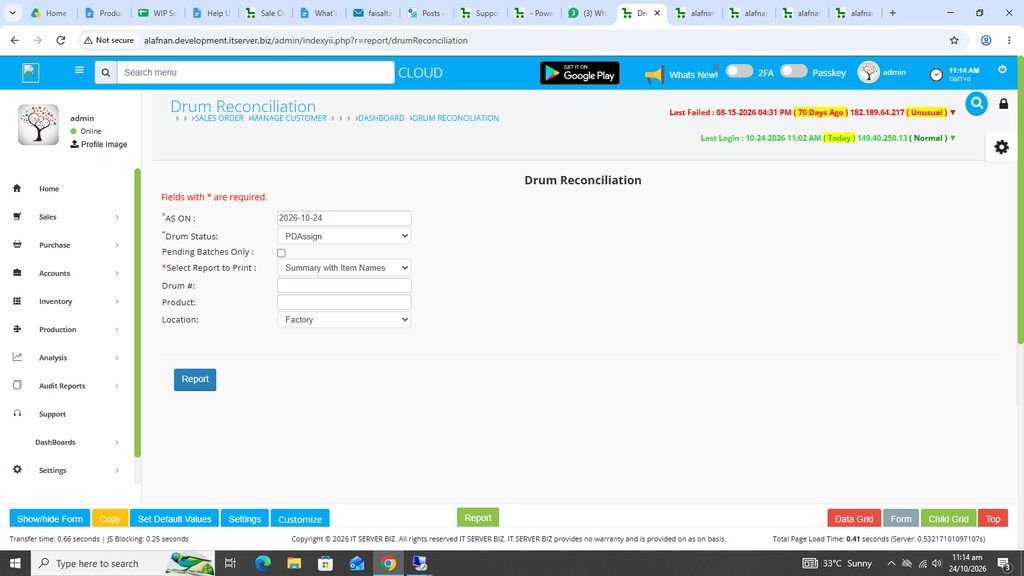
The desired PDAssign report will open in a new window.